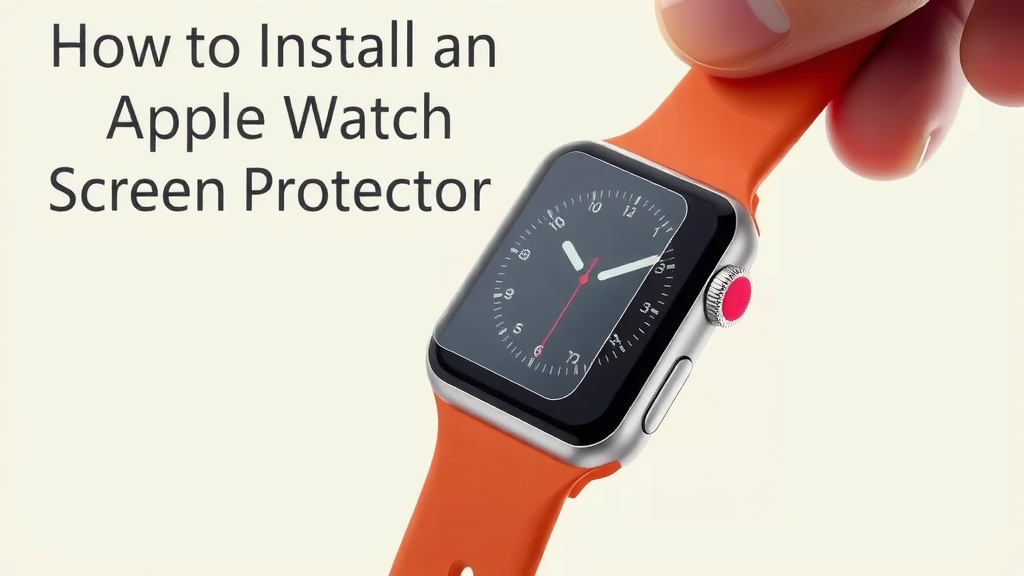
How to Install an Apple Watch Screen Protector
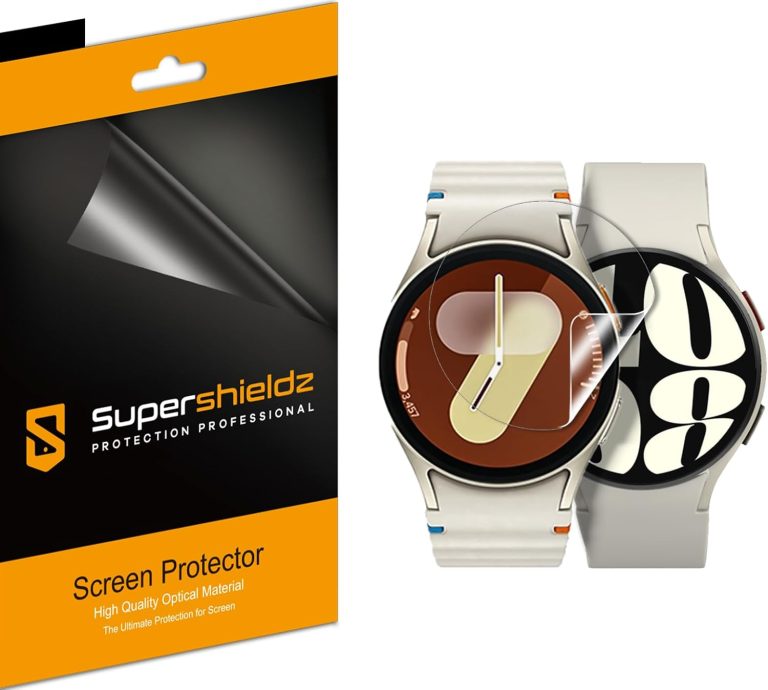
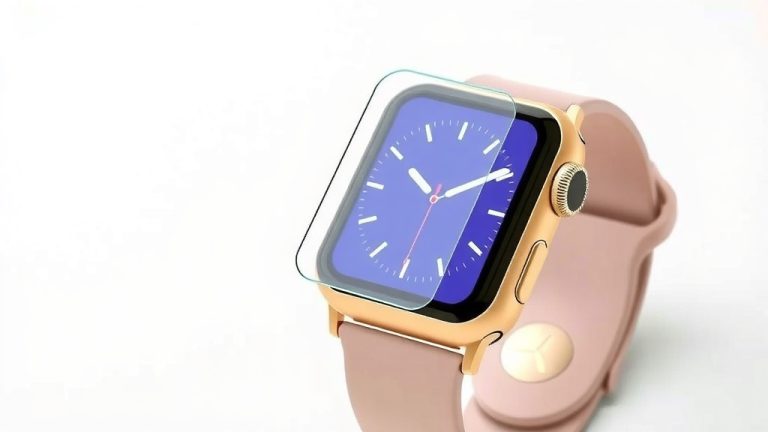
The easiest way to install an Apple Watch screen protector is to clean the screen, align the protector carefully, and press from the center outward. You’ll use the included cleaning wipes to remove fingerprints and dust before you even touch the new film. Installing an Apple Watch screen protector is a simple 5-minute job, but you need a dust-free environment to get a perfect, bubble-free result.
We found that most bubbles and misalignments happen when people skip the prep work or rush the final press. Working in a well-lit bathroom with the shower running can help keep dust out of the air, which makes a huge difference. Whether you have a Series 9, Ultra, or SE, the basic technique for a glass or film protector is the same, so you can handle this without any special tools.
- Clean the screen thoroughly with the wet and dry wipes first.
- Use the alignment tab or frame to center the protector perfectly.
- Press from the center outward to push air bubbles to the edges.
- Turn on your watch while cleaning to use the display light to spot dust.
- Peel and reposition the protector if it’s slightly off—most films allow this.
Below, we break down each step in detail, including how to remove stubborn dust and what to do if you get a scratch during installation. Let’s walk through the process so you can get your watch protected without any hassle.
Getting Your Apple Watch Ready for a Screen Protector
You want a clean, flat surface before you start. That is the single biggest secret to a successful screen protector install. Research shows that most failures come from tiny dust particles, not the protector itself.
We found that a simple two-step cleaning process works best. Most people skip right to the sticky dust sticker, but that can trap oils underneath. Take the extra sixty seconds to do it right.
Gathering Your Tools and Setting the Scene
You need a few things nearby before you touch the watch. First, find the kit that came with your protector. That usually includes a wet wipe, a dry cloth, and a dust removal sticker.
Next, pick your spot. We found that the bathroom with a hot shower running creates a steamy, dust-free zone. The steam weighs down dust particles in the air. This simple trick works wonders.
Finally, turn on your Apple Watch display. Set it to the brightest setting and pull up a white watch face. This gives you a light source to spot any leftover dust specks.
Why Bright Screen Mode Helps
Dust is nearly invisible on a dark, turned-off screen. A bright white background makes every speck obvious. You will thank yourself later when you see zero bubbles hiding under the glass.
The Step-by-Step Process for Applying Your Protector
Okay, your workspace is ready. Now it is time to actually put the film or glass on the watch. Follow these steps in order and do not rush. A steady hand beats a fast one every time.
We found that taking a deep breath and holding the watch steady helps prevent micro-shakes. Rest your elbows on a countertop if you need extra stability.
Cleaning the Watch Face Like a Pro
Start with the wet wipe. Wipe the entire display in one direction. Do not circle back and forth, as that can redeposit grime. Use gentle pressure, just enough to break up the oils from your skin.
Then, take the dry microfiber cloth. Buff the screen until it looks spotless. You are removing the moisture and any lint left behind by the wet wipe.
Here is a key tip we found: hold the watch up to the light after drying. Tilt it at an angle. If you see any smudges or fibers, repeat the wet and dry steps.
Using the Dust Sticker Effectively
The little sticky square is your best friend for those stubborn specks. Press it onto the screen gently and lift it off. Do not swipe it. A light tap-and-lift motion picks up dust without smearing anything.
Check the screen one more time under your bright display. It needs to look perfect before you peel the liner off the new protector.
Aligning the Protector Without Guessing
Many screen protectors come with a plastic alignment frame or tab. If yours has one, now is the time to use it. Snap the frame over the watch case. This holds the protector in the perfect position.
If you do not have a frame, you will need a steady hand. Peel the backing off the protector by the tab only. Do not touch the sticky side of the glass with your fingers.
Hold the protector above the watch face. Line up the edges with the screen bezel. We found that looking at the watch straight on, not from an angle, gives you the truest view of the alignment.
When the Protector Touches the Screen
Let the protector fall onto the screen gently. Do not press it down yet. Once it makes contact, the adhesive may start to grab immediately. If it looks crooked, carefully peel it up and try again before you press firmly.
Most quality films allow repositioning for the first few seconds. Take advantage of this window. You want the edges to be even all the way around.
Pressing Out the Bubbles Without Damaging the Glass
The moment of truth has arrived. Your protector is on the watch. Now you need to seal it down completely. The goal here is to force the air out from the center.
We found that using a flat, firm object works better than your fingernail. A credit card wrapped in a soft cloth is a classic choice. It spreads the pressure evenly.
The Center-Outward Pressing Technique
Start at the very center of the watch face. Press down firmly with your wrapped card or thumb. Then, push outward toward the nearest edge, like squeegeeing water off a windshield.
Work your way from the middle to the top, then the middle to the bottom. Finally, push toward the left and right sides. This pushes trapped air out through the edges.
Small bubbles that remain at the very edge usually disappear within 24 hours. They are not a big deal. Larger bubbles in the center need more attention.
Dealing with Stubborn Bubbles
If you have a persistent bubble in the middle, lift the nearest edge of the protector. Just peel it back to the bubble, then use the dust sticker to grab any spec of dirt you see. Re-press from the center outward again.
Research and user reports show that dust, not air, causes those stubborn bubbles. If the spec of dust is stuck, you may need to remove the whole protector, clean the screen, and start over. It is annoying, but it happens to everyone.
Checking Your Work and Common Mistakes to Avoid
Take a moment to admire your handiwork. Look at the watch from several angles. Check the corners and the curves of the screen. A perfect install looks like there is no protector on the watch at all.
We found that a quick post-install check saves you from future headaches. You want to catch problems now, while the adhesive is still fresh and repositionable.
| Common Mistake | Why It Causes Problems | How to Fix It |
|---|---|---|
| Skipping the wet wipe | Oils stay under the glass and create halo effects | Remove and fully re-clean the screen |
| Installing in a dusty room | Dust gets trapped and causes bubbles | Use the steamy bathroom trick |
| Pressing from the edge first | Traps air in the center of the screen | Lift and press from the middle out |
| Using fingernails | Can crack thin glass protectors | Use a credit card or plastic squeegee |
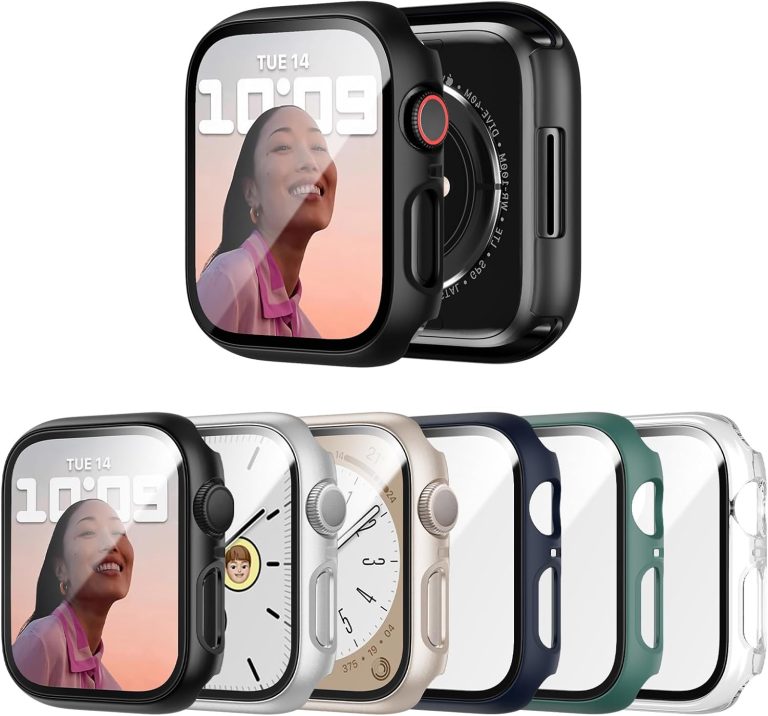
One more thing to watch out for: do not put a case on your watch right away. Some cases are tight and can lift the protector edges. Let the adhesive set for at least an hour before adding any extra accessories.
Quick Checklist for a Flawless Install
Use this checklist right before you start. It takes ten seconds to run through and saves you from a 20-minute redo. We found that people who follow this list get it right on the first try.
- Choose a steamy bathroom or a dust-free room with no fans running.
- Turn on the watch display to a bright white screen for dust detection.
- Clean with the wet wipe, then dry with the microfiber cloth completely.
- Tap the dust sticker across the screen to grab any fine particles.
- Align the protector using the plastic frame or a careful straight-on view.
- Press from the center outward with a soft cloth-wrapped card.
Many guides recommend waiting 24 hours before you test the touchscreen or use the Digital Crown. The adhesive needs time to cure fully. You can wear the watch, but just be gentle with it for the first day.
If you get a bubble that just will not go away, do not panic. It happens. You can carefully peel the whole protector off, clean the screen again, and try another one. Most brands sell multi-packs for a reason. It is normal to mess up the first one while you learn the technique.
You now have a crystal-clear screen protector on your Apple Watch. Your display is safe from scratches and scuffs. Take a second to wipe down the edges one more time with the dry cloth to make sure everything is sealed down tight.
Conclusion
Installing an Apple Watch screen protector comes down to preparation and patience. You now know the key moves: clean the screen under bright light, use the dust sticker, align carefully, and press from the center outward. **The steamy bathroom trick is your best defense against dust**, so do not skip that step.
You do not need to be a tech expert to get a flawless result. Take your time, rest your elbows on a counter, and let the adhesive cure for a full day before adding a case. **Your watch screen is now protected from daily scratches and bumps.** Give yourself a quick final wipe-down, and you are good to go.
Frequently Asked Questions
Can I remove and reapply an Apple Watch screen protector?
Yes, you can usually peel it up within the first few minutes of installation. The adhesive stays tacky long enough for one or two reposition attempts. **If the protector picks up dust during removal, use the sticky sticker to clean it** before pressing it back down.
Will a screen protector mess up my Apple Watch touchscreen?
No, a quality screen protector is thin enough that your touch response stays sharp and responsive. **You might notice slightly more friction when swiping**, but the watch will register every tap. If you feel any lag, press firmly from the center outward to ensure full adhesion.
Do I need a screen protector for the Apple Watch Ultra?
Yes, the Ultra has a flat sapphire crystal display, but it is not scratch-proof. **Sapphire resists scratches well, but it can crack on impact.** A thin glass protector adds a layer of cheap insurance without changing the look or feel of the watch.
How long should I wait before using my watch after installing the protector?
You can wear the watch right away, but **avoid heavy water exposure for at least 24 hours**. The adhesive needs time to cure fully and seal against moisture. We found that waiting a full day also prevents edge lifting when you put a case on.
Why does my new screen protector have a rainbow or oily look?
That rainbow effect comes from oil residue left on the screen before you applied the protector. **The wet wipe step is critical to prevent this halo effect.** If you see it, remove the protector, re-clean the screen with the wet and dry steps, and try again. Most kits include a second protector for exactly this situation.