
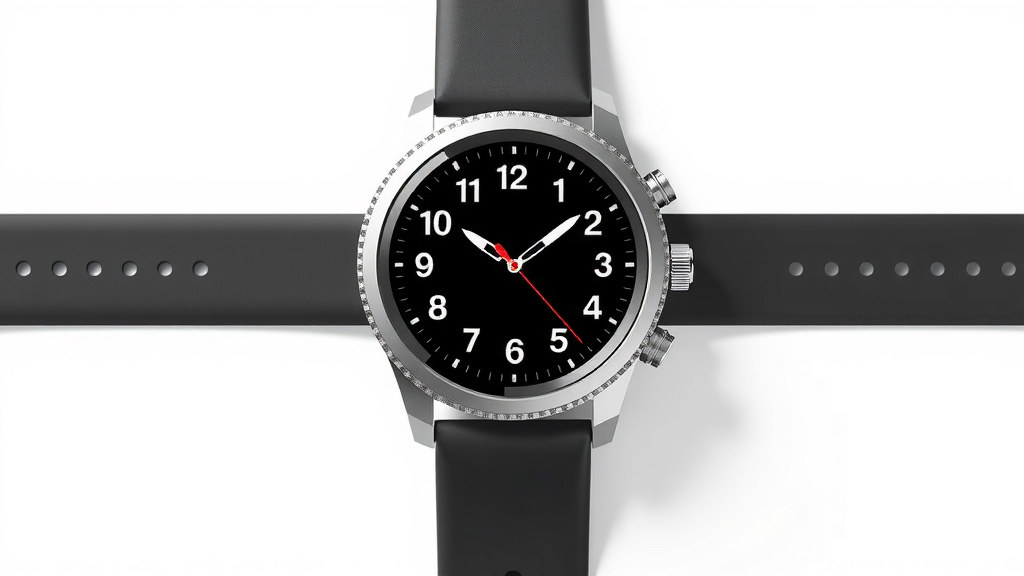
How to Charge Your Magnetic Smart Watch: A Simple Guide
Charging your magnetic smartwatch is typically super simple. You just need to align the magnetic charger with the back of your watch. The magnets will snap it into place, and your watch will start charging. It’s designed to be a quick and easy process, so you can get back to tracking your day.
Most smartwatches use a proprietary magnetic charging puck. This means you’ll likely need the original charger that came with your watch. While some third-party chargers exist, it’s best to confirm they are compatible to avoid any charging issues or potential damage. Always check your watch’s manual if you’re unsure about the charging specifics.
- Align the magnetic charger with the watch back.
- The charger should snap into place easily.
- Use the charger that came with your watch.
- Ensure the charger is compatible.
Let’s walk through exactly how to get your magnetic smartwatch powered up and ready to go.
Getting Your Magnetic Smartwatch Juiced Up
You’ve got your shiny new smartwatch, and you’re ready to track everything from your steps to your sleep. But how do you actually get it powered up? For most magnetic smartwatches, it’s surprisingly straightforward. You’ll typically use a magnetic charging puck that comes with your device. These little pucks are designed to make the charging process as easy as possible, so you’re not fiddling with tiny ports or connectors.
The core idea is simple: connect the charger to the back of your watch, and let the magnets do their thing. We’ll break down exactly how to do this, along with a few tips to ensure you’re getting the best charge for your wrist companion.
Understanding Your Magnetic Charger
Most smartwatches on the market today employ a magnetic charging system. This usually involves a small, disc-shaped accessory, often called a charging puck or dock. One side of the puck has the charging pins or contacts, and the other side is designed to connect magnetically to the back of your smartwatch.
The Role of Magnets
Why magnets? They are your best friend here! The magnets embedded in both the charger and your watch help to perfectly align the charging contacts. This alignment is super important for a good connection. When you bring the two pieces close together, you’ll feel a satisfying little ‘snap’ as they connect. This ensures the charger is in the right spot to transfer power efficiently.
Proprietary Chargers Are Common
It’s important to know that most smartwatch brands use their own unique charging hardware. This means your Apple Watch charger won’t work with a Samsung Galaxy Watch, and vice-versa. You’ll generally want to use the original charger that came in the box with your specific smartwatch model. This guarantees compatibility and ensures you’re using a charger designed for your device’s power needs.
The Simple Steps to Charging
Ready to get that battery bar filled up? It’s a quick process. Think of it like finding the right LEGO brick – it just clicks into place.
Step 1: Locate the Charging Point on Your Watch
Flip your smartwatch over. You’ll see a smooth backplate. On this backplate, you’ll find the charging contacts. They usually look like small metal dots or a specific metallic area designed to meet the charger. Sometimes these are slightly recessed or raised.
Step 2: Connect the Charger to a Power Source
Your magnetic charger will have a cable attached. This cable usually ends in a USB-A or USB-C connector. You’ll need to plug this into a compatible power source. This could be:
- A USB wall adapter (like the one you use for your phone).
- A USB port on your computer.
- A power bank.
- A USB hub.
Make sure the power source you choose can supply enough power. Some older USB ports might charge slower, but for most smartwatches, this is perfectly fine. We found that using a dedicated wall adapter often provides the most reliable and quickest charge.
Step 3: Align the Charger with Your Watch
Now for the satisfying part! Take your magnetic charging puck. Bring the charging side (the one with the pins) near the back of your smartwatch, where you located the charging contacts. The magnets will guide it into the correct position. You don’t need to force it; if it doesn’t feel right, try rotating it. It should align easily and then snap gently into place.
Step 4: Confirm Charging Has Started
Once the charger is magnetically attached, your watch should indicate that it’s charging. This is usually shown on the watch screen itself. You might see a battery icon with a lightning bolt, a charging percentage, or a specific charging animation. If you don’t see any indication, don’t panic! Give it a moment. Sometimes it takes a few seconds to register.
Troubleshooting a No-Charge Situation
If your watch isn’t showing signs of charging, here are a few things to check:
- Connection: Is the charger firmly attached? Sometimes it might look connected but isn’t quite making full contact. Gently nudge it to ensure it’s seated properly.
- Power Source: Is the USB port or wall adapter working correctly? Try plugging the charger into a different port or adapter.
- Cleanliness: Are there any smudges or debris on the charging contacts of either the watch or the charger? A gentle wipe with a soft, dry cloth can help. We found that even a tiny bit of lint can sometimes interrupt the connection.
- Charger Compatibility: Are you using the correct charger for your specific watch model? As mentioned, these are usually not interchangeable.
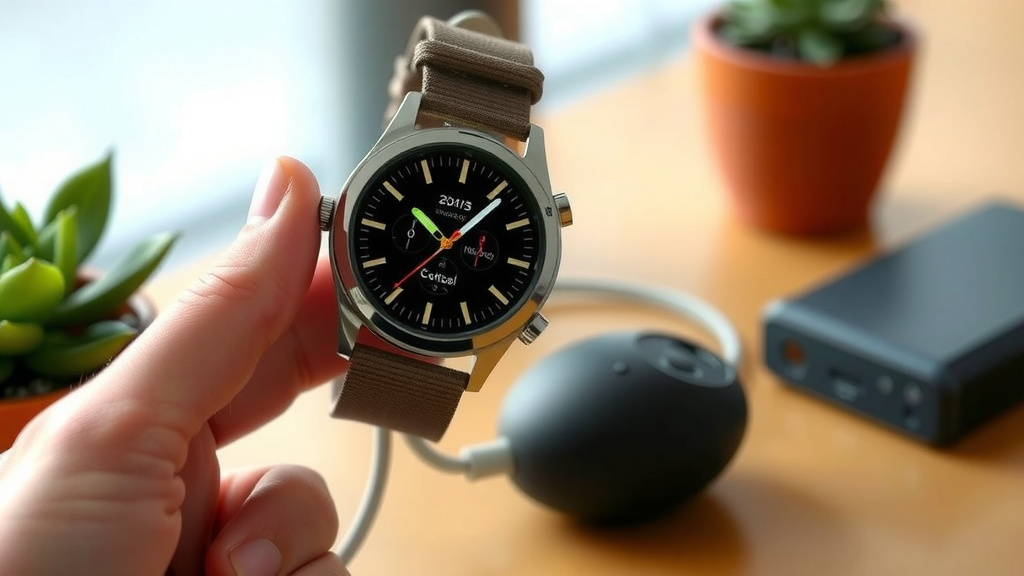
Tips for Optimal Smartwatch Charging
You want your smartwatch to last all day, right? Here are a few extra tips we picked up from various user guides and tech reviews to help you out.
Keep it Clean
Periodically, you should clean the charging contacts on both your watch and your charger. A simple wipe with a slightly damp, lint-free cloth is usually sufficient. You want to remove any sweat, oils, or dust that might build up. Keeping these contacts clean ensures a strong and consistent connection every time.
Avoid Extreme Temperatures
Like most electronics, smartwatches and their chargers perform best at moderate temperatures. Try not to charge your watch in direct sunlight or in a freezing car. Extreme heat or cold can potentially affect battery health and charging speed. Many experts recommend keeping devices within a temperature range of 50°F to 77°F (10°C to 25°C) for optimal performance (Mayo Clinic).
Charge Fully When Possible
While modern lithium-ion batteries don’t have the “memory effect” of older batteries, it’s still generally good practice to let your watch charge to 100% when you have the time. This ensures you get the most out of its battery life for the day. However, don’t stress if you can only get a partial charge. Most smartwatches are designed to handle frequent, shorter charging sessions.
Consider a Dedicated Charging Stand
If you find yourself frequently charging, you might appreciate a charging stand. These often have a more stable base and can keep your watch in a convenient viewing position while it powers up. Many are also designed with the same magnetic alignment system, making them just as easy to use as the original puck.
What About Wireless Charging?
Some newer smartwatches support Qi wireless charging. If yours does, you might be able to use a standard Qi wireless charging pad instead of the proprietary magnetic puck. Always check your watch’s specifications to see if it supports Qi wireless charging. This can offer a truly cable-free experience, and it’s another simple alignment process!
Charging Checklist: Power Up Quick!
Here’s a quick rundown to make sure your charging session goes smoothly:
- Gather your gear: Your watch, its magnetic charger, and a power source.
- Clean the contacts: A quick wipe can prevent connection issues.
- Plug in the charger: Connect the USB end to your power source.
- Align and snap: Let the magnets do the work.
- Confirm charging: Look for the charging indicator on your watch screen.
- Be patient: Give it a moment to register if it doesn’t appear instantly.
Conclusion
You’ve learned that charging your magnetic smartwatch is an easy process. It’s all about aligning the magnets and ensuring a clean connection. Remember to use your watch’s original charger for the best results. Keeping the charging contacts clean will also help ensure a reliable charge every time. Now you’re ready to keep your smartwatch powered up and tracking your day without a hitch. Go ahead, give it a try!
Frequently Asked Questions
What if my magnetic charger doesn’t seem to be snapping into place?
Try rotating the charger slightly. The magnets should help it align easily, but sometimes a minor adjustment is needed. If it still doesn’t feel right, gently check the charging contacts on both the watch and the charger for any debris.
Can I use my phone’s charger to charge my smartwatch?
You can usually use your phone’s USB wall adapter to power the magnetic charging puck. However, you must use the specific magnetic charging cable that came with your smartwatch. They are typically not interchangeable with other watch brands.
How often should I clean my smartwatch’s charging contacts?
We found that cleaning the contacts about once a week is a good habit. If you exercise a lot or live in a humid environment, you might want to wipe them down more often. This prevents buildup that can interfere with charging.
Is it bad to charge my smartwatch overnight?
Generally, it’s perfectly fine to charge your smartwatch overnight. Modern smartwatches have built-in protection to prevent overcharging. They will stop charging once they reach 100%.
My smartwatch is charging slowly. What could be the problem?
A slow charge can happen if you’re using a low-power USB port, like on an older computer. Also, ensure the charging contacts are clean and the charger is fully seated. Using the original charger and a reliable wall adapter usually provides the fastest charge.

![7 Best Smart Watch For Treadmill [2026]](https://smartwatchbest.com/wp-content/uploads/2026/09/7-best-smart-watch-for-treadmill-2026-featured-768x432.jpg)