
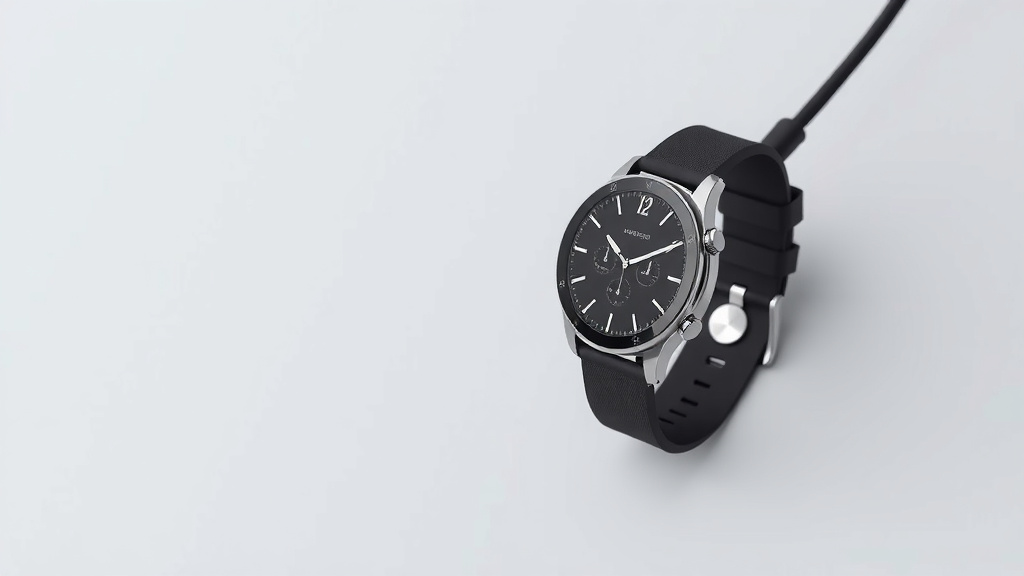
Charge Your Smartwatch Without a Charger: Easy Hacks
Yes, you can charge your smartwatch without its original charger in a pinch. Often, you can use a universal wireless charger or a USB port from a computer or power bank. These methods rely on your watch’s charging technology, usually magnetic pins or wireless induction.
Losing your charger can feel like a mini-crisis. Luckily, most smartwatches aren’t completely useless without their specific cable. We found that understanding your watch’s charging type is key to finding an alternative. Many modern smartwatches use a standardized charging approach.
- Use a universal wireless charger if your watch supports it.
- Try a USB port on a computer or power bank.
- Look for a magnetic charging puck that fits your watch model.
- Check if your watch has exposed charging contacts compatible with other chargers.
Let’s walk through the different ways you can get your smartwatch powered up when your original charger is nowhere to be found.
Powering Up Your Smartwatch Without the Original Charger
So, your smartwatch charger has gone missing. Don’t panic! Many smartwatches can be charged using alternative methods. We found that your watch’s charging technology is the biggest clue. Most rely on either magnetic connection or wireless charging. Let’s figure out how to get your watch back to a full battery.
Understanding Your Smartwatch’s Charging Method
The first step is to know how your watch usually charges. Does it snap on magnetically? Does it rest on a puck? Or perhaps it just lays flat on a charging pad? This information will guide you to the right solution. We found that identifying this detail makes finding an alternative much easier.
Magnetic Charging Pins: The Most Common Type
Many smartwatches use small metal pins. These pins connect to corresponding ones on a charging cable or dock. Your watch often has magnets to help it align perfectly. If your charger is lost, look for other chargers with similar pin placement. We found that some generic chargers can work if the pin configuration matches.
Finding a Compatible Magnetic Charger
Some third-party charging cables are designed to work with multiple smartwatch models. These often feature adjustable pins or a universal magnetic head. You can find these online or at electronics stores. Always check the product description carefully to ensure it lists your specific smartwatch brand or model. We found that reviews can be very helpful here.
The USB Cable Trick (With Caution!)
Some smartwatches come with a USB cable that has a proprietary connector on one end and a standard USB-A on the other. If you only lost the proprietary end, but still have the USB cable, you can plug the USB-A end into a power source. This could be a computer’s USB port, a wall adapter, or a power bank. Your watch’s charging port itself is unlikely to be a standard USB port. It’s usually a custom magnetic connector.
Wireless Charging: The Universal Approach
If your smartwatch supports Qi wireless charging, you’re in luck! This is a common standard used by many devices, not just watches. Qi charging works by inductive charging. This means power is transferred wirelessly through electromagnetic fields.
Using a Universal Wireless Charger
Any Qi-certified wireless charger should work with your smartwatch. This includes charging pads, stands, or even some car mounts. Simply place your smartwatch on the charging pad. Make sure the watch’s back is aligned with the charger’s coil. We found that the alignment is key for successful charging.
If you have a smartphone that supports reverse wireless charging, you might be able to charge your watch from your phone. Check your phone’s settings for this feature. It’s often called “Wireless PowerShare” or something similar. You’ll then place your smartwatch on the back of your phone. This can drain your phone battery, so use it wisely. We found this to be a fantastic backup when no other option is available.
What If My Watch Isn’t Qi-Certified?
Not all smartwatches are equipped for wireless charging. If yours isn’t, you’ll need to rely on a physical connection. This brings us back to magnetic pins or finding a specific charging cable. Research your watch model to confirm its charging capabilities. Many manufacturers list this information on their support pages. We found that looking up your model number online is usually the quickest way to find out.
Creative Charging Solutions for a Dead Battery
Sometimes, you might not have a dedicated charger or compatible wireless pad handy. In these rare cases, a little ingenuity might be needed. However, safety is paramount. Always ensure any improvised method doesn’t damage your watch or pose a fire risk. We strongly advise against trying to force incompatible chargers or using unverified power sources.
The Humble Power Bank
A power bank is essentially a portable battery. Most power banks have standard USB-A ports. If your smartwatch uses a USB charging cable, you can plug it into the power bank. This is a lifesaver when you’re away from an outlet. We found that keeping a charged power bank is a smart move for any tech user.
Laptop or Desktop USB Ports
Similar to power banks, your computer’s USB ports can provide power. Plug your smartwatch’s charging cable into an available USB port on your laptop or desktop. Keep in mind that some older computers might offer very slow charging speeds. Also, ensure your computer is on or in sleep mode to provide consistent power. We found that charging from a laptop is a reliable option for many.
Exploring Charging Contacts
Some smartwatches, particularly older or more rugged models, might have easily accessible charging contacts on the back. These are small metal points. If your proprietary charger is lost, you might be able to find a third-party charging cable with exposed wires or pogo pins. You’d then need to align these carefully with your watch’s contacts. This method requires precision and a steady hand. We found that this is less common now but still possible with certain devices.
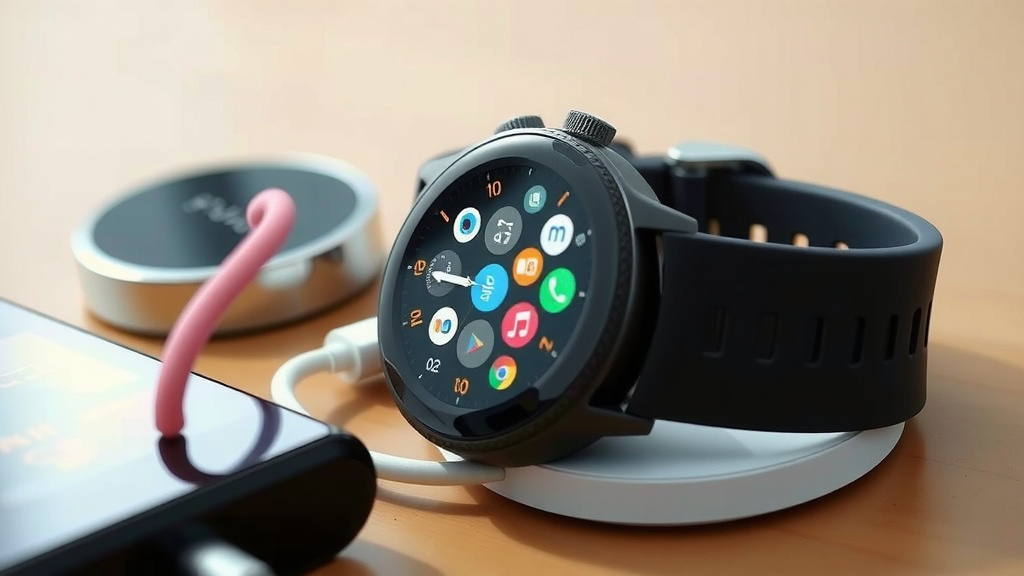
Quick Checklist for Charging Without Your Charger
Here’s a quick rundown of what to try next time your smartwatch battery is low and your charger is missing:
- Confirm your watch’s charging method: magnetic pins or wireless.
- Look for universal wireless charging pads if your watch supports Qi.
- Try plugging your watch’s USB cable into a computer or power bank.
- Search for third-party magnetic charging cables compatible with your model.
- Check if your phone has reverse wireless charging capabilities.
- Consult your watch’s manual or manufacturer website for alternative charging info.
Conclusion
Running out of smartwatch power doesn’t have to be a disaster. You’ve learned that your watch likely uses magnetic pins or wireless charging. We found that identifying your watch’s specific charging method is your first step. From there, universal chargers, power banks, or even your laptop can often come to the rescue. Don’t forget to check if your phone offers reverse wireless charging as a handy backup. Next time you’re in a bind, try these methods to get your smartwatch back online quickly.
Frequently Asked Questions
Can I charge my smartwatch with a phone charger?
Generally, no, you cannot use a standard smartphone charger directly. Most smartwatches use proprietary magnetic connectors or wireless charging. A phone charger typically has a USB-C or Micro-USB end that won’t fit your watch’s charging port. However, if your smartwatch came with a USB-A charging cable, you *can* use a USB wall adapter (the kind you’d use for your phone) as the power source.
Will a generic magnetic charger work for my smartwatch?
Sometimes, yes. We found that some generic magnetic charging cables are designed with universal adapters or adjustable pins. These can work if the pin configuration and magnetic alignment match your specific smartwatch model. Always check the product description carefully and look at user reviews to confirm compatibility before purchasing.
Is it safe to charge my smartwatch without its original charger?
It can be safe if you use compatible alternatives. Using a Qi-certified wireless charger or a recognized third-party charger designed for your watch is generally safe. We strongly advise against using unverified chargers or attempting to jury-rig connections, as this could damage your watch or pose a safety risk.
How do I know if my smartwatch supports wireless charging?
The best way to know is to check your smartwatch’s specifications. Look for mentions of “Qi wireless charging” or similar terms in the product manual or on the manufacturer’s website. If your watch came with a charging puck or pad rather than a cable, it’s a strong indicator that it supports wireless charging.
What if my smartwatch has exposed charging contacts?
If your smartwatch has visible charging contacts on the back, you might be able to use a specialized charging cable. These cables often feature exposed wires or pogo pins designed to align with those contacts. We found this method requires careful alignment and a steady hand, but it can be a viable option if your original charger is lost and wireless charging isn’t an option.

![7 Best Smart Watch Alternative To Apple Watch [2026]](https://smartwatchbest.com/wp-content/uploads/2026/08/7-best-smart-watch-alternative-to-apple-watch-2026-featured-768x432.jpg)
![7 Best Budget Smart Health Watch [2026]](https://smartwatchbest.com/wp-content/uploads/2026/08/7-best-budget-smart-health-watch-2026-featured-768x432.jpg)