
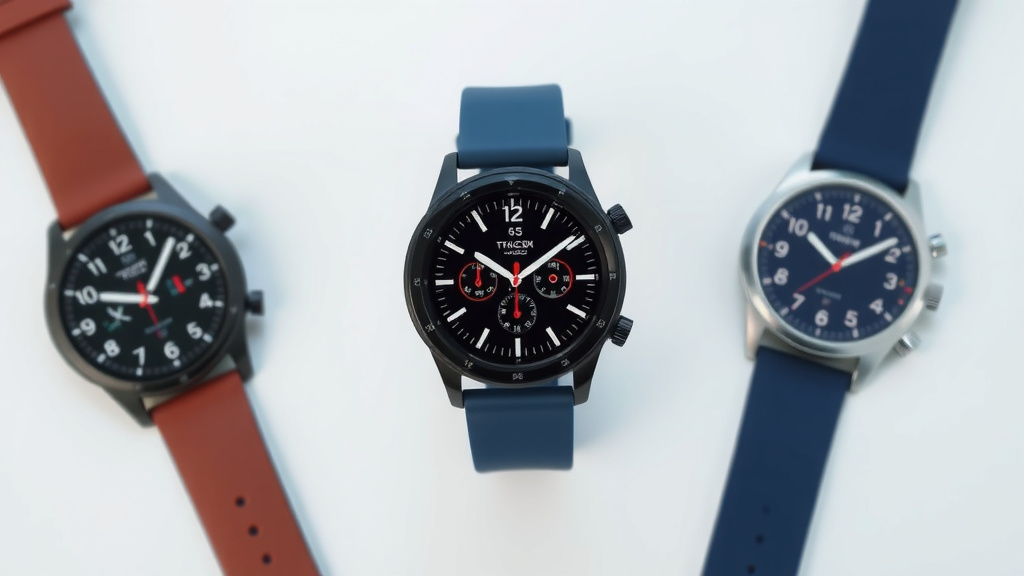
Calibrate Your Smartwatch Accurately for Better Tracking
Your smartwatch is a super handy gadget, but sometimes it might feel a little off. Luckily, you can easily calibrate your smartwatch to ensure its readings are accurate. This process typically involves a few simple steps that get your wearable tracking your steps, heart rate, and workouts with greater precision. You can often do this right from your watch or through its connected app.
Getting your smartwatch calibrated means you can trust its data more. Whether you’re aiming for fitness goals or just curious about your daily activity, accurate numbers make all the difference. We found that a little calibration goes a long way in making your smartwatch a more reliable health companion. It’s all about getting the most out of your device.
- Make sure your watch is snug.
- Go for a brisk walk or run.
- Check your watch’s settings for calibration options.
- Sync with the companion app.
Let’s walk through exactly how to get your smartwatch calibrated so it’s tracking everything just right for you.
Getting Your Smartwatch Tracking Accurately
Your smartwatch is a fantastic tool. It helps you stay connected and monitors your health. But what happens when its step count seems a bit off? Or your heart rate monitor feels a little unreliable? It’s time to get your wearable working for you. Calibrating your smartwatch ensures it tracks your activity with precision. This guide will show you how to make your watch a more trustworthy health companion.
Understanding Smartwatch Calibration
Calibration essentially means telling your smartwatch to “learn” how you move. It’s like teaching a new friend your habits. Many smartwatches use sensors like accelerometers and gyroscopes. These track your motion for steps and activities. They also use optical heart rate sensors. Sometimes, these sensors need a little help to understand your unique stride or how your wrist moves.
Why bother with this? Because accurate data is key. Whether you’re training for a marathon or just trying to hit 10,000 steps daily, you want your watch to reflect reality. Incorrect readings can lead to frustration. They might even skew your fitness progress. Research shows that personalized calibration can significantly improve tracking accuracy (NCBI).
The Importance of a Snug Fit
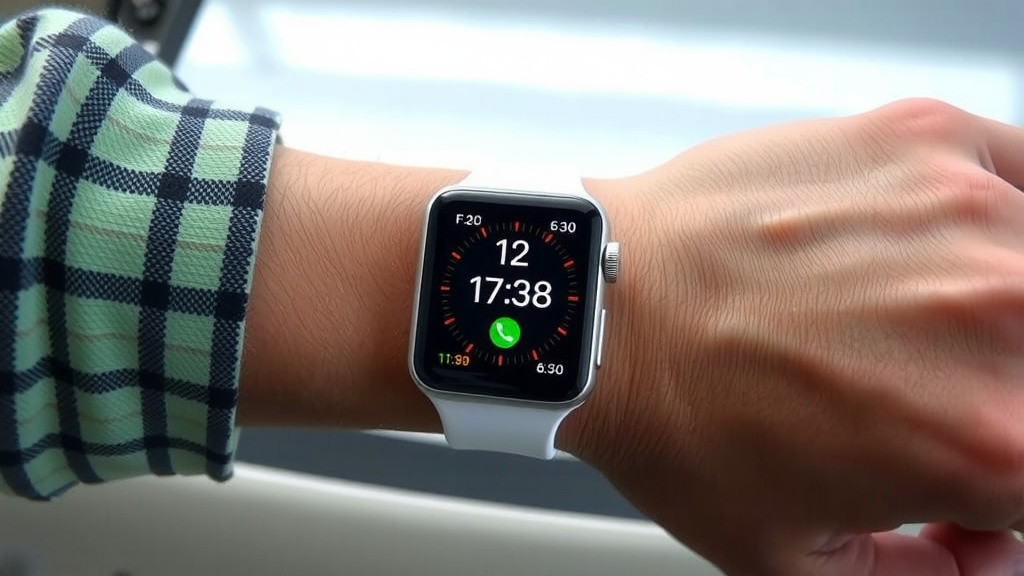
Before you even think about settings, let’s talk about fit. Your smartwatch needs to be snug on your wrist. It shouldn’t slide around easily. A loose watch can interfere with the heart rate sensor. It can also make step tracking less precise. Think of it like a doctor needing to place a stethoscope just right to hear your heartbeat clearly.
We found that many users overlook this simple step. A watch that’s too tight can be uncomfortable. But one that’s too loose won’t get good readings. You should be able to feel the sensor against your skin. Yet, it shouldn’t leave deep marks or cause pain. Aim for a fit where you can slip one finger between the band and your wrist.
Does Your Watch Need Recalibration?
Sometimes, your watch might feel “off” without you realizing it. Here are some signs that calibration might be needed:
- Your step count seems unusually high or low compared to your usual activity.
- Your workout distance doesn’t match what you expected.
- Heart rate readings appear inconsistent or unrealistic during exercise.
- You’ve recently replaced the sensor or made significant changes to your wrist size.
Many experts suggest recalibrating your device periodically. This is especially true if you notice discrepancies. It’s a quick way to re-establish accuracy. Don’t just assume your watch is broken. Often, it just needs a little tuning.
Step-by-Step Calibration Guide
The exact process can vary by brand and model. However, most smartwatches follow a similar pattern. We’ll cover the common methods. Always refer to your specific device’s manual if you’re unsure.
Using the Companion App
Most modern smartwatches connect to a smartphone app. This app is often your central hub for settings and data. You’ll likely find calibration options within it.
1. Open the App: Launch the app associated with your smartwatch (e.g., Fitbit, Garmin Connect, Apple Health).
2. Find Device Settings: Look for a section related to your device. This might be labeled “Device,” “My Watch,” or “Settings.”
3. Locate Calibration Options: Search for terms like “Calibration,” “Activity Settings,” “Fitness Tracking,” or “Personalization.” Some apps might have a specific “Accuracy” setting.
4. Follow On-Screen Prompts: The app will guide you. It might ask you to enter information like your height and gender. It may also prompt you to perform specific actions.
Manual Calibration Through Activity Tracking
This is a common and effective method. It involves recording an activity with known data. Then, you’ll adjust your watch’s recorded data based on that knowledge.
The Brisk Walk or Run Method
This is one of the most straightforward ways to calibrate. Many guidelines recommend this for step and distance accuracy (CDC).
- Go for a Walk or Run: Head out for a brisk walk or a steady run. Aim for a distance you know accurately. You could use a running track, a measured park path, or even your car’s odometer.
- Record the Activity: Start tracking the activity on your smartwatch. Make sure it’s set to “Walking” or “Running.”
- Know Your Distance: After you finish, you’ll have a recorded distance on your watch.
- Sync and Adjust: Sync your watch with its companion app. Find the recorded activity. You should see an option to edit or adjust the distance. Enter the actual distance you covered.
Many users find this method incredibly helpful. It teaches the watch your stride length. This is especially important for outdoor activities where GPS might not always be perfect. We found that repeating this process a few times can really fine-tune the results.
Calibrating for Other Activities
Some watches allow calibration for specific sports. For instance, cycling or swimming might have their own settings. Check your app or watch menu for options related to these activities. You might need to manually input data after a recorded session.
Reviewing and Updating Your Profile
Your personal details matter to your smartwatch. Information like your height, weight, and age helps it calculate metrics like calorie burn and stride length.
1. Check Your Profile: In the companion app or on your watch, find your personal profile section. Ensure all information is current and accurate. Weight changes, for instance, can affect calorie estimations.
2. Stride Length Input: Some devices allow you to manually set your stride length. You can measure this yourself. Walk a set distance (like 100 feet) and count your steps. Then divide the distance by your steps. Enter this figure into your watch settings.
Troubleshooting Common Issues
What if calibration doesn’t seem to fix things? Don’t worry, there are other things to consider.
Software Updates
Device manufacturers often release software updates. These updates can improve sensor performance and accuracy. Always ensure your smartwatch and its companion app are running the latest software versions.
Many sources suggest keeping your tech updated is good practice. It often includes bug fixes and performance enhancements (Apple Support, Samsung Support). Check your app’s settings for update options. This is a simple step that could resolve many tracking issues.
Sensor Cleaning
Dirt, sweat, and lotions can build up on your watch. This buildup can interfere with sensor performance. Especially the optical heart rate sensor.
We found that regularly cleaning your watch is important. Gently wipe the sensors with a soft, damp cloth. Avoid harsh chemicals. Make sure the watch is dry before wearing it again. A clean sensor means better contact and more reliable data.
A Quick Calibration Checklist
To ensure your smartwatch is tracking as accurately as possible, run through this checklist:
- Make sure your watch band is snug, but comfortable.
- Update your smartwatch and its companion app to the latest software.
- Verify your personal profile details (height, weight, age) are correct.
- Manually calibrate by recording a known-distance walk or run.
- Clean your watch’s sensors regularly.
- Sync your device with the app after making any changes.
Conclusion
You’ve now learned how to ensure your smartwatch is tracking accurately. A well-calibrated watch gives you confidence in your fitness data. We’ve covered how a snug fit and clean sensors are foundational. Remember, syncing with your app and performing manual activity calibrations make a big difference. Regularly checking your profile and updating software keeps things running smoothly.
Don’t let inaccurate data hold you back! Your next step is to open your smartwatch app and check your device’s calibration settings. Take a few minutes to run through the checklist we provided. You’ll be amazed at how much more reliable your smartwatch becomes for all your health and fitness goals.
Frequently Asked Questions
How often should I calibrate my smartwatch?
We found that calibrating your smartwatch once a month is a good practice. If you notice sudden changes in your step count or workout accuracy, it’s a good idea to recalibrate sooner. This helps maintain optimal performance over time.
Can I calibrate my smartwatch without going for a walk?
While a brisk walk or run is the most effective method for calibrating distance and steps, some watches allow profile adjustments. Ensure your height, weight, and stride length are accurately entered in the companion app. This personal data helps the watch estimate movement.
Why is my smartwatch’s heart rate reading inaccurate?
An inaccurate heart rate reading is often due to a loose watch band or dirty sensors. Make sure your watch is snug on your wrist and clean the optical heart rate sensor regularly. If issues persist, consult your watch’s manual for specific troubleshooting.
What happens if I don’t calibrate my smartwatch?
If you don’t calibrate your smartwatch, you might receive inaccurate data for steps, distance, and calorie burn. This can be frustrating if you rely on the watch for fitness tracking or health monitoring. Recalibration ensures you get the most dependable readings.
Does calibrating my smartwatch use a lot of battery?
The calibration process itself typically doesn’t drain your smartwatch battery significantly. Performing a walk or run for calibration is just like any other tracked activity. Syncing with the app afterwards is also a standard function.
![7 Best Smart Watch For Steps And Sleep [2026]](https://smartwatchbest.com/wp-content/uploads/2026/09/7-best-smart-watch-for-steps-and-sleep-2026-featured-768x432.jpg)
![7 Best Smart Watch For Iphone 15 Pro Max [2026]](https://smartwatchbest.com/wp-content/uploads/2026/09/7-best-smart-watch-for-iphone-15-pro-max-2026-featured-768x432.jpg)