Best Smartwatch for Seniors: Top Picks & Features
The best smartwatch for seniors often balances ease of use with safety features like fall detection and GPS tracking. Many models offer large displays and simple interfaces, making them easy for anyone to navigate. We found that brands like Apple, Samsung, and dedicated senior-focused brands provide excellent options.
Choosing a smartwatch involves thinking about what features will be most helpful for your daily life. Do you want to monitor your health, stay connected with loved ones, or just keep track of your steps? Understanding these needs will help you find a smartwatch that truly fits. It’s more than just a gadget; it’s a tool for independence and peace of mind.
- Look for features like fall detection and GPS.
- Consider ease of use and large screen options.
- Think about health monitoring and connectivity needs.
- Several brands offer great choices for seniors.
Let’s walk through what makes a smartwatch a great fit for older adults, and then we’ll dive into some top recommendations.
Choosing the Right Smartwatch for Older Adults
Finding the best smartwatch for seniors means looking for a device that simplifies your life and offers peace of mind. We’ve researched many options to help you make an informed choice. Think about what matters most to you. Do you want to easily check the time and weather? Or are you interested in health tracking and emergency features?
Many smartwatches today are designed with simplicity in mind. They offer large, clear displays and intuitive menus. This makes them accessible for everyone, regardless of their tech experience. It’s not just about staying connected; it’s about maintaining independence and ensuring safety.
Key Features to Consider
When you’re looking at smartwatches, certain features stand out for older adults. These are the things that can make a real difference in your daily routine and offer an extra layer of security.
Safety and Emergency Functions
Safety is often a top priority. Many smartwatches include features designed for emergencies. This can provide comfort for both you and your loved ones.
Fall Detection
This is a game-changer. A fall detection feature can automatically detect if you’ve taken a hard fall. If it senses a fall, it can alert emergency contacts or services for you. This means you don’t have to worry about being able to reach your phone if you’re injured.
GPS Tracking and SOS Buttons
GPS tracking allows your loved ones to see your location if needed. This is especially helpful if you enjoy walking or spending time outdoors. A dedicated SOS button can also be pressed in an emergency. This sends an immediate alert to pre-set contacts or emergency responders. It’s a quick way to get help when every second counts.
Health Monitoring Capabilities
Keeping an eye on your health is easier than ever with a smartwatch. These devices can track vital signs and activity levels, giving you a clearer picture of your well-being.
Heart Rate Monitoring
Most smartwatches can continuously monitor your heart rate. Some can even alert you if your heart rate is unusually high or low. This information can be shared with your doctor. It helps them understand your cardiovascular health better (American Heart Association).
Activity and Sleep Tracking
Want to be more active? A smartwatch can track your steps, distance, and calories burned. It can also monitor your sleep patterns. Understanding your activity and sleep can help you make adjustments for a healthier lifestyle. Many experts suggest daily movement is vital for overall health.
Ease of Use and Display
A device is only useful if you can operate it easily. This is where design and interface matter a lot.
Large, Clear Displays
A large display with big, easy-to-read numbers and icons is essential. This makes checking the time, notifications, or health data much simpler. Look for bright screens that are easy to see even in sunlight.
Simple Interface and Navigation
The menu and controls should be straightforward. You don’t want to be digging through complicated settings just to answer a call. A simple interface means you can quickly access the features you need without frustration.
Connectivity and Communication
Staying in touch is important. Smartwatches offer convenient ways to communicate without needing to pull out your phone.
Making and Receiving Calls
Many smartwatches allow you to make and receive calls directly from your wrist. This is incredibly handy, especially if your phone isn’t nearby. Some models even work independently of your phone if they have their own cellular connection. Our guide to the best 4G smartwatches covers models with independent cellular connections.
Notifications and Messaging
You can receive alerts for calls, texts, and other app notifications right on your watch. You can often read messages and sometimes even reply. This keeps you informed without constant phone checks.
Top Smartwatch Options for Seniors
Based on our research, here are some types of smartwatches that commonly meet the needs of older adults. We’ve looked at both general-purpose watches and those specifically designed for seniors.
| Brand/Model Type | Key Features | Best For |
|---|---|---|
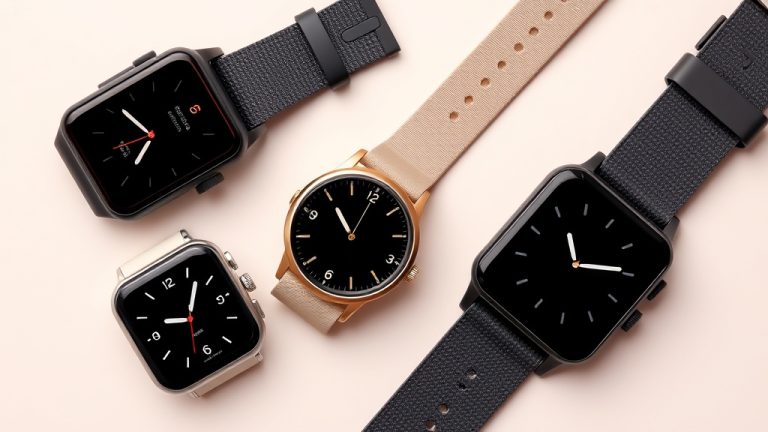
| General Smartwatches (e.g., Apple Watch, Samsung Galaxy Watch) | Advanced health tracking, fall detection, GPS, cellular options, wide app support. | Tech-savvy users who want a full-featured device and are already in their ecosystem. |
| Dedicated Senior Smartwatches (e.g., Medical Guardian, Lively) | Emergency SOS, fall detection, GPS tracking, simple interface, long battery life, easy-to-use calling. | Those who prioritize safety and simplicity above all else. |
| Fitness Trackers with Smart Features (e.g., Fitbit) | Excellent activity and sleep tracking, heart rate monitoring, basic notifications, good battery life. | Individuals focused on health and fitness with simpler connectivity needs. |
Consider Battery Life and Charging
A smartwatch is useless if it’s always dead. You’ll want to look for a device with decent battery life. Some models can last several days on a single charge, while others may need daily charging.
Charging should also be simple. Magnetic chargers are common and easy to use. Some watches offer faster charging capabilities. Think about your daily routine and how often you can realistically charge your watch.
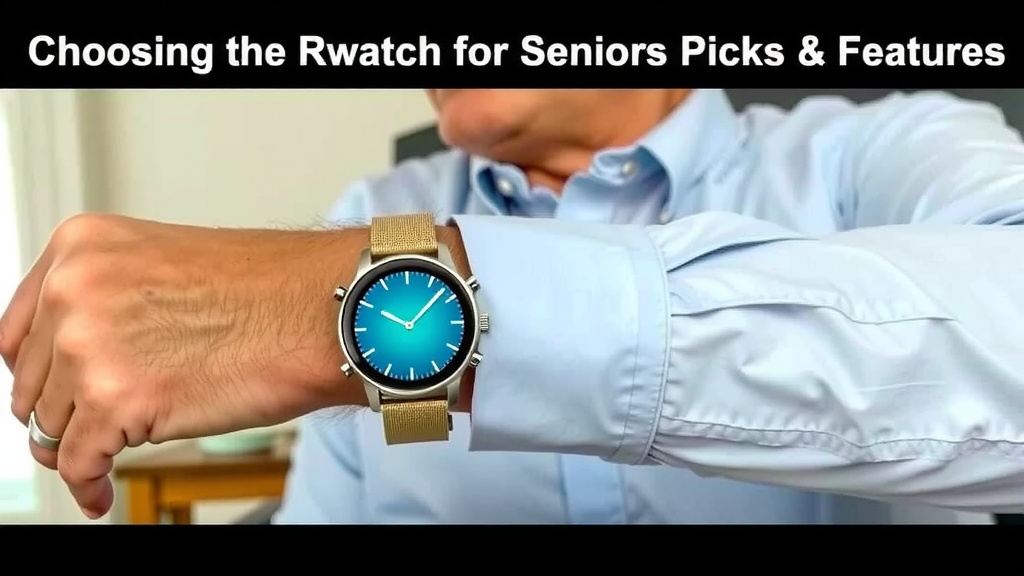
Setting Up Your Smartwatch
Once you have your watch, setting it up is the next step. Most modern smartwatches pair with a smartphone app. This app is where you’ll manage settings, contacts, and health data.
For features like fall detection or SOS, you’ll need to input emergency contact information. This is usually a straightforward process within the companion app. If you’re not comfortable with smartphone apps, a family member or friend can often help with the initial setup.
Your Smartwatch Checklist
Here’s a quick checklist to help you review potential smartwatches:
- Does it have fall detection?
- Is there an easy-to-access SOS button?
- Is the display large and clear?
- Is the interface simple and intuitive?
- Does it track key health metrics like heart rate?
- What is the expected battery life?
Conclusion
Finding the best smartwatch for seniors is about balancing safety, ease of use, and connectivity. You’ve learned that features like fall detection and GPS tracking offer peace of mind. Look for a device with a large, clear display and a simple interface that fits your needs. Consider your health monitoring goals and how you want to stay in touch with loved ones.
Your next step is to think about which of these features matter most to you. Then, review the types of smartwatches we discussed. By focusing on your personal requirements, you can choose a smartwatch that supports your independence and well-being. It’s a smart investment in your daily life.
Frequently Asked Questions
What if I’m not tech-savvy? Which smartwatch is easiest to use?
For those who prefer simplicity, dedicated senior smartwatches are often the best choice. Brands like Medical Guardian and Lively focus on straightforward menus and large buttons. They prioritize essential safety features like SOS calls and fall detection over complex apps. Setting one up with a family member can make it even easier to get started.
Do I need a smartphone to use a senior smartwatch?
Most smartwatches require a smartphone for initial setup and advanced features. However, some senior-specific watches can operate with a cellular plan without a nearby smartphone. These often have their own SIM card and can make calls or send alerts independently. Always check the product details to confirm its smartphone dependency.
How long does the battery usually last on these watches?
Battery life can vary greatly between models. Some general smartwatches might need charging daily. Others, especially those designed for seniors, can last 2-3 days or even longer on a single charge. It’s wise to check reviews for real-world battery performance and consider how often you can conveniently charge your watch.
Can a smartwatch really detect a fall accurately?
Many modern smartwatches use advanced sensors like accelerometers and gyroscopes to detect hard falls. While they are highly accurate, they aren’t foolproof and can sometimes mistake other movements for a fall. It’s still important to follow the watch’s instructions for confirming an alert if you’re able. The safety net they provide is generally very reliable.
Are there smartwatches that work without a monthly subscription?
Some smartwatches, especially general fitness trackers or standard smartwatches like Apple Watch or Samsung Galaxy Watch, do not require a mandatory monthly fee for basic use. However, many senior-focused devices with dedicated emergency services and cellular connectivity often do have a monthly subscription. This fee covers the monitoring and communication services that provide the extra safety net.