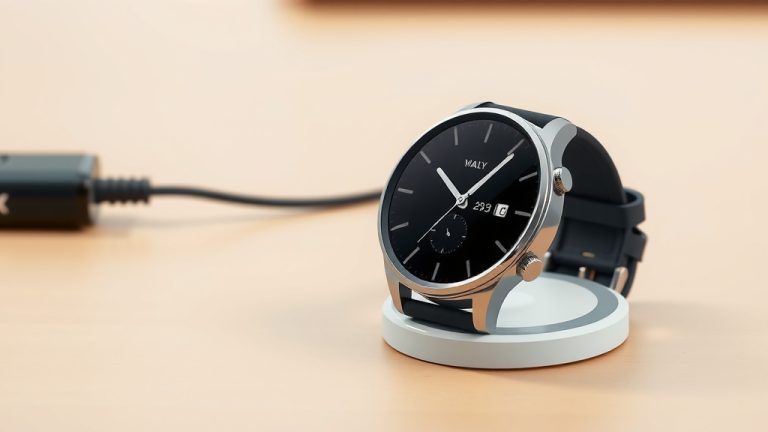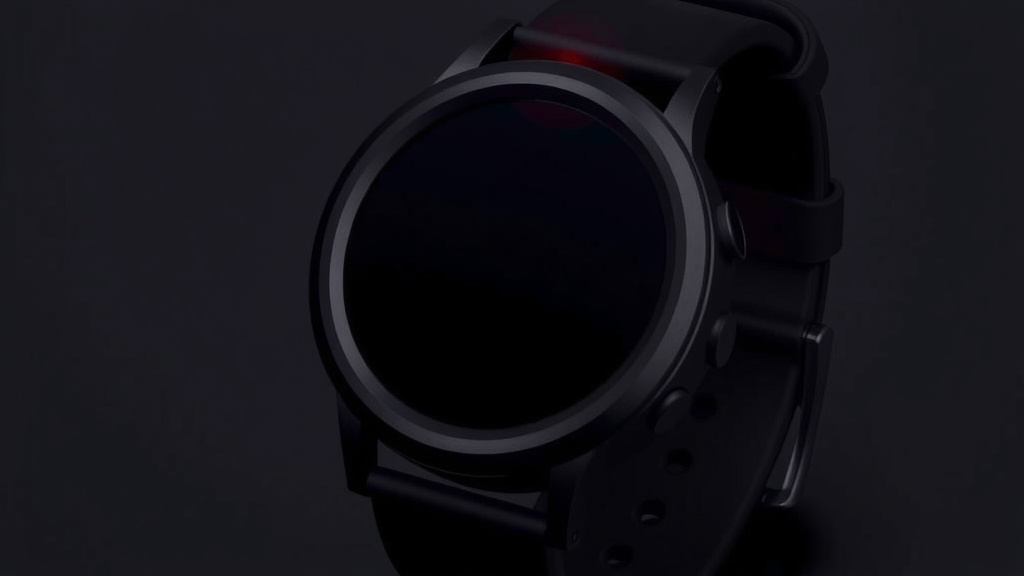
Smartwatch Red Dot Meaning What It Signals
That little red dot on your smartwatch usually means you have a new notification waiting. It’s like a tiny digital nudge from your watch. Think of it as a reminder that something needs your attention. This could be a text message, a missed call, or an app alert.
Smartwatches use these indicators to keep you informed without constantly buzzing. A red dot is a common way to signal that unread content is available. It’s designed to be quick and easy to spot. You’ll often see it when your watch has been silent.
- The red dot signals unread notifications.
- It’s a visual cue for new messages or alerts.
- Check your watch screen to see what it’s for.
- This helps you stay updated at a glance.
Let’s dive a bit deeper and figure out what that dot is trying to tell you specifically. We’ll help you understand what might be behind that little red light.
Understanding Your Smartwatch’s Red Dot Indicator
That little red dot on your smartwatch screen is usually a straightforward signal. It means you have a new notification that you haven’t viewed yet. Think of it as a tiny, silent alarm. Your watch is letting you know something requires your attention. It could be a text, an email, a missed call, or an alert from one of your apps.
The Basic Function of the Red Dot
Most smartwatches use this visual cue to avoid constant buzzing or vibrations. It’s a polite way to inform you without being disruptive. When you see the red dot, it’s time to glance at your watch face. You’ll likely find a new message or alert waiting for you.
The goal is to help you stay connected and informed. You can quickly check your watch and decide if the notification needs immediate action. This way, you don’t miss important updates. But you also aren’t bombarded with constant pings.
Common Reasons for the Red Dot
The reasons behind that red dot are usually tied to communication and app activity. Let’s break down the most common culprits you’ll find.
Unread Messages and Calls
This is perhaps the most frequent reason for the red dot. If someone texts you, sends you an email, or you miss a phone call, your watch will often display this indicator. It’s a clear sign that a conversation or communication attempt is waiting for you. You’ll want to check your messaging or phone app.
App Alerts and Updates
Beyond messages, many apps on your phone can send alerts to your smartwatch. This includes social media notifications, calendar reminders, news updates, or even fitness goal achievements. Each of these can trigger the red dot. It’s important to manage your app notification settings to avoid unnecessary alerts.
Low Battery Warnings
In some cases, a red indicator on your smartwatch might signal a low battery. This is a critical alert. It means your watch is about to run out of power. You’ll want to find a charger as soon as possible. This warning is usually quite prominent. It might not always be a small dot. It often appears as a more obvious battery icon.
Software Updates or Errors
Occasionally, a red dot could indicate that your smartwatch needs a software update. Or, it might be trying to alert you to a minor error. These are less common than notification alerts. If you suspect this is the case, check your watch’s settings menu. You can often find information about pending updates or system status there.
Troubleshooting and Customization
Sometimes, the red dot might seem persistent or confusing. There are ways to manage its behavior and understand it better. Your watch’s settings are key here.
Checking Your Watch’s Notification Settings
Most smartwatches allow you to customize which apps can send you notifications. If you’re seeing a red dot constantly, you might want to review these settings. You can often disable notifications for apps you don’t need alerts from. This can significantly reduce how often you see the red dot.
Research shows that managing notification frequency can improve focus. Many people feel overwhelmed by constant alerts. Tailoring your settings can help you regain control. You can prioritize what truly matters.
Clearing Notifications from Your Watch
Once you’ve viewed a notification, the red dot should disappear. If it doesn’t, you may need to manually clear it. Most smartwatches have a way to dismiss all notifications at once. This action tells your watch that you’ve acknowledged them. Check your watch’s manual for specific instructions on how to do this.
What If the Dot Persists?
If the red dot remains even after clearing notifications and checking for updates, it might be time for a reset. A simple restart can often resolve minor glitches. For persistent issues, you might need to perform a factory reset. Be aware that a factory reset will erase all your data. So, back up anything important first.
Many users find that a quick reboot of their device fixes unexpected behaviors. It’s a common troubleshooting step for many electronic gadgets.
Understanding Different Watch Models
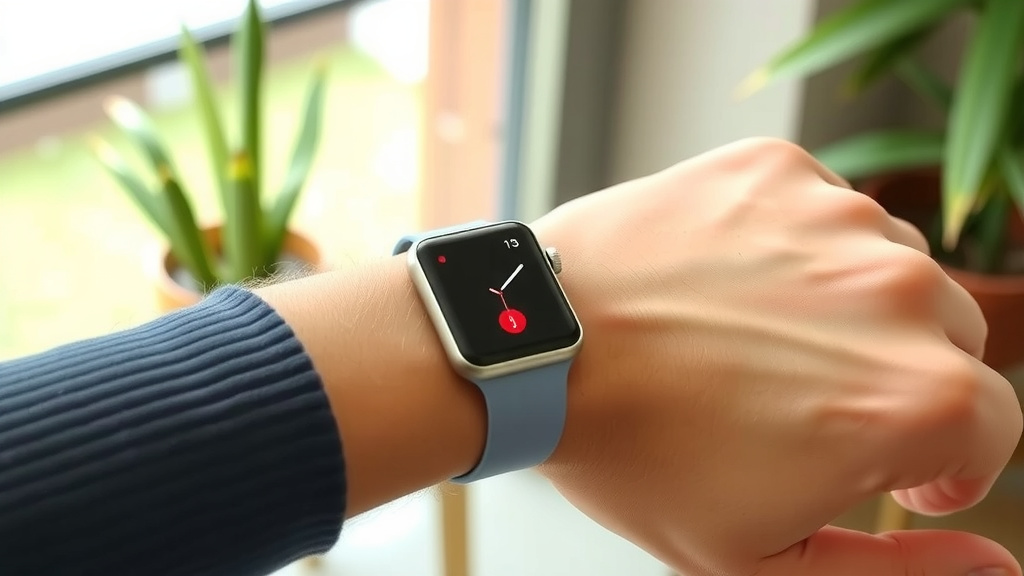
It’s worth noting that the exact meaning and appearance of the red dot can vary slightly between different smartwatch brands and models. While the general concept of “unread notification” is universal, some watches might use different colors or icons.
Apple Watch
On an Apple Watch, a red dot typically signifies unread notifications. Swiping down from the top of the watch face reveals your notification list. You can then clear them to make the dot disappear.
Samsung Galaxy Watch
Samsung devices often use a similar red dot for unread alerts. You can usually access notifications by tapping the dot or swiping down. Clearing them resolves the indicator.
Wear OS by Google
Watches running Wear OS generally follow the same convention. A red dot points to new messages or app alerts. Navigating to your notification screen is the standard way to address it.
Fitbit and Other Fitness Trackers
Some fitness trackers that have smartwatch-like features might also use a red dot. Its meaning will likely align with notifications or system alerts. Always refer to your specific device’s user guide for precise details.
Key Takeaways for Managing Your Red Dot
To wrap things up, here’s a quick checklist to help you manage that little red dot:
- Check for New Notifications: Always assume the red dot means something needs your attention.
- Swipe Down to View: The easiest way to see what it is is to swipe down from the top of your watch face.
- Clear Them Out: Once you’ve read or dealt with the alert, make sure to dismiss it.
- Adjust App Settings: If you’re getting too many alerts, customize your notification preferences.
- Restart Your Watch: If the dot is stubborn, a simple restart can often work wonders.
- Consult Your Manual: For model-specific behavior, your device’s user guide is your best friend.
Conclusion
That little red dot on your smartwatch is your digital companion’s way of saying, “Hey, something new is here!” You’ve learned it’s mostly about unread notifications, from texts and calls to app alerts. Sometimes, it might even warn you about low battery or software needs. By understanding and managing these alerts through your watch’s settings, you can stay informed without feeling overwhelmed. So next time you see that dot, don’t ignore it! Take a moment to check your watch, clear the notification, and enjoy a more focused smartwatch experience. Your next step is to dive into your watch’s notification settings right now and customize what you see.
Frequently Asked Questions
Why does the red dot keep appearing even after I’ve checked my notifications?
This can be a bit frustrating! Sometimes a notification might not clear properly. Try swiping down from your watch face to view all notifications and manually dismiss them. If it persists, a simple restart of your smartwatch often resolves this glitch.
Can I turn off the red dot notification indicator altogether?
Generally, you cannot completely disable the red dot indicator itself, as it’s a core visual cue. However, you can drastically reduce how often it appears by managing which apps are allowed to send notifications to your watch. This is done through your smartwatch’s notification settings.
Is the red dot always about new messages and calls?
While unread messages and calls are the most common reason, the red dot can signify other things too. It could be an alert from a social media app, a calendar reminder, a news update, or even a warning for a low battery. It’s always best to check to be sure.
Do all smartwatches use a red dot for notifications?
Most smartwatches use a red dot or a similar colored indicator for unread notifications. However, the exact design and color can vary slightly between brands and models. Some might use a different color or a small icon instead. Always refer to your specific watch’s manual for precise meanings.
What should I do if I see a red dot and my watch is low on battery?
If you see a red dot and your watch is also showing a low battery warning, prioritize charging immediately. The red dot in this case is likely a critical alert indicating you have very little power left. Find your charger and plug in your watch as soon as possible.
![7 Best Smart Watch Blood Pressure Monitor [2026]](https://smartwatchbest.com/wp-content/uploads/2026/08/7-best-smart-watch-blood-pressure-monitor-2026-featured-768x432.jpg)
![7 Best Budget Smart Watch With Gps [2026]](https://smartwatchbest.com/wp-content/uploads/2026/08/7-best-budget-smart-watch-with-gps-2026-featured-768x432.jpg)