Charge Your Smartwatch with USB: A Simple Guide
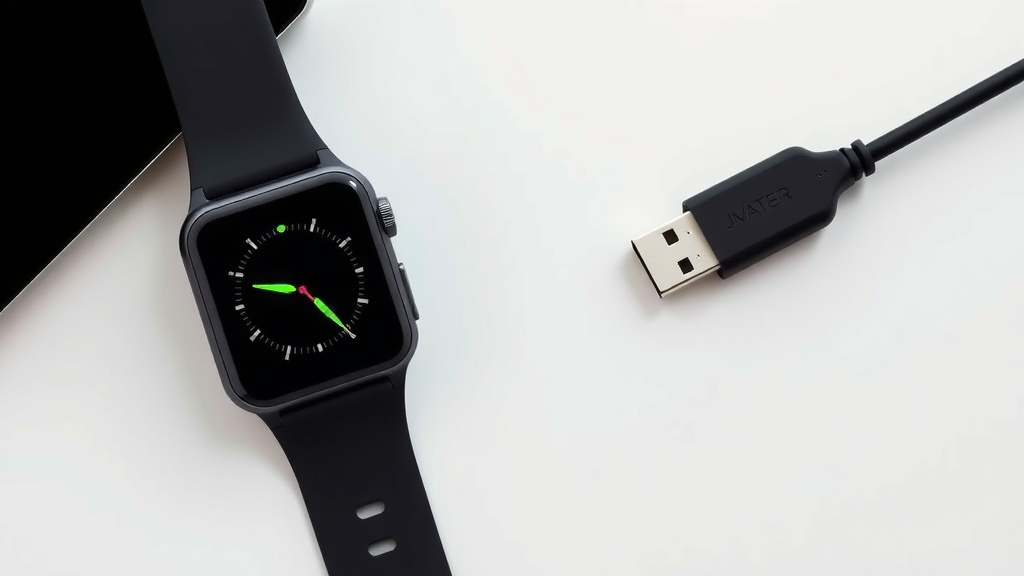
Yes, you can easily charge your smartwatch with a USB port. Most smartwatches come with a proprietary charging cable that ends in a standard USB-A connector. This allows you to plug it into a variety of common USB power sources. You just need to ensure the connector on the other end fits your specific smartwatch model, which is usually a magnetic cradle or clip.
This makes charging your smartwatch incredibly convenient. You can power up from your laptop, a USB wall adapter, a power bank, or even your car’s USB port. We found that this universal compatibility is a major plus for busy users. It means less worry about finding a specific charger when you’re on the go or need a quick power boost.
- Most smartwatches use a USB cable.
- Look for a USB-A connector on the charger.
- You can charge from laptops, wall adapters, and power banks.
- Ensure the other end of the cable fits your watch model.
Let’s walk through exactly how you can get your smartwatch juiced up using its USB cable.
Powering Up Your Smartwatch with USB: A Simple Guide
You’ve got your smartwatch, and you’re wondering how to get it charged. The good news is, you probably have what you need already! Most smartwatches are designed to play nicely with common USB power sources. It’s like having a universal remote for your watch’s battery life.
Understanding Your Smartwatch Charger
Your smartwatch likely came with a specialized charging cable. This isn’t just any old USB cable. One end connects to your watch, often with a magnetic or clip-on mechanism. The other end is usually a standard USB-A connector. This is the rectangular plug you see on most computer ports, wall adapters, and power banks.
The USB-A Connector: Your Charging Hub
This USB-A connector is the key. It’s designed to fit into a wide variety of devices that provide power. Think of it as a universal language for charging. This design choice makes it super easy for you to find a charging spot.
Different Watch Connector Types
While the USB-A end is standard, the part that touches your watch can vary. You might have:
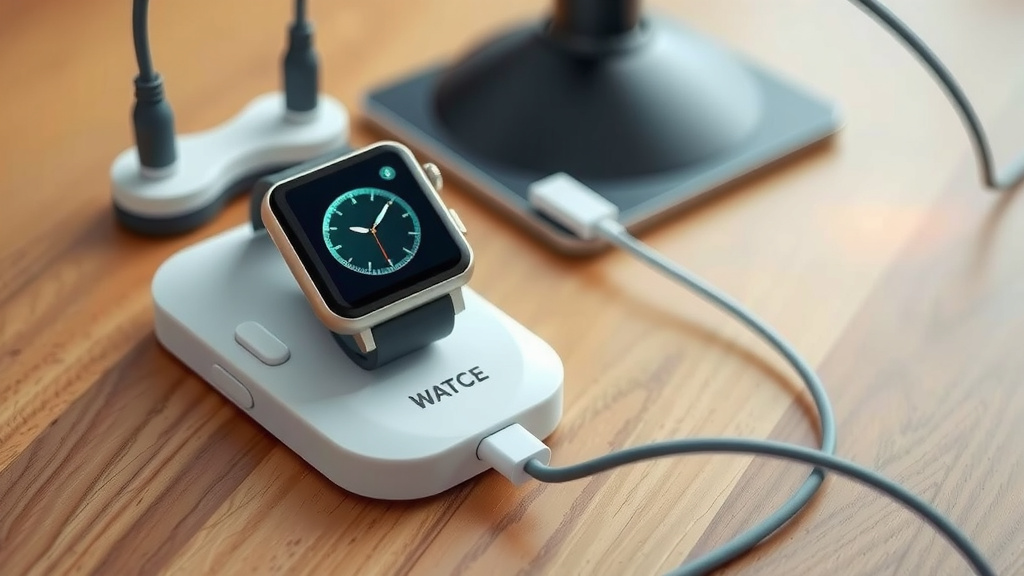
- A magnetic cradle that the watch simply sits in.
- A clip-on charger that securely grips your watch.
- A USB cable with a proprietary connector that plugs directly into a port on the watch itself (less common now).
No matter the style, the goal is the same: to deliver power efficiently and safely to your device.
Where Can You Plug In Your Smartwatch Charger?
The beauty of the USB-A connector is its versatility. You have several go-to options for charging your smartwatch.
1. Your Laptop or Computer
This is often the most convenient option if your watch is on your wrist. Just plug the USB-A end into an available USB port on your laptop or desktop. Many people find this handy while working or studying. It’s a simple way to top up your battery without needing a separate adapter.
A Quick Tip: If your laptop is in sleep mode or hibernation, the USB ports might not provide power. Make sure your laptop is either fully on or in a “connected standby” mode that keeps ports active.
2. USB Wall Adapters
You likely have a few of these around your home. These are the little bricks that plug into your wall outlets. Many modern wall adapters come with one or more USB ports. You can use the adapter that came with your phone, or any other multi-port USB charger. This is a reliable method for overnight charging. Just plug it into the wall, then plug your smartwatch cable into the adapter.
3. Power Banks and Portable Chargers
For charging on the go, a power bank is a lifesaver. These portable batteries have USB ports built-in. You can plug your smartwatch charger directly into the power bank. This is perfect for travel, camping, or long days away from an outlet. It ensures your watch stays powered up no matter where your adventures take you.
4. Car USB Ports
Many newer cars have USB ports built into the dashboard or center console. You can use these to charge your smartwatch while you’re driving. It’s a great way to charge up during your commute. Just be sure the car’s engine is running, or the accessory power is on, for the port to supply power.
5. Other USB-Enabled Devices
Occasionally, you might find USB ports on other devices, like smart TVs, gaming consoles, or even some printers. While these can sometimes provide power, it’s generally best to stick to dedicated power sources like wall adapters or laptops. This ensures a stable and consistent charge for your watch.
Ensuring a Safe and Effective Charge
While charging with USB is straightforward, a few things can help you get the best results and keep your watch safe.
Matching the Connector to Your Watch
This is the most critical step. Always ensure the end of the cable that connects to your watch is the correct type for your specific model. Using the wrong connector could damage your watch or the cable. Your smartwatch manual or the manufacturer’s website will confirm the right accessory.
Using Quality Cables and Adapters
We found that using certified or reputable brand accessories can make a difference. Cheap, unbranded cables or adapters might not deliver power correctly. They could also pose a safety risk. Stick to the charger that came with your watch or replacements from trusted brands.
Checking the Power Output (Wattage)
Most smartwatches don’t require a huge amount of power. A standard USB-A port typically provides 5 watts (5V at 1A). This is perfectly adequate for most smartwatches. If you use a wall adapter or power bank with higher wattage (e.g., fast charging for a phone), your smartwatch will simply draw the power it needs. It won’t overcharge.
Many experts suggest that using a charger rated for 5W or higher is safe and effective for smartwatches (Cleveland Clinic). Your watch’s charging circuitry manages the power intake.
Keeping Connections Clean
Sometimes, charging issues are due to dirt or debris. Periodically, gently clean the USB port on your adapter or laptop, and the connector on your watch cable. A dry cotton swab or a puff of compressed air usually does the trick. A clean connection ensures good electrical contact.
Your Smartwatch Charging Checklist
Ready to charge? Run through this quick checklist:
- Confirm you have the correct charging cable for your specific smartwatch model.
- Locate a suitable USB power source (laptop, wall adapter, power bank, car port).
- Plug the USB-A end of the cable into your chosen power source.
- Connect the other end of the cable securely to your smartwatch.
- Look for an indicator on your watch or the charger showing it’s receiving power.
- Allow ample time for a full charge, usually 1-3 hours depending on the model.
Following these steps will have your smartwatch back to full power in no time. It’s a simple process that keeps you connected and informed throughout your day.
Conclusion
You’ve learned just how straightforward charging your smartwatch with USB can be. The key is understanding your watch’s specific cable and knowing your versatile USB power source options. From your laptop to your car, powering up is usually just a plug-in away. Keep your connections clean and use the right cable for optimal performance. Now you’re ready to keep your smartwatch powered up and ready for anything your day throws at you. Go ahead and find a USB port – your watch will thank you!
Frequently Asked Questions
Can I use my phone’s USB wall charger for my smartwatch?
Yes, in most cases, you can use your phone’s USB wall charger. Just ensure the charger has a standard USB-A port and use the charging cable that came with your smartwatch. Your watch will only draw the power it needs, so there’s no risk of overcharging from a higher-wattage adapter.
What happens if I lose my smartwatch’s USB charging cable?
If you lose your original cable, you’ll need to find a replacement that’s compatible with your specific smartwatch model. Look for cables from reputable brands or directly from the manufacturer. Always double-check that the connector end fits your watch securely before purchasing.
Can I charge my smartwatch from a USB hub connected to my computer?
Generally, yes, you can charge your smartwatch from a USB hub connected to your computer. However, be mindful that hubs share power among connected devices. If the hub is powering many other devices, your watch might charge more slowly. A direct connection to the computer’s port or a dedicated wall adapter is often faster.
Is it safe to charge my smartwatch overnight using a USB connection?
Yes, it is safe to charge your smartwatch overnight using a USB connection. Modern smartwatches have built-in battery management systems that prevent overcharging. Using a reliable USB source like a wall adapter or laptop ensures your watch will reach full charge and then stop drawing power.
Do all smartwatches use the same type of USB connector on their charger?
No, not all smartwatches use the same type of USB connector on their charger. While the end that plugs into the power source is almost always a standard USB-A connector, the end that connects to the watch can vary greatly. It might be a magnetic puck, a clip, or a proprietary connector specific to the watch model.