How Does a Smart Watch Monitor Blood Sugar?
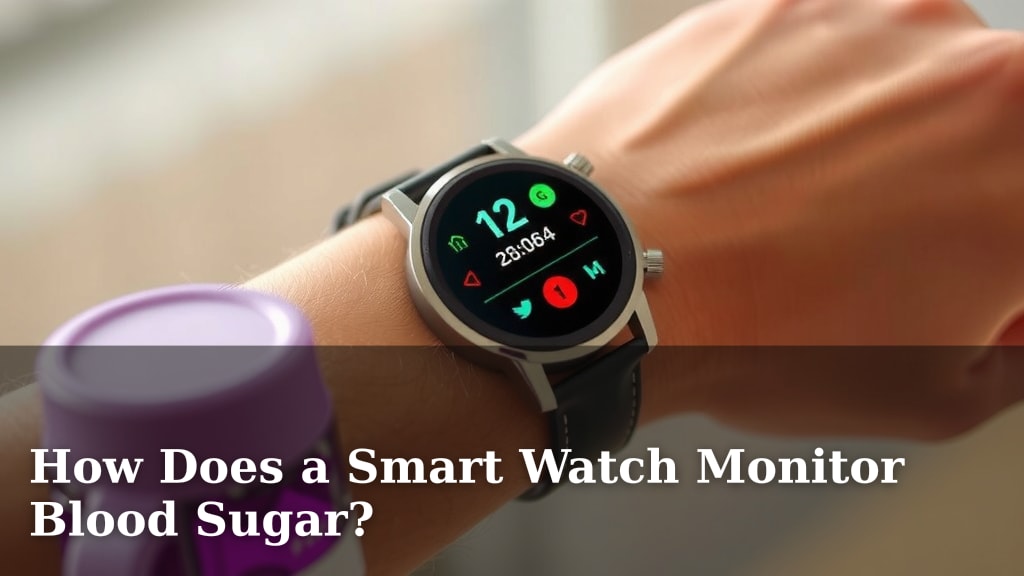
Smartwatches do not currently monitor blood sugar levels directly through your skin. Instead, most smartwatches that offer blood sugar features rely on connected glucose meters or continuous glucose monitors (CGMs). These external devices measure your blood sugar. Your smartwatch then receives and displays this data for your convenience. So, while your watch might show your glucose numbers, it’s not doing the measuring itself. It’s a helpful display, not a magic sensor.
This connection allows for real-time tracking of your glucose levels. You can see trends and get alerts right on your wrist. This makes managing diabetes potentially easier. Many people find having this information readily available is a big help in their daily routine. It’s like having a personal diabetes assistant.
- Smartwatches don’t measure blood sugar directly.
- They connect to external glucose monitors or CGMs.
- Your watch displays the data from these devices.
- This offers convenient, real-time glucose tracking.
- It’s a helpful tool for managing diabetes.
Let’s dive into how this connection works and what you should know about using your smartwatch for blood sugar monitoring.
How Your Smartwatch Gets Blood Sugar Readings
You might be wondering how your smartwatch can possibly tell you your blood sugar numbers. It’s a common question, and the answer is quite interesting. Your smartwatch doesn’t have a built-in glucose sensor that pierces your skin. Instead, it acts like a brilliant messenger. It receives data from other devices that are designed to measure your glucose.
Think of it like this: your smartwatch is the display screen on your phone. It shows you the information, but it doesn’t create that information itself. For blood sugar, the magic happens elsewhere. This connection is key to understanding how you get those readings on your wrist.
Connecting to the Source: Glucose Monitoring Devices
The real work of measuring blood sugar happens with specialized equipment. These are typically either traditional glucose meters or continuous glucose monitors (CGMs). Your smartwatch then connects to these to get the latest data.
Traditional Blood Glucose Meters
These are the meters many people have used for years. You prick your finger, put a drop of blood on a test strip, and insert it into the meter. The meter reads the strip and gives you a blood sugar number. To get this to your smartwatch, you’ll need a meter that can sync wirelessly, often through Bluetooth, to a smartphone app. Your smartwatch then pulls that data from the app.
Continuous Glucose Monitors (CGMs)
CGMs are a more advanced way to track glucose. A tiny sensor is inserted just under your skin, usually on your arm or abdomen. This sensor measures glucose in the fluid between your cells. It sends readings wirelessly to a small transmitter. This transmitter then sends the data to a paired smartphone app or a dedicated reader. Your smartwatch can connect to this same app or reader to display your CGM data.
How CGMs Work with Your Smartwatch
CGMs provide a constant stream of data. This means you get readings every few minutes, not just when you choose to test. Your smartwatch displays these frequent updates. This allows you to see trends and patterns in your glucose levels throughout the day and night. It’s a huge advantage for understanding how food, exercise, and stress affect your blood sugar.
The Smartwatch’s Role: Display and Alerts
Once the data is collected by a glucose meter or CGM, it needs to get to you. This is where your smartwatch shines. It’s your personal dashboard for glucose information.
Convenient Data Display
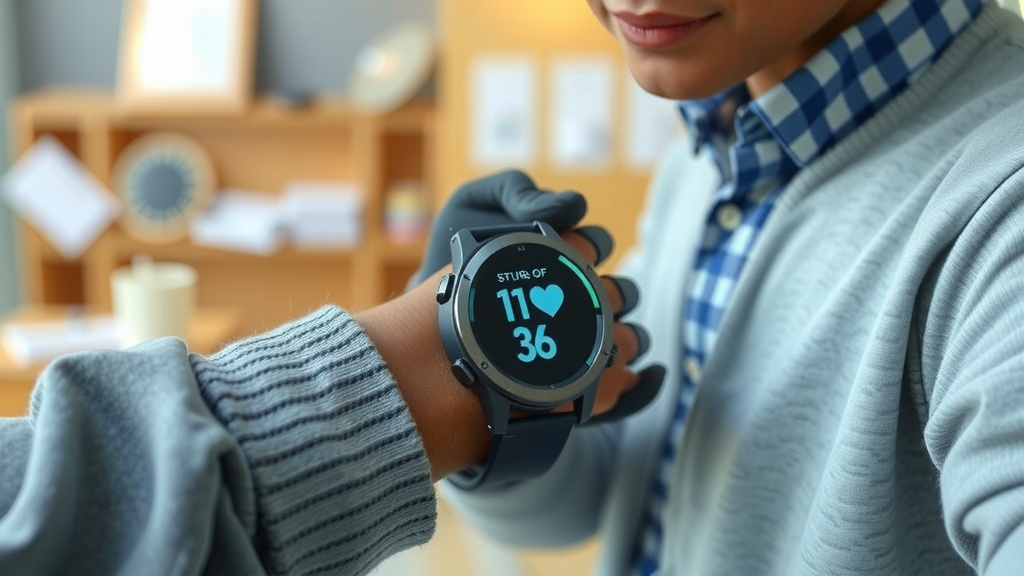
The primary function of your smartwatch in this setup is to display your glucose readings. Instead of pulling out your phone or a separate meter, you can simply glance at your wrist. This is especially handy when you’re out and about or in a meeting. You can quickly check if your levels are within your target range.
Setting Up Alerts and Alarms
Beyond just showing numbers, many smartwatch apps linked to glucose monitors allow you to set alerts. You can get notified if your blood sugar is too high or too low. These real-time alerts can be a lifesaver. They give you a heads-up to take action before your glucose levels become dangerous. Some systems even allow you to customize these alerts.
Trend Tracking on Your Wrist
CGM data, in particular, shows trends. Your smartwatch can display these trends as graphs or arrows. This helps you understand if your glucose is rising, falling, or staying stable. For example, you might see an arrow indicating your sugar is dropping rapidly. This helps you make informed decisions about your diabetes management plan.
Making the Connection: What You Need
To get blood sugar data on your smartwatch, you need a few key components. It’s not just about buying a smartwatch; compatibility is essential.
Compatible Smartwatch and App
First, you need a smartwatch that can run the specific app required by your glucose monitoring system. Most popular smartwatches from major brands (like Apple Watch, Samsung Galaxy Watch, etc.) can connect to health apps. You’ll need to check if the app that works with your glucose meter or CGM is available for your smartwatch’s operating system.
Bluetooth or Wireless Connectivity
Your glucose monitor or CGM must have Bluetooth or other wireless capabilities. This is how it communicates with your smartphone or directly with a smartwatch that supports direct pairing. Ensure the device you choose has this feature enabled.
The Right Health Apps
You will likely need to download and set up a specific health app on your smartphone. This app acts as the bridge between your glucose monitoring device and your smartwatch. For instance, if you use a Dexcom CGM, you’ll use the Dexcom app on your phone, which then connects to your smartwatch’s health platform (like Apple Health or Samsung Health).
Benefits of Smartwatch Blood Sugar Monitoring
Having your glucose levels displayed on your smartwatch offers several advantages for managing diabetes.
Increased Convenience and Accessibility
The most obvious benefit is convenience. You can check your glucose numbers with a quick flick of the wrist. This is much faster than taking out a phone or meter. It makes daily monitoring less of a chore.
Better Awareness and Trend Analysis
With continuous data from a CGM, you gain a deeper understanding of your glucose patterns. Seeing these trends on your watch can help you identify triggers and understand how your lifestyle choices impact your levels. This awareness is key to making effective adjustments to your diet and exercise.
Timely Intervention with Alerts
The alert system on your smartwatch can be a powerful tool. It provides immediate notification of out-of-range glucose levels. This allows for quicker intervention, helping to prevent severe highs or lows. Early detection can significantly improve health outcomes.
Important Considerations and Limitations
While convenient, it’s essential to understand the limitations. Smartwatches are excellent display tools, but they aren’t medical diagnostic devices on their own.
Device Accuracy is Key
The accuracy of the readings displayed on your smartwatch depends entirely on the accuracy of the connected glucose meter or CGM. Always ensure your primary monitoring device is calibrated and functioning correctly. Reputable sources like the American Diabetes Association suggest regular device checks.
Smartwatch is a Display, Not a Sensor
We need to reiterate: the smartwatch itself is not measuring your blood sugar. It’s showing you data from another device. If there’s a connectivity issue, or if the external device malfunctions, your smartwatch won’t show accurate or any readings. Always have a backup plan.
Battery Life and Connectivity Issues
Both your smartwatch and your glucose monitoring system rely on battery power. Bluetooth connections can sometimes be spotty. These factors can interrupt the data flow. It’s wise to keep your devices charged and ensure they are properly paired.
Here’s a quick checklist to ensure you’re set up correctly:
- Confirm your smartwatch model is compatible with health apps.
- Ensure your glucose meter or CGM has Bluetooth capability.
- Download and set up the correct companion app on your smartphone.
- Pair your glucose device with your smartphone app.
- Connect the app to your smartwatch’s health platform (e.g., Apple Health).
- Test alerts and data display to ensure everything is working smoothly.
Conclusion
As you’ve learned, your smartwatch doesn’t measure blood sugar on its own. Instead, it serves as a convenient display and alert system for external glucose monitoring devices like CGMs and traditional meters. This connection provides real-time access to your glucose data, making it easier to track trends and stay informed about your diabetes management. By understanding how these devices work together, you can make the most of this technology. Your next step should be to check your current smartwatch and glucose monitor compatibility. Then, explore the setup process to start enjoying the convenience on your wrist.
Frequently Asked Questions
Can my smartwatch directly measure my blood sugar without a separate device?
No, your smartwatch cannot directly measure your blood sugar. It relies on connected glucose meters or continuous glucose monitors (CGMs) to get the actual readings. The smartwatch’s role is to display this data conveniently on your wrist.
What do I need to connect my blood sugar readings to my smartwatch?
You’ll need a compatible smartwatch, a Bluetooth-enabled glucose meter or CGM, and a smartphone app that links your monitoring device to your smartwatch’s health platform. Ensure your devices and apps can communicate with each other.
Are smartwatch blood sugar readings as accurate as a finger prick test?
The accuracy of the readings on your smartwatch depends entirely on the accuracy of the connected glucose meter or CGM. Always ensure your primary monitoring device is functioning correctly and consider following manufacturer guidelines for calibration.
What if my smartwatch loses its connection to my glucose monitor?
If your smartwatch loses its connection, you won’t see updated readings. It’s important to ensure your devices remain paired and charged. Always have your smartphone or a traditional glucose meter as a backup for readings.
Can I get alerts for high or low blood sugar on my smartwatch?
Yes, many apps that connect your glucose monitor to your smartwatch allow you to set custom alerts for high or low blood sugar levels. These notifications can help you take timely action to manage your glucose.
![7 Best Oled Smart Watch [2026]](https://smartwatchbest.com/wp-content/uploads/2026/08/7-best-oled-smart-watch-2026-featured-768x432.jpg)