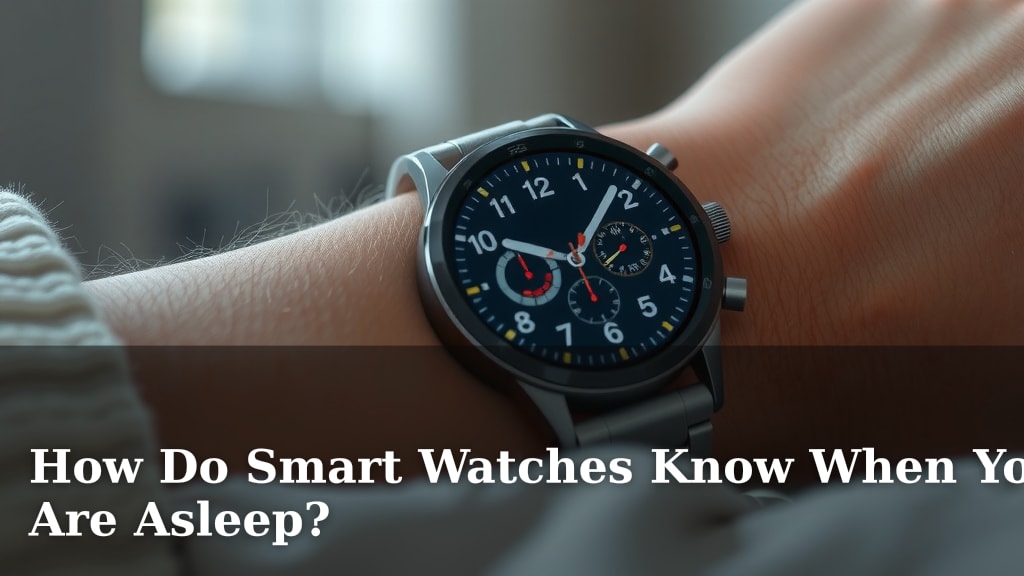
How Do Smart Watches Know When You Are Asleep?
Your smartwatch knows when you’re asleep by tracking your heart rate and movement. It looks for patterns that typically happen during sleep, like a slower heart rate and less physical activity. These sensors help your watch tell the difference between a nap and a deep sleep.
Beyond just telling time, smartwatches are becoming personal health trackers. They use sophisticated algorithms to analyze the data collected by their built-in motion sensors and heart rate monitors. This allows them to provide estimates of your sleep stages and duration, offering a peek into your nightly rest.
- Smartwatches use your heart rate to guess when you’re asleep.
- They also watch how much you move throughout the night.
- Specific patterns in heart rate and movement signal sleep.
- These watches can estimate different sleep stages.
Let’s dive into how your watch pulls off this nightly magic trick!
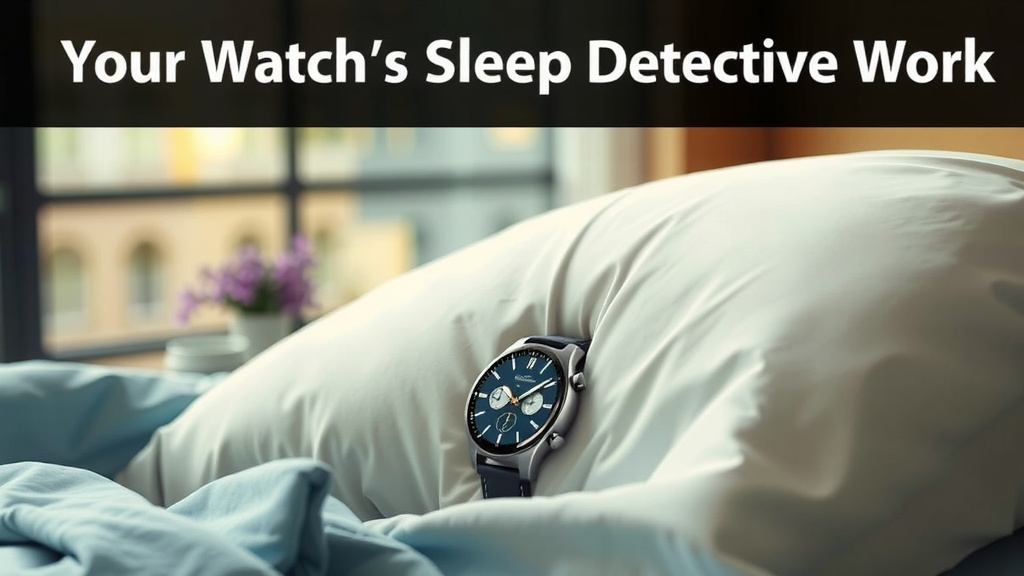
Your Watch’s Sleep Detective Work
Ever wonder how your smartwatch magically knows when you’ve drifted off to sleep? It’s not magic, but clever use of technology. Your watch uses tiny sensors to gather data all night long. Then, it applies smart algorithms to figure out your sleep patterns.
The Power of Motion Sensors
Think of your watch’s accelerometer and gyroscope as tiny detectives. These motion sensors track every twitch and turn you make. When you’re awake, you tend to move around more. You might toss and turn, get up for a drink of water, or even just shift positions. Your watch picks up on this consistent movement throughout the day and into the evening.
As you fall asleep, your body naturally calms down. You move a lot less. Your smartwatch notices this sudden drop in physical activity. It’s a key signal that you might be sleeping. The longer you stay still, the more confident the watch becomes that you’re resting. This is especially true for deep sleep stages where your body is almost completely still.
Heart Rate: The Sleep Barometer
Your heart rate is another big clue for your smartwatch. When you’re awake and active, your heart beats faster. It pumps blood to support your muscles and brain. Even when you’re relaxed but awake, your heart rate is generally higher than when you’re asleep.
During sleep, your body’s needs change. Your metabolism slows down, and your muscles relax. As a result, your heart rate typically drops. This slower, more steady rhythm is a strong indicator of sleep. Your watch continuously monitors these changes. It learns what your typical resting heart rate looks like when you’re awake versus when you’re asleep. Many experts say a resting heart rate of 40-50 beats per minute can suggest sleep (National Institutes of Health).
Variations in Heart Rate
Your heart rate isn’t static during sleep, though. It can fluctuate. These variations can actually tell your watch more about your sleep quality. For example, rapid eye movement (REM) sleep, the stage where most dreaming happens, often shows a slightly higher and more variable heart rate compared to other sleep stages.
Putting the Pieces Together: Algorithms at Work
Your smartwatch doesn’t just look at heart rate or movement in isolation. It uses sophisticated algorithms to combine all the data points. These algorithms are like complex recipes. They take the information from your motion sensors and heart rate monitor and analyze it together.
The algorithms look for patterns that are consistent with sleep. They consider the time of day, your typical daily activity levels, and your heart rate trends. For instance, if your heart rate drops significantly and your movement almost stops around the same time each night, the algorithm flags this as probable sleep. It’s a smart way to distinguish between simply sitting still and actually being asleep.
Distinguishing Sleep Stages
Your watch can go beyond just telling you *if* you’re asleep. It can also estimate which sleep stage you’re in. These stages include light sleep, deep sleep, and REM sleep. Different stages have distinct patterns of heart rate and movement.
Light sleep is the transition from wakefulness to sleep. You still move occasionally. Deep sleep is when your body repairs itself. Movement is minimal, and your heart rate is at its lowest. REM sleep is crucial for memory and learning. Your heart rate and breathing can become more irregular, and your eyes move rapidly behind your eyelids. Your watch’s algorithm interprets the specific combination of your heart rate and movement patterns to guess which stage you’re in.
| Sensor Type | What It Measures | What It Signals About Sleep |
|---|---|---|
| Motion Sensors (Accelerometer/Gyroscope) | Movement, activity levels, stillness | Less movement indicates sleep; stillness suggests deeper sleep. |
| Heart Rate Monitor (Optical Sensor) | Beats per minute, heart rate variability | A slower, more consistent heart rate suggests sleep; variations can point to REM sleep. |
What About Naps?
You might be thinking, “What about those times I’m just relaxing on the couch?” Your smartwatch is pretty good at distinguishing between a nap and being truly asleep. Naps can be shorter and might involve less stillness. Your watch’s algorithms are designed to identify longer periods of low movement and a decreased heart rate for more accurate sleep tracking.
If you only sit still for 20 minutes, even if your heart rate is a bit lower, your watch might not count it as sleep. It needs to see those longer patterns that are characteristic of a sleep cycle. This helps ensure the data you see is a true reflection of your sleep, not just quiet moments.
Factors That Can Affect Accuracy
While smartwatches are quite good, they aren’t perfect sleep labs. Several factors can sometimes throw off their readings. If you have a very active sleep style, you might move more than average, which could be misinterpreted by the motion sensors. Certain medical conditions that affect heart rate or respiration can also influence the data.
Things like alcohol consumption or late-night caffeine can also affect your heart rate and sleep patterns. Your watch is essentially making an educated guess based on the data it receives. For most people, this is accurate enough to provide useful insights into their sleep habits. However, if you have concerns about your sleep, it’s always best to consult a healthcare professional.
The Role of Your Personal Data
Over time, your smartwatch learns your unique patterns. It uses the data collected from previous nights to refine its understanding of your sleep. This personalization helps improve accuracy. The more you wear your watch, the better it gets at recognizing your individual sleep rhythms.
Getting the Most Out of Your Sleep Tracking
To help your smartwatch do its best job, here are a few tips:
- Wear your watch consistently every night.
- Ensure it’s snug but comfortable on your wrist.
- Keep your watch’s software updated.
- Avoid drinking alcohol or caffeine close to bedtime.
- Try to maintain a regular sleep schedule.
- Note any external factors that might affect your sleep (like travel or illness).
Conclusion
Your smartwatch is more than just a timepiece. It’s a clever sleep detective, using your heart rate and movement to understand your nightly rest. By analyzing patterns of stillness and slower heartbeats, it can accurately guess when you’ve fallen asleep and even estimate your sleep stages. Remember, consistency is key! Wearing your watch regularly and following a healthy sleep routine will help it provide the most accurate insights into your sleep habits. Use this information to make informed choices for better sleep and a healthier you.
Frequently Asked Questions
Can my smartwatch tell me if I have a sleep disorder?
Your smartwatch can provide helpful data about your sleep patterns, like duration and restlessness. However, it is not a medical device. It cannot diagnose sleep disorders. If you have concerns about your sleep quality or suspect a disorder, you should always consult a healthcare professional for a proper diagnosis and treatment plan.
Does wearing my smartwatch too tightly affect sleep tracking?
Yes, wearing your smartwatch too tightly can affect its accuracy. It might interfere with the heart rate sensor’s ability to get a clear reading. It can also be uncomfortable, potentially disturbing your sleep. Ensure your watch is snug enough to make good contact but loose enough to be comfortable for all-night wear.
Why does my watch sometimes say I was awake when I felt asleep?
Sometimes, if you are very still but not actually asleep, your watch might misinterpret this. Similarly, if you toss and turn a lot during light sleep, it might think you are awake. The algorithms are constantly improving, but occasional discrepancies can happen due to unusual sleep movements or stillness.
How does my smartwatch track sleep if I don’t charge it overnight?
Most smartwatches have enough battery life to track sleep for at least a full night even if they weren’t fully charged. If the battery is critically low, it may not have enough power to run the sensors and algorithms needed for sleep tracking. It’s best to wear it with at least a moderate charge to ensure accurate data collection.
Can my smartwatch track sleep if I take a daytime nap?
Yes, many modern smartwatches are designed to detect naps. They look for a significant drop in movement and heart rate that lasts for a reasonable period, similar to nighttime sleep. The algorithms are often sophisticated enough to differentiate between just sitting still and actual sleep, even during the day.

![7 Best Looking Men'S Smart Watch [2026]](https://smartwatchbest.com/wp-content/uploads/2026/08/7-best-looking-men-s-smart-watch-2026-featured-768x432.jpg)