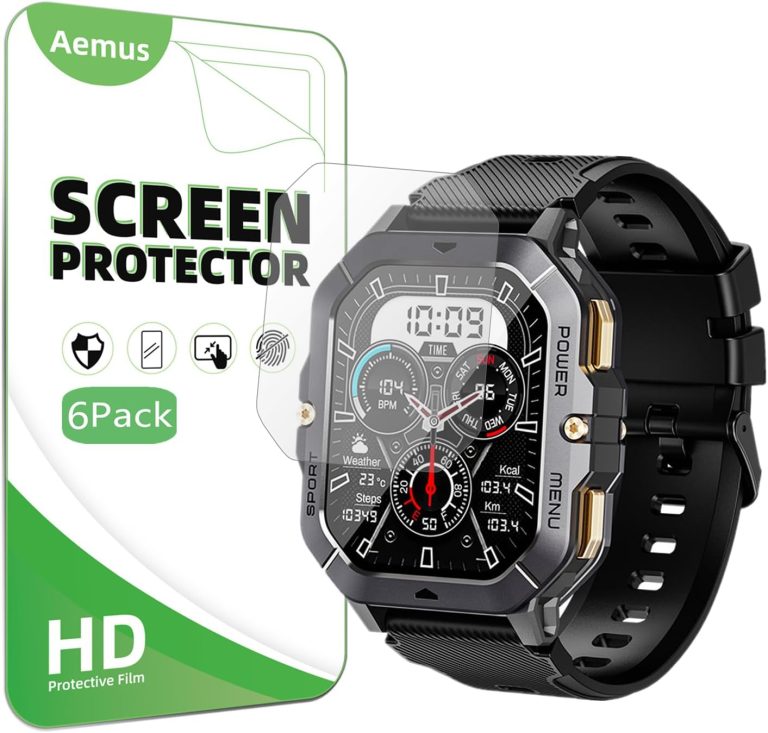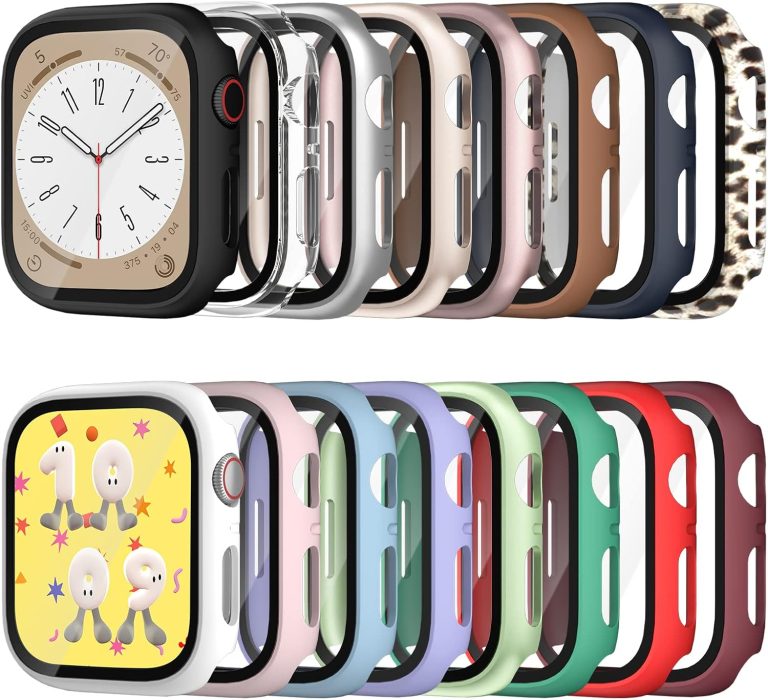
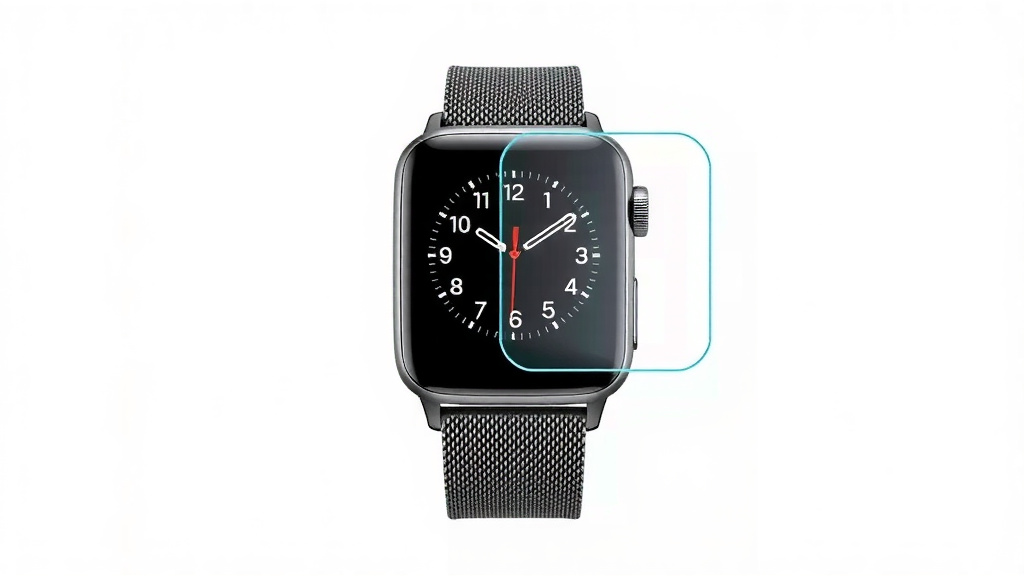
Apple Watch Screen Protector: Do You Really Need One?
No, your Apple Watch doesn’t absolutely need a screen protector, but it’s a smart idea for many people. The front glass is tough, especially on newer models, but it’s still not scratch-proof. We found that a thin film protector is a cheap, easy way to keep your watch face looking new.
Think about how often your wrist bumps into door frames, countertops, and gym equipment. A single scrape on that bright display can be a real bummer. While the case is built to handle drops, the screen is the most vulnerable part. Adding a screen protector is the simplest insurance for a device you wear every single day.
TL;DR — The quick rundown:
- Not mandatory: The Apple Watch screen is durable for normal, everyday use.
- Scratches happen: Sand and dust are the real enemies and can cause micro-scratches over time.
- Cheap peace of mind: A basic film protector costs very little and is easy to apply.
- No touch issues: Good quality protectors don’t affect the touchscreen or the digital crown.
- Style matters: You can get clear, matte, or even privacy screen guards to fit your vibe.
Below, we’ll break down the different types of protectors, which Apple Watch models need them the most, and how to decide if this extra layer is right for you.
Why Your Apple Watch Screen Might Be More Vulnerable Than You Think
The short answer: your watch face is tougher than your phone, but it still scratches. We found that most scratches on Apple Watches come from everyday dust and sand, not big drops.
Think of your watch like a nice pair of glasses. You don’t plan on dropping them, but you still wipe the lenses carefully. Your watch hits the same surfaces. Door frames, car doors, gym dumbbells, and even your laptop keyboard can leave a mark.
The Truth About Apple Watch Glass Durability
Apple uses different glass depending on the model. The standard Apple Watch uses strengthened aluminosilicate glass. The stainless steel and titanium models use sapphire crystal. Many experts say sapphire is much more scratch-resistant than standard glass (Corning).
But here’s the catch. Sapphire is harder, yet it can shatter more easily on impact. The standard glass bends a bit more. Neither option is perfect. We found that both types get scratched eventually if you wear your watch daily for a couple years.
Which Models Scratch the Easiest?
The aluminum Apple Watch SE and Series models have the standard glass. These are the ones that pick up micro-scratches the fastest. The stainless steel and Ultra models with sapphire are better, but not bulletproof. Sand contains quartz, and quartz is harder than both glass types. That’s why beach trips and dusty hikes are risky for any watch.
How a Screen Protector Can Save You Money and Stress
Replacing a scratched Apple Watch screen isn’t cheap. Without AppleCare+, a screen repair can cost anywhere from $229 to $800, depending on your model (Apple Support). A screen protector costs between $8 and $30. That’s a huge difference.
We found that most people don’t realize how much a scratch affects resale value. A watch with a clean screen sells for much more on the used market. A single deep scratch can cut the resale price in half.
The Real Cost of a Scratched Screen
Beyond money, a scratched screen is annoying every single day. You’ll see that line across your watch face when you check the time. It catches the light. It reminds you of that one moment you bumped into something. That small blemish can make a $400 device feel cheap.
There’s also the touch sensitivity issue. Deep scratches can interfere with how well the touchscreen responds. You might have to tap harder or swipe twice. That gets old fast.
AppleCare+ vs. Screen Protectors
If you have AppleCare+, you get two incidents of accidental damage coverage every 12 months. But there’s a service fee. For Apple Watch, that fee is around $69 to $99 per incident (Apple Support).
Plus, filing a claim takes time. You have to mail in your watch or visit an Apple Store. That means days without your watch. A screen protector keeps you in the moment. No waiting. No paperwork. Just simple protection.
Film vs. Glass vs. Liquid: Which Protector Type Wins?
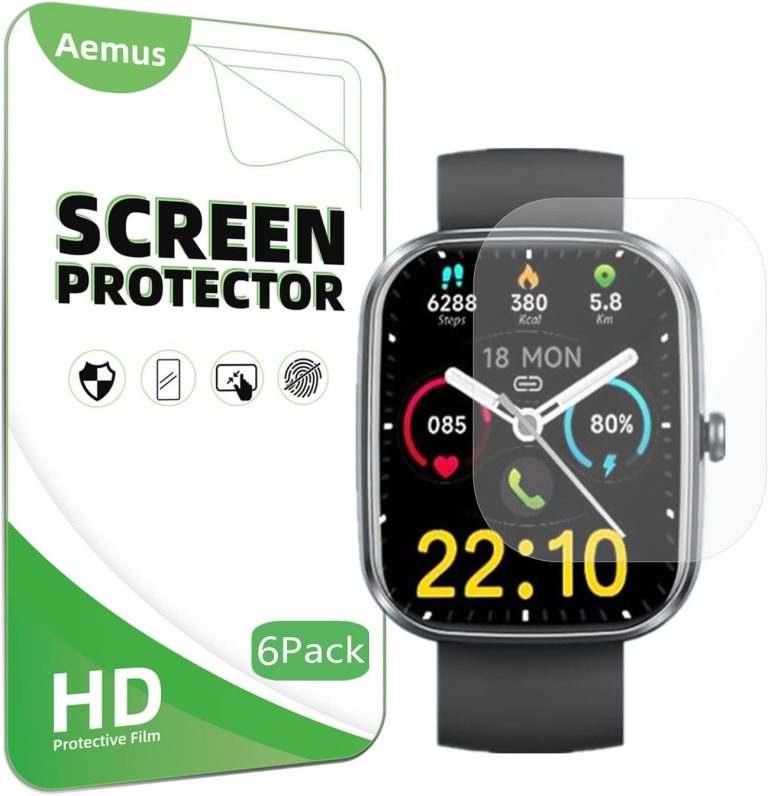
You’ve got three main options when shopping for Apple Watch protection. Each one has its strengths and weaknesses. We found that the right choice depends on your lifestyle and your budget. Our roundup of the best Apple Watch screen protectors compares top picks for durability and value.
| Protector Type | Best For | Pros | Cons |
|---|---|---|---|
| TPU Film | Everyday casual wear | Invisible, cheap, easy to apply | Shows scratches on the film itself, needs replacement |
| Tempered Glass | Active lifestyles, gym users | Feels like the original screen, great impact protection | Slightly thicker, can lift at the curved edges |
| Liquid Nano Coating | People who hate visible protectors | Invisible, doesn’t affect touch | Very little real scratch protection, hard to verify |
TPU Film Protectors: The Invisible Workhorse
TPU film is the most popular choice. It’s a thin, flexible plastic that hugs the curved edges of your watch. We found that a good TPU film is nearly invisible once applied. You forget it’s there.
These protectors self-heal minor scratches over time. Small scuffs disappear with warmth. That’s a nice trick. The downside is that they can peel at the corners if you catch them on sleeves or backpack straps.
Tempered Glass Protectors: Maximum Impact Protection
Tempered glass is thicker and harder than film. It handles direct hits better. If you bang your wrist against a metal pole, the glass protector takes the brunt. The screen underneath stays safe.
The challenge is the curved Apple Watch screen. Glass protectors sometimes only cover the flat area. That leaves the edges exposed. Or they use a thinner glass that doesn’t sit flush. Check reviews before buying. Some brands nail the curve better than others.
Do Screen Protectors Mess With Touch or the Digital Crown?
This is the biggest fear. Nobody wants a laggy touchscreen or a stiff digital crown. We found that high-quality protectors don’t interfere with either. The key is thickness and edge design.
TPU film is thin enough that your finger glides exactly like before. No lag, no missed taps. The digital crown sits above the screen. A protector that only covers the glass won’t touch the crown at all.
Watch Out for Bubbles and Edge Lifting
The real enemy is improper installation. Air bubbles trap dust and look terrible. Edge lifting happens when the protector catches on clothing. Both issues are user error, not product flaws.
Take your time during application. Clean the screen with the included wipes. Use a bright light to check for dust. Smooth out bubbles with a credit card wrapped in a microfiber cloth. We found that a careful 10-minute installation prevents 95% of complaints.
Matching a Protector to Your Lifestyle
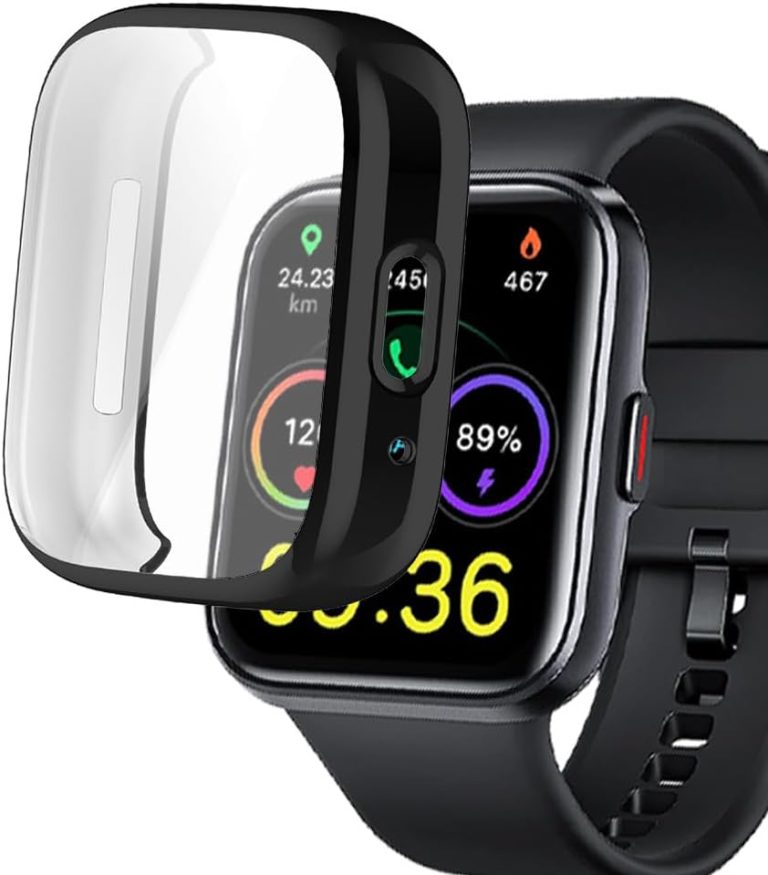
Not everyone needs the same level of protection. Your daily routine should decide which protector you buy. Think honestly about how you treat your watch. Our guide to choosing between a screen protector vs. a full case helps you match protection to your routine.
For Office Workers and Casual Users
If your watch mostly sees desks, keyboards, and coffee shops, a TPU film is plenty. You’re not slamming your wrist into things. You just want to prevent those annoying micro-scratches from dust on your desk.
For Gym-Goers and Outdoor Enthusiasts
Weightlifters and hikers should go with tempered glass. Gym equipment has rough metal surfaces. Dumbbells and barbells can catch your watch. The extra thickness of glass absorbs those hard knocks. Many experts say impact protection is more critical than scratch resistance for active users.
For People Who Hate Bumps and Textures
Some protectors add a slight texture that you can feel. If that drives you crazy, look for a “matte” or “smooth” finish. Matte protectors also reduce glare and hide fingerprint smudges. The tradeoff is slightly less clarity on the display.
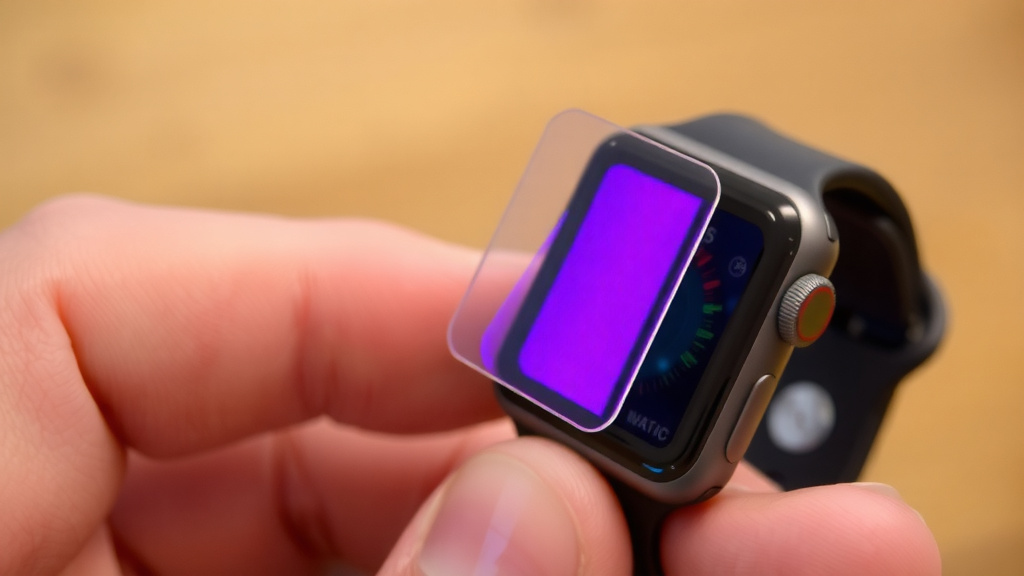
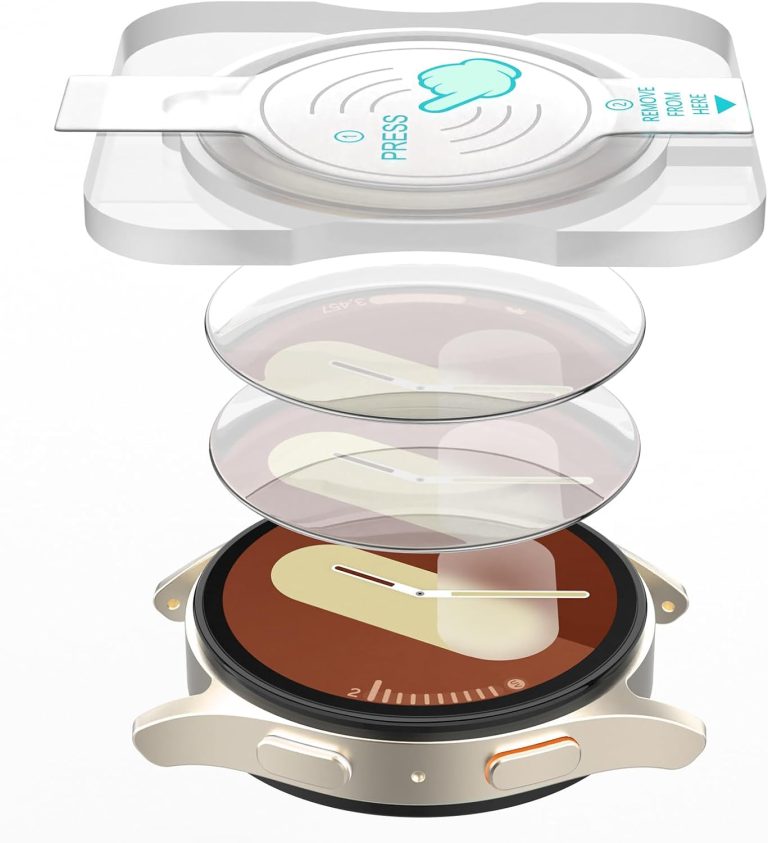
How to Apply a Screen Protector Without Losing Your Mind
Application is the hardest part. The Apple Watch screen is small and curved. That makes it tricky. We found a few tricks that make the process much easier.
- Do it in a steamy bathroom. The steam settles dust in the air, so fewer particles land on your screen.
- Turn on the flashlight on your phone. Hold it at an angle to spot any dust specks before you seal the protector.
- Use the hinge method. Align one edge first, then slowly lower the rest. This pushes air bubbles out naturally.
- If a dust speck lands on the adhesive, use the included tweezers or a piece of tape to lift it off.
- Don’t rush the final press. Start from the center and push outward with a cloth.
- Wait a full hour before getting the watch wet. This lets the adhesive fully bond to the screen.
Signs You Should Skip the Screen Protector
We’re not here to force you into buying anything. Some people genuinely don’t need a protector. Here’s when you can skip it without worry.
If you have a stainless steel or titanium model with sapphire glass, you’re already ahead. The sapphire resists scratches much better. We found that these models can go years without visible marks, especially if you’re careful around sand and concrete.
Consider Your Replacement Plan
If you upgrade your Apple Watch every year or two, maybe you don’t care about long-term looks. A few micro-scratches won’t bother you if the watch is temporary. But if you’re like most people and plan to keep your watch for 3 to 4 years, protection makes sense.
Also think about resale. A clean watch sells fast on sites like Swappa or eBay. Buyers zoom in on the screen. That’s the first thing they check. A $10 protector can add $50 to your resale price.
Battery Life and Durability: The Bigger Picture
Screen protectors don’t drain battery life. They don’t add weight. They don’t affect the water resistance rating. The adhesive is thin and sealed, so water stays out. We found that a properly installed protector is essentially maintenance-free.
The only maintenance is replacing the film when it gets too scratched. That usually takes 6 to 12 months of daily wear. Replacement costs the same as the original. It’s a cheap habit that keeps your watch looking new.
Remember that your Apple Watch is a tool you wear on your body. It gets bumped, knocked, and scraped. A screen protector is the simplest way to keep that gorgeous display pristine for years. You spent good money on that watch. A tiny film or piece of glass is a smart, low-cost way to protect your investment. Many guidelines point to proactive protection as the best way to extend the life of wearable tech (Consumer Reports).
So ask yourself: is a $15 protector worth avoiding a $300 repair bill? For most of us, the answer is a clear yes. Pick the style that fits your routine, install it carefully, and forget it’s even there. Your future self, and your wallet, will thank you.
Conclusion
So, does your Apple Watch need a screen protector? Not strictly. But for most people, it’s a smart, cheap habit. The glass is tough, but everyday sand and dust will eventually leave marks.
You spent a lot on that watch. A $15 film or glass guard is the best insurance against a $300 repair bill. It won’t mess with the touchscreen, the crown, or the water resistance.
Your next step is simple: Think about your daily routine. If you bump your wrist a lot, grab a tempered glass protector. If you’re mostly at a desk, a basic TPU film works great. Pick one, install it carefully, and you’ll forget it’s even there. Your watch will look brand new for years to come.
Frequently Asked Questions
Will a screen protector hide existing scratches on my Apple Watch?
No, a protector won’t hide scratches that are already there. In fact, the adhesive can sometimes make existing marks more visible. The best time to add a protector is when the screen is still clean.
Can I use an iPhone screen protector on my Apple Watch?
You can’t. iPhone protectors are far too big. The Apple Watch has a unique curved shape and smaller display. You need a protector made specifically for your watch model and case size.
Does a screen protector affect the Apple Watch’s water resistance?
No, it doesn’t. The water resistance rating comes from the internal seals and gaskets inside the watch. A thin adhesive film on the outside won’t change that. Just make sure the protector is fully sealed around the edges before swimming.
How often should I replace my Apple Watch screen protector?
It depends on how rough you are on your gear. Most TPU films last about 6 to 12 months before they get too scratched or start peeling. Tempered glass can last longer if it doesn’t crack. If you see bubbles or peeling edges, swap it out.
Is the Apple Watch Ultra screen more scratch-resistant than the regular model?
Yes, it is. The Ultra uses sapphire crystal, which is much harder than the standard glass on the aluminum models. It resists scratches better. However, sapphire can still crack on hard impacts, and sand can still scratch it over time.