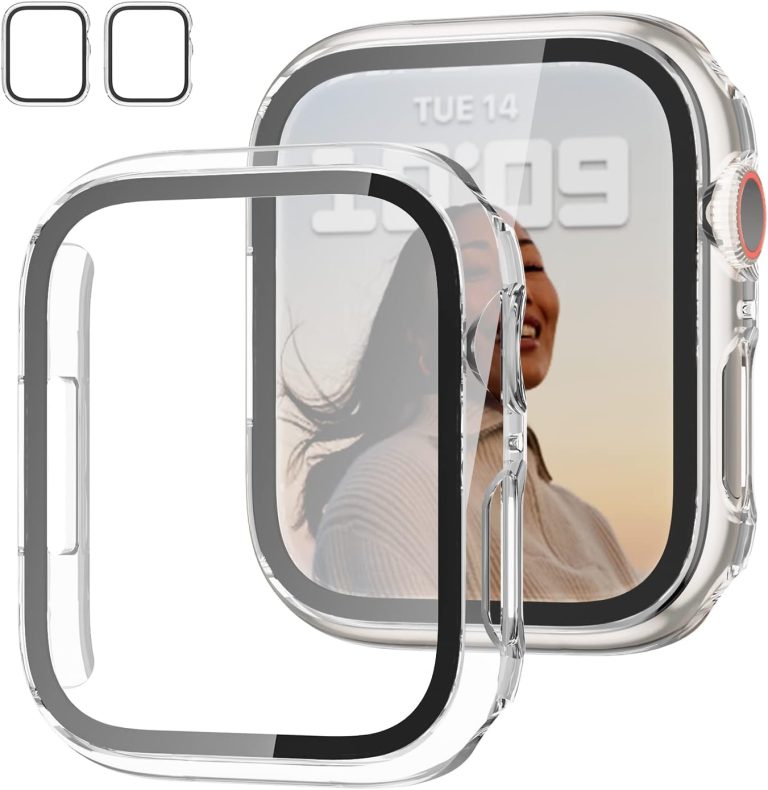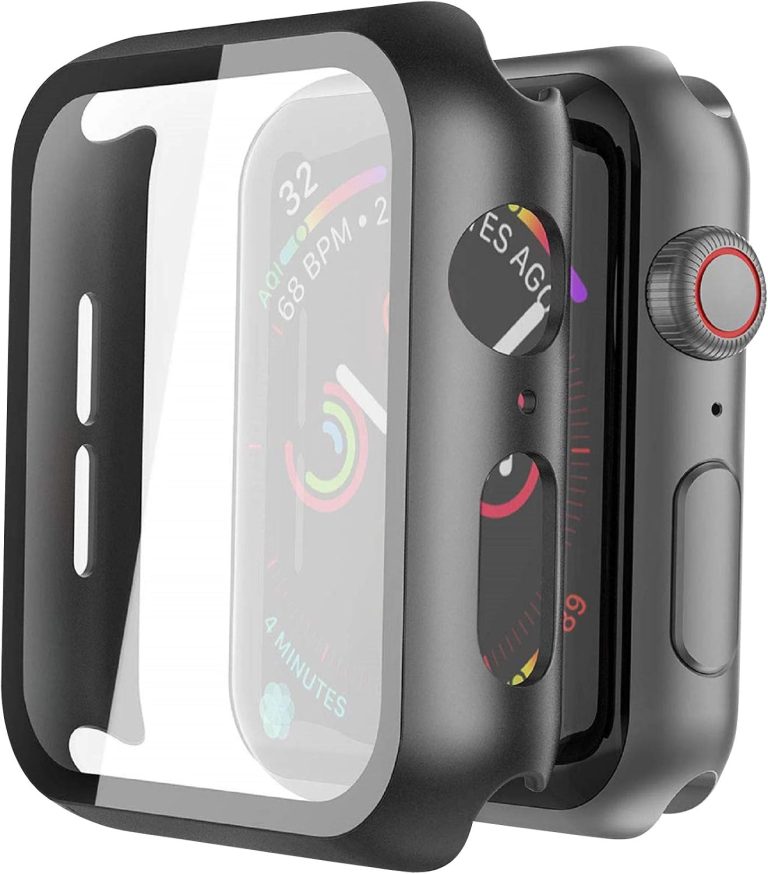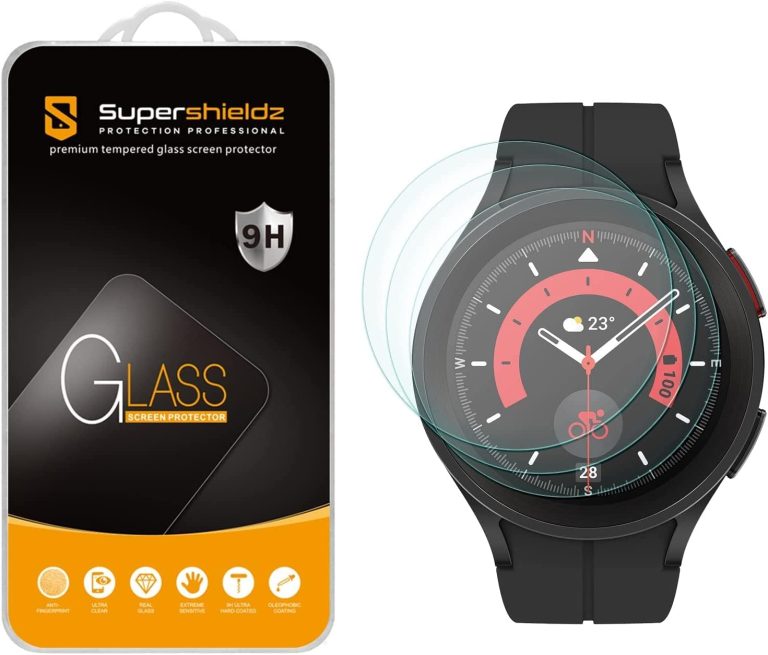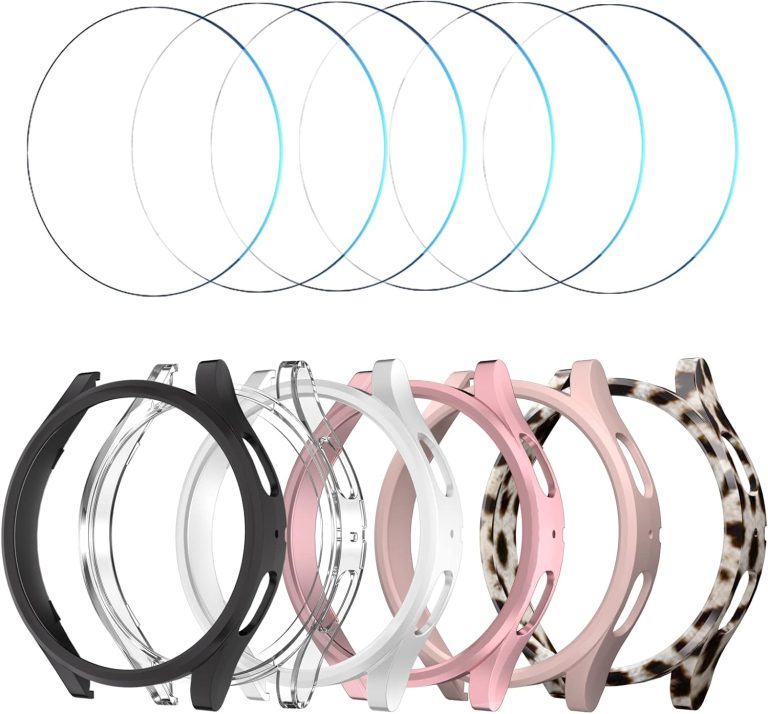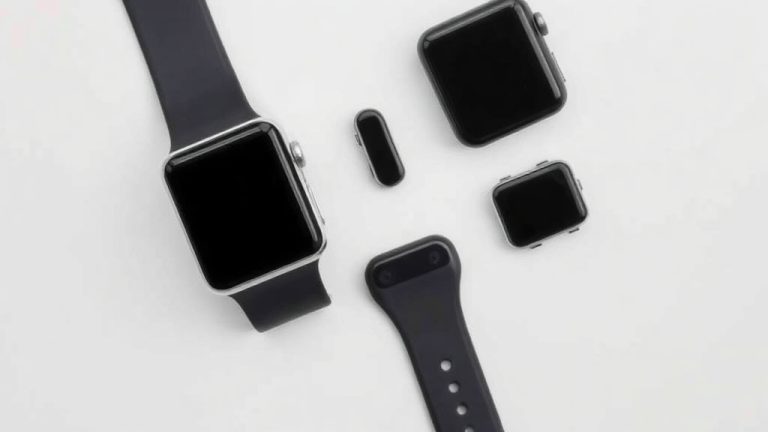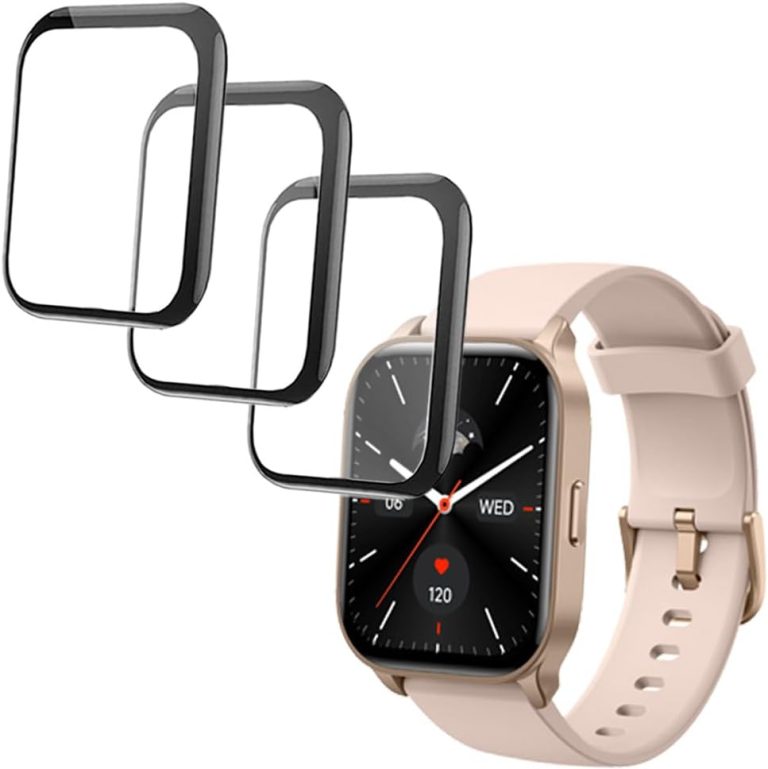
Do Smartwatches Need Screen Protectors? Yes
Yes, your smartwatch needs a screen protector, especially if you want to keep it looking new. We found that most scratches happen during everyday tasks, not big accidents. A simple protector stops dust, keys, and door frames from ruining your display.
Smartwatches take a lot of bumps throughout the day. Your wrist hits countertops, car doors, and workout equipment without you even noticing. A screen protector is a cheap way to protect your investment. It costs just a few dollars compared to a repair bill that could be over a hundred.
- Yes, you need one—even newer models scratch over time.
- They are cheap—usually under $10 for a decent option.
- They are easy to install—takes about two minutes.
- They do not affect touch sensitivity—your taps still work perfectly.
- They are better than a cracked screen—replacing the glass is expensive.
Below, we break down exactly which protector works best for your watch. You will also learn how to apply one without bubbles. Let us walk you through this simple upgrade step by step.
Do You Really Need a Protector on Your Smartwatch?
The short answer is still yes. We found that smartwatches scratch far easier than people expect. Most folks assume their watch face is unbreakable because it looks tough. That is not the case.
Your watch hits things all day long. Door frames. Car doors. Gym equipment. Even a stray fork while you do the dishes. These small bumps add up fast. Over time, they leave tiny marks that ruin the look of your screen.
Experts say that most modern smartwatch glass is tough against drops but weak against scratches (Consumer Reports). The coating that makes the glass smooth can wear off with daily use. A protector keeps that coating safe. It acts like a shield for the part of your watch you look at most.
How Smartwatch Screens Get Damaged
You might think you are careful. We found that even careful people end up with scratches. It only takes one bad brush against a brick wall or a set of keys in your pocket.
Here are the most common ways watches get scratched:
- Brushing against granite countertops while cooking
- Sliding your wrist along a desk while typing
- Bumping into metal handrails on stairs
- Rubbing against zippers or buttons on jackets
- Dropping the watch face down on concrete
- Getting caught on gym equipment like dumbbells
None of these feel like big accidents. That is why the damage surprises you later. You look down and see a fresh scratch. You have no idea when it happened. A screen protector takes that hit for you instead.
Do Newer Models Scratch Less?
Many people ask if the latest Apple Watch or Samsung Galaxy Watch needs a protector. We found that even the newest models scratch. The glass is stronger than before, but not scratch-proof.
Manufacturers use materials like sapphire or hardened glass on some models. Sapphire resists scratches very well. But it can crack more easily if you drop it. Cheaper models use regular glass that scratches with normal use. Either way, a protector adds a layer of safety without costing much.
What Happens When You Skip the Protector
Without a protector, you roll the dice every single day. We found that most people who skip the protector regret it within the first year. The screen picks up micro-scratches that are visible in bright light.
Those tiny scratches collect dirt and oil. Over time, they become more visible. Your watch starts to look old and worn. You also lose resale value if you ever plan to sell it.
Worse, a deep scratch can weaken the glass. One small drop later, and you get a full crack. That repair costs a lot more than a protector ever will.
The Real Cost of a Cracked Screen
Replacing a smartwatch screen is not cheap. We found that repair bills often range from $100 to $400 depending on the brand and model. Some watches cost more to fix than to replace.
Compare that to a screen protector. Most good ones cost between $8 and $15. Some come in packs of two or three for that price. You are spending less than a pizza to protect a device that costs hundreds.
Think of it like car insurance. You hope you never need it. But when you do, you are glad you have it. A screen protector works the same way. It is peace of mind for a few bucks.
What About Warranty Coverage?
Some people think their warranty covers scratches. We found that most warranties do not cover cosmetic damage. Scratches are considered normal wear and tear. The warranty only covers defects from the factory.
If you buy AppleCare+ or a similar plan, it may cover accidental damage. But you still pay a deductible. That deductible is often more than the cost of ten screen protectors. Plus, you only get a limited number of claims per year.
Types of Screen Protectors and Which One Fits You
Not all protectors work the same. We found that the type you choose matters based on how you use your watch. Here is a quick breakdown of your options. Our guide to choosing between a screen protector vs case can help you decide based on your routine.
| Type | Best For | Pros | Cons |
|---|---|---|---|
| Tempered Glass | General everyday use | Feels like the original screen. Strong drop protection. | Can crack on hard impact. Slightly thicker. |
| TPU Film | Active lifestyles | Self-heals small scratches. Very thin. Flexible. | Less drop protection. Can feel rubbery. |
| Hybrid | Best of both worlds | Flexible edges with a hard center. Good balance. | Harder to find. Slightly pricier. |
| Sapphire Coated | Premium protection | Very scratch resistant. Clear and smooth. | Can shatter on drops. Costs more. |
Tempered Glass Protectors
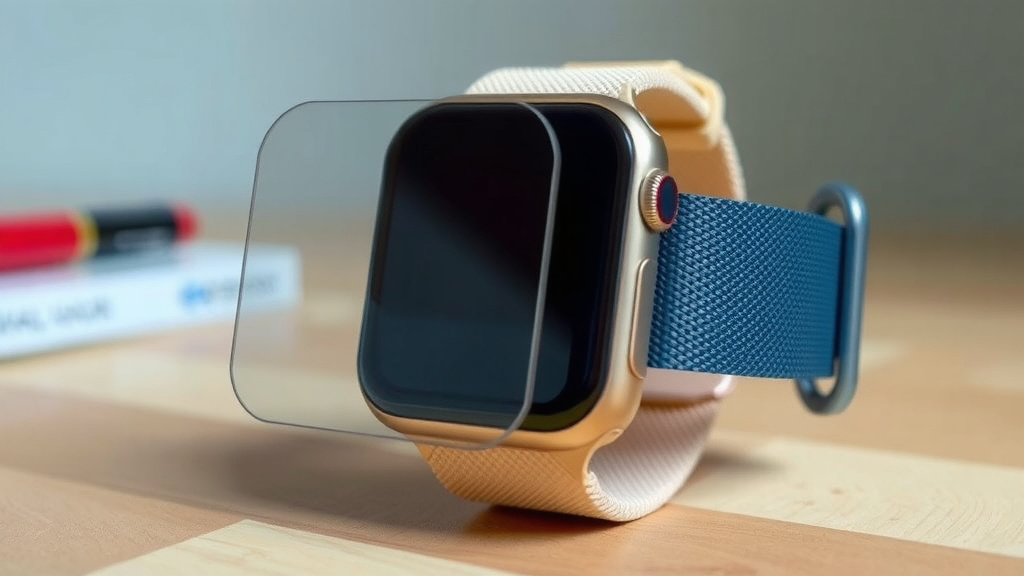
Tempered glass is the most popular option. We found that it feels closest to your actual watch screen. It is thin, smooth, and does not interfere with touch controls.
The main job of tempered glass is to absorb impact. If you drop your watch, the protector cracks instead of your real screen. You just peel it off and put on a new one. That is a much cheaper fix.
One downside is that tempered glass can shatter. That sounds scary, but it does its job. The energy of the drop goes into the protector, not your watch face. Many experts say this is the best option for most people (iFixit).
TPU Film Protectors
TPU film is a soft, flexible plastic. It is great for people who are rough on their gear. The film absorbs scratches and can even heal minor marks on its own. For a self-healing film protector, our IPG review covers real-world testing and durability.
We found that TPU is ideal for workouts and outdoor activities. It wraps around the curved edges of your watch screen. That means fewer gaps where dirt can get in.
The downside is that TPU feels different from glass. It is a bit grippy. Some people notice a slight orange-peel texture. But if you care more about function than feel, this is a solid choice.
Hybrid and Premium Options
Hybrid protectors combine glass and film. They have a hard center for clarity and flexible edges for full coverage. We found these work well on curved watch faces.
Sapphire-coated protectors offer the highest scratch resistance. But they are brittle. They might crack if you drop your watch hard. They also cost the most, so they are not for everyone.
How to Apply a Screen Protector Without Bubbles
Applying a screen protector sounds tricky. We found that it is actually simple if you follow the right steps. You just need a clean space and a little patience.
Step-by-Step Application Guide
First, wash your hands. You do not want oil from your fingers on the screen. Then, clean the watch face with the alcohol wipe that comes in the box.
Use the dry cloth to buff the screen. Make sure there is no dust or lint left behind. If you see any specks, use the sticky dust remover to pick them up. This step is the most important.
Now, peel the backing off the protector. Line up the edges with your watch face. Do not press down yet. Once it is aligned, press from the center outward. This pushes air bubbles to the edges.
If a bubble stays, lift the edge of the protector gently and press again. Do this until the bubble disappears. Most bubbles vanish on their own within 24 hours anyway.
Common Mistakes to Avoid
We found that most bubbles come from rushing the cleaning step. You cannot skip the dust removal. Even one tiny speck creates a bubble that never goes away.
Another mistake is pressing too hard. You can crack a tempered glass protector if you squeeze too much. Let the adhesive do the work. Gentle pressure is all you need.
Finally, do not worry about perfect alignment on the first try. You can lift and reposition most protectors within the first minute. After that, the adhesive sets and it gets harder.
Smartwatch Screen Protector Checklist
Before you buy, run through this quick checklist. We found these points cover everything you need to think about.
- Measure your exact watch size and model before ordering
- Pick tempered glass for drop protection and clarity
- Choose TPU film if you work out or spend time outdoors
- Buy a multi-pack so you have spares for later
- Check reviews for installation ease and fit
- Look for a warranty that covers cracked protectors
You also want to check if your watch has a flat or curved screen. Curved screens need flexible film or hybrid protectors. Flat screens work best with tempered glass. Getting the right fit matters more than the brand name.
Take your time picking the right one. A protector that does not fit properly leaves gaps. Dirt gets in those gaps and scratches your screen anyway. That defeats the whole purpose.
Can a Protector Mess Up Your Watch?
Some people worry that a protector might hurt the touch screen or the watch itself. We found that a quality protector will not harm your device. It sits on top of the glass and does not interfere with sensors.
Your watch has a touch screen that works through electricity. A thin layer of glass or film does not block that. Taps, swipes, and even the always-on display work perfectly.
One thing to watch for is the watch case. If you use a rugged case, the case might press against the edges of the protector. This can cause it to peel up. Just trim the edges or use a smaller protector if that happens.
Heat is another factor. Protectors are built to handle the heat from your wrist and normal charging. We found no reports of protectors causing overheating. You are safe to leave it on at all times.
Conclusion
Your smartwatch works hard every day, and that screen takes more hits than you realize. We found that a simple screen protector saves you from expensive repairs and keeps your watch looking new for years. You do not need to spend much money or time on this upgrade.
The best move you can make today is to measure your watch and order a quality protector that fits your lifestyle. Pick tempered glass for everyday protection or TPU film if you are active. Install it once, and you will forget it is even there. Your future self will thank you when that first bump happens.
Frequently Asked Questions
Will a screen protector drain my smartwatch battery?
No, screen protectors do not use any extra power. They are a passive layer of glass or film that sits on top of your display. Your battery life stays exactly the same with or without one.
How often should I replace my smartwatch screen protector?
You should swap it out whenever you see cracks, deep scratches, or peeling edges. Most protectors last between six months and a year with normal daily use. If the protector looks worn, replace it right away to keep your real screen safe.
Do screen protectors work with the always-on display feature?
Yes, they work perfectly with always-on displays. The protector is transparent and does not block any light or sensors. You will not notice any difference in brightness or clarity when you glance at your watch.
Can I use a screen protector with a smartwatch case or band?
Most cases and bands work fine with screen protectors. You just need to make sure the protector does not overlap with the case edges. If you notice peeling, choose a slightly smaller protector or trim the edges carefully.
What should I do if my screen protector already has bubbles?
Small bubbles usually disappear within 24 hours on their own. For stubborn bubbles, lift the nearest edge gently and press the air out toward the side. If a bubble stays because of dust, remove the protector, clean the screen, and try again with a fresh one.