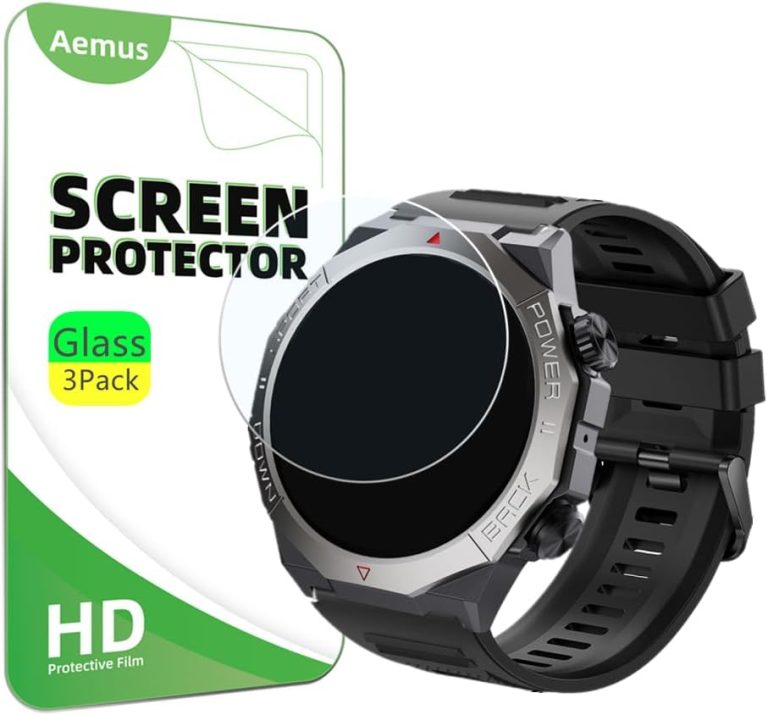
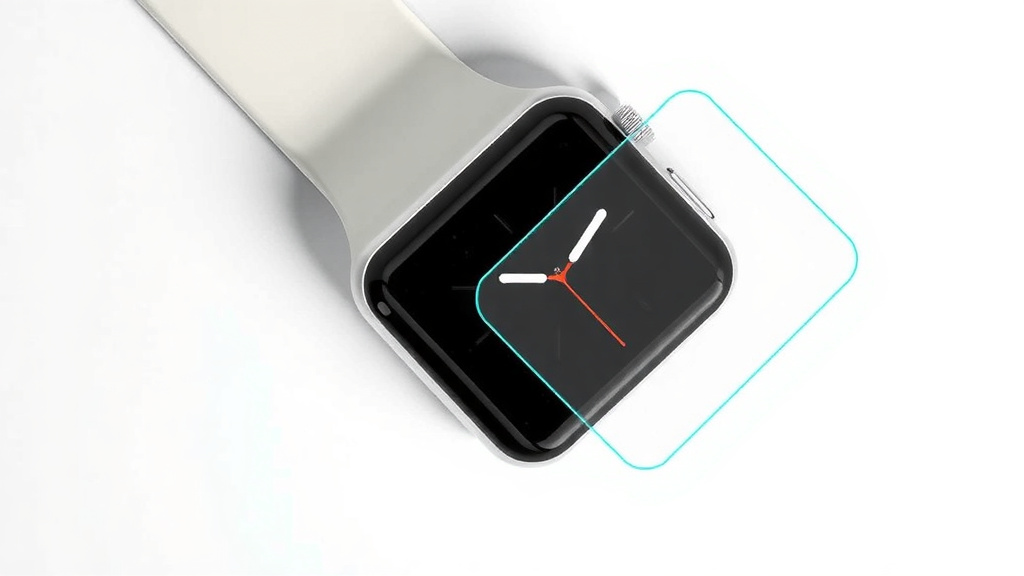
Do You Need a Screen Protector for Your Apple Watch?
Yes, the Apple Watch does not come with a screen protector, and your watch face is likely to get scratched without one. We found that the Ion-X glass on standard models is especially prone to micro-scratches from everyday wear. The more expensive sapphire crystal on stainless steel models is tougher, but it can still crack on impact.
You should definitely consider adding a screen protector to your Apple Watch. Since you wear it on your wrist all day, it bumps into doorframes, countertops, and car doors constantly. The good news is that applying a screen protector is easy and affordable, and it gives you real peace of mind. Most protectors are invisible once installed, so you won’t even notice it’s there.
- Apple Watches don’t ship with screen protectors—you have to buy one separately.
- Standard models scratch more easily than the premium sapphire versions.
- Film protectors are cheap and offer good scratch defense.
- Glass protectors feel more natural and handle drops better.
- Installation takes about 5 minutes and is totally doable at home.
Below, we break down everything you need to know about protecting your Apple Watch screen, so you can pick the right option and get it installed without any hassle.
Why Your Apple Watch Screen Needs Extra Protection
You spent good money on your Apple Watch. The last thing you want is a scratched face that ruins the look. We found that most users don’t realize how fragile the screen is until it’s too late. The watch sits on your wrist all day, every day. That means it hits walls, desks, and steering wheels without you even noticing.
The aluminum models use Ion-X glass. This glass is lightweight and works well, but it scratches easier than you might think. The stainless steel versions use sapphire crystal, which resists scratches better. But sapphire can shatter on a hard impact. Either way, a screen protector adds a layer of insurance for a very small price.
What Happens When You Skip a Protector
Think about all the surfaces your wrist touches in a single day. Kitchen counters, gym equipment, car doors, and even your own jacket zipper. Sand and dust particles act like sandpaper on the glass. One tiny grain of grit caught between the watch and a table can leave a permanent mark.
Many experts say that micro-scratches appear within the first few weeks of normal wear. These small lines may not affect function, but they catch the light and make the display look dull. Once a scratch is there, you can’t buff it out. Apple does not cover cosmetic damage under warranty either, so you’re on your own.
Choosing Between Film and Glass Protectors
You have two main options when shopping for Apple Watch screen protection. Each type has strengths and weaknesses. We broke them down so you can pick the right one for your lifestyle and budget.
Flexible Film Protectors
Film protectors are thin sheets of plastic that stick directly to the watch face. They are the cheapest option, usually costing around ten dollars for a multi-pack. The installation is simple, and they hug the curved edges of the watch nicely.
We found that film protectors handle scratches well but offer little impact resistance. If you drop the watch or whack it against something hard, the film won’t absorb much force. The screen underneath can still crack. Also, some films have a slightly rubbery feel when you swipe, which takes a bit of getting used to.
Self-Healing Film Options
Some film protectors advertise self-healing properties. Minor scuffs and light scratches fade over time on their own. This works because the material flows back into place at a microscopic level. It’s not magic, but it does keep the protector looking fresh for longer. Just remember that deeper cuts won’t disappear, and the healing effect is limited to surface-level marks.
Tempered Glass Protectors
Tempered glass protectors feel just like the original screen. They are rigid, clear, and offer better drop protection than film. If you drop your watch, the glass protector takes the impact and cracks instead of your actual screen. This is a huge benefit for active users who bump into things often.
The downside is that glass protectors are thicker and sometimes don’t fit perfectly over the curved edges of the Apple Watch. You may notice a slight gap at the rim where dust collects. And because they are rigid, they can pop off if the watch takes a sharp hit. Still, for overall protection, glass is the stronger choice.
Which Apple Watch Models Are Most at Risk
Not all Apple Watches have the same vulnerability to scratches. Understanding your model helps you decide how much protection you really need. We compared the common versions below.
| Model | Screen Material | Scratch Risk | Impact Risk |
|---|---|---|---|
| Apple Watch SE | Ion-X Glass | High | Medium |
| Series 9 (Aluminum) | Ion-X Glass | High | Medium |
| Series 9 (Stainless Steel) | Sapphire Crystal | Low | High |
| Ultra 2 | Sapphire Crystal | Low | High |
You can see that standard aluminum models need more scratch defense than the premium versions. The sapphire screens resist scratches from keys and coins easily. However, sapphire is more brittle. It can crack or shatter when dropped onto a hard surface like concrete. So even Ultra owners should think about protection.
How to Install a Screen Protector Without Bubbles
Installing a screen protector is nerve-wracking if you’ve never done it before. But we promise it’s easier than you think. The key is preparation and patience. Follow these steps and you’ll get a bubble-free result on the first try.
- Clean the watch face with a microfiber cloth to remove all dust and fingerprints.
- Use the included alcohol wipe to remove any oily residue from the glass.
- Peel off the backing from the protector, handling it only by the edges.
- Align the protector with the watch face, using the cutouts as a guide.
- Press down from the center outward to push air bubbles toward the edges.
- Let it sit for 24 hours before wearing the watch in water or extreme conditions.
Fixing Bubbles After Application
Sometimes a bubble appears even when you do everything right. Don’t panic. You can usually lift the nearest edge of the protector with your fingernail and gently press the bubble out. For stubborn dust specks, use a piece of tape to lift the speck off the sticky side of the protector, then reapply. This trick works in most cases, and you don’t need to throw the protector away.
Do You Need a Case Instead of a Screen Protector
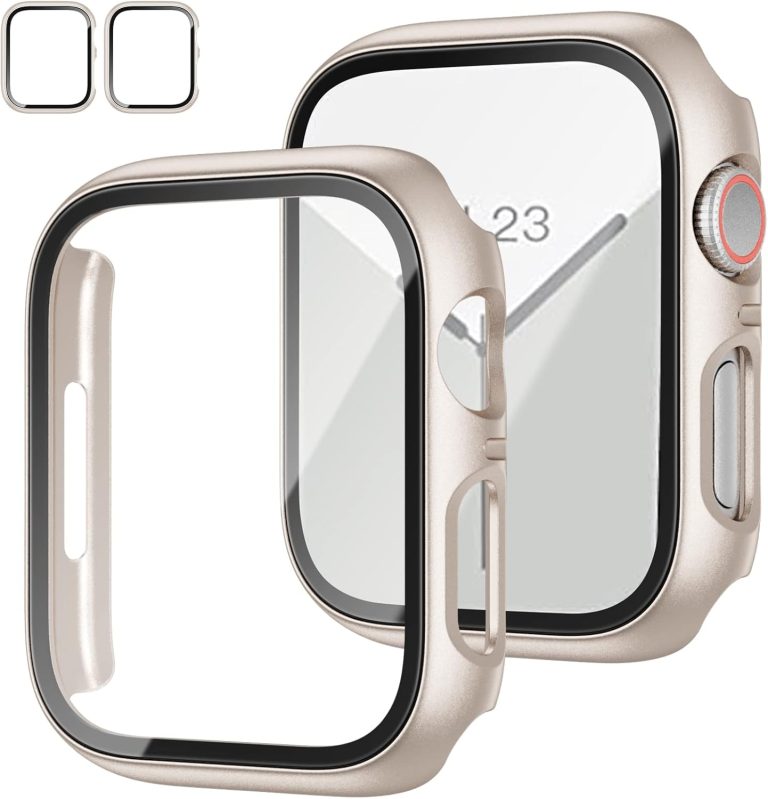
A screen protector only covers the glass. A case wraps around the entire watch body, including the sides and buttons. If you are clumsy or work in rough environments, a case might be a better fit. It protects the screen and the metal casing from dents and scuffs.
We found that many users combine a film protector with a slim case for full coverage. The case adds a bit of bulk, but it also gives you confidence when you’re on the move. For gym-goers and outdoor enthusiasts, this combo is the safest bet. For office workers, a simple screen protector is usually enough.
What About AppleCare Plus
AppleCare Plus is Apple’s extended warranty program. It covers accidental damage, including screen cracks, for a service fee. Many people think this makes a screen protector unnecessary. But consider the cost. The service fee is around 70 dollars each time you file a claim. Plus, you have to wait for a repair or replacement.
A screen protector costs under 15 dollars and protects the screen all the time. AppleCare is still useful for other issues like battery problems or hardware failures. But it shouldn’t replace a screen protector for everyday scratch defense. Scratches are not covered by AppleCare at all, which is a big reason to use a film or glass layer.
Our Top Picks for Different Budgets
You don’t need to spend a fortune to protect your watch. We looked at the market and found reliable options at every price point. Here’s a quick guide to help you decide. Our guide to the best Apple Watch screen protectors breaks down top picks for every budget.
Budget Friendly Picks
For under ten dollars, you can grab a multi-pack of film protectors. These are perfect if you want basic scratch defense without any fuss. They come in packs of three or more, so you always have a spare when the old one wears out. We found that even cheap film protectors do the job well for everyday use.
Mid-Range Glass Protectors
If you want glass protection, expect to pay between 15 and 25 dollars. This price range includes brands that offer alignment tools to make installation foolproof. These kits come with a plastic frame that snaps over the watch, guiding the protector into the perfect position. It’s worth the extra few bucks if you hate dealing with alignment issues.
Premium Full-Coverage Kits
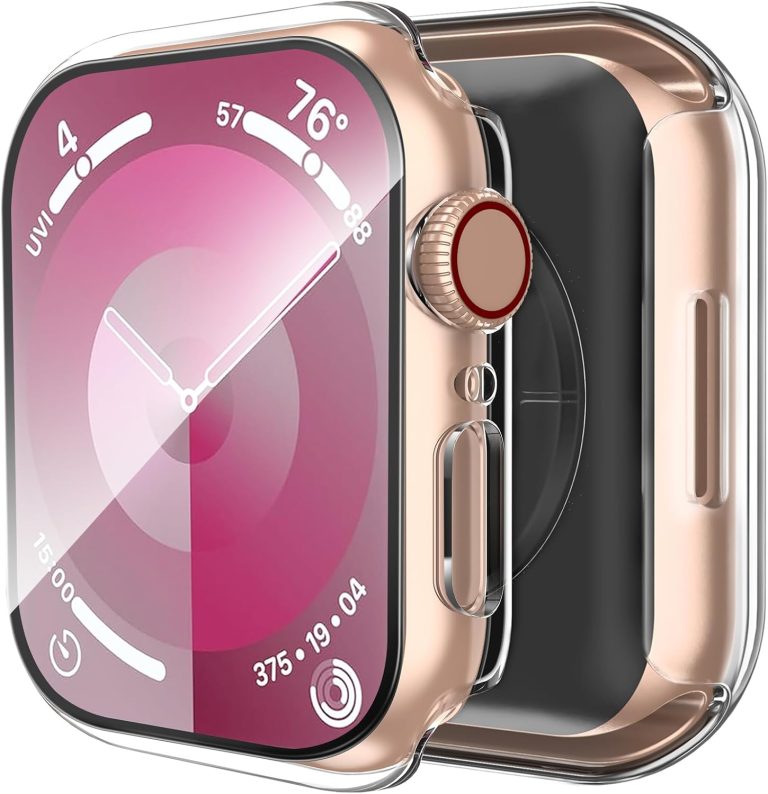
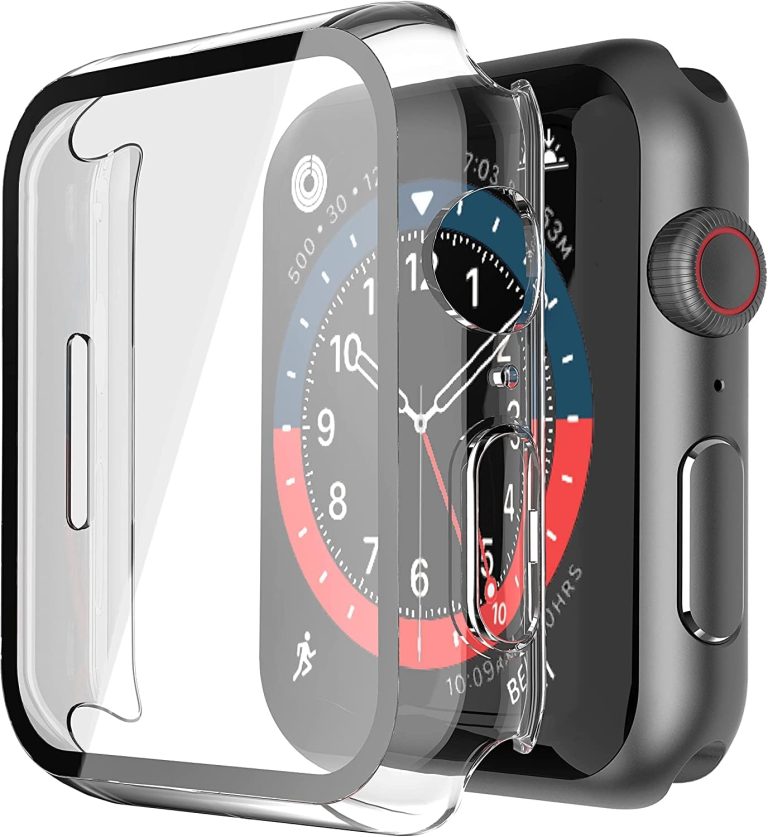
At the top end, you can find cases that include a built-in screen protector. These cost around 30 to 40 dollars. They offer the most complete protection and are popular with hikers and construction workers. The trade-off is a bulkier look on your wrist, but durability is the top priority for these users.
How Long Does a Screen Protector Last
You might wonder how often you need to replace the protector. Film protectors last about two to three months with daily wear. They develop scratches and start to peel at the edges over time. Glass protectors last longer, often up to six months or more, before they crack or show heavy wear.
When you notice the protector affecting touch sensitivity or visibility, replace it. The good news is that swapping a new one takes just five minutes. Keeping a spare pack in your drawer means you’re never unprotected for long. It’s a simple habit that keeps your watch looking brand new.
Conclusion
Your Apple Watch screen is tougher than a phone screen, but it’s not scratch-proof. We found that skipping a screen protector is a gamble you don’t need to take. A simple film or glass layer costs less than a pizza and takes five minutes to install.
Match your protection to your lifestyle. Office workers can get away with a cheap film protector. Active users should grab a tempered glass option. And if you’re rough on gear, pair a case with a built-in screen guard.
Here’s your next step: order a protector for your specific model today. Apply it tonight before you wear the watch tomorrow. Your future self will thank you when your screen still looks brand new next year.
Frequently Asked Questions
Does the Apple Watch screen scratch easily?
The standard aluminum models with Ion-X glass scratch fairly easily. Everyday contact with sand, keys, and countertops leaves marks within weeks. The sapphire screens on stainless steel and Ultra models resist scratches much better.
Can I use a phone screen protector on my Apple Watch?
No, you should not use a phone screen protector on your Apple Watch. Watch protectors are cut to fit the curved edges, speaker grills, and digital crown. Phone protectors won’t align correctly and will leave gaps that trap dust.
Will a screen protector mess up my Apple Watch touchscreen?
High-quality protectors maintain full touch sensitivity. You might notice a slightly different feel with film protectors, but glass options feel just like the original screen. If you experience touch issues, the protector likely isn’t seated properly or is too thick.
How do I remove an old Apple Watch screen protector?
Lift a corner with your fingernail or a plastic pick, then peel it off slowly. If adhesive residue remains, use a bit of rubbing alcohol on a microfiber cloth to wipe it away. Your watch face will be clean and ready for a new protector.
Do screen protectors work with Apple Watch cases?
Yes, most film protectors work fine with slim cases. However, thick rugged cases with built-in protectors may not need an extra layer. Just make sure the case doesn’t push against the edges of a glass protector, which can cause it to lift or crack.