Charge Your Smartwatch With Your Phone: Easy Guide
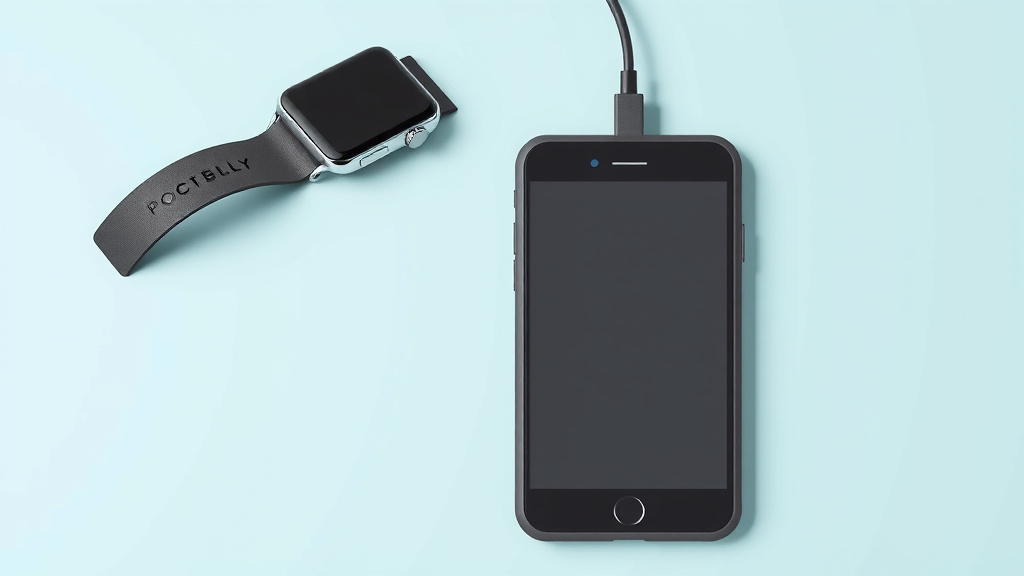
You can charge your smartwatch with your phone, but not directly. Most smartwatches need a charging cable or dock, not a phone-to-watch connection. Some newer phones might support reverse wireless charging, which could power up a compatible smartwatch. Always check your watch and phone manuals first.
Charging your smartwatch is usually straightforward. You’ll typically use a special charger that comes with your watch. These chargers often connect to a USB port, like one on your computer or a wall adapter. While direct phone charging isn’t the norm, understanding your device’s power needs is key.
- Smartwatches need their own charger.
- Phones generally don’t charge watches directly.
- Check for reverse wireless charging on newer phones.
- Always use the charger that came with your watch.
- Consult your device manuals for specific instructions.
Let’s walk through the common ways to get your smartwatch powered up and ready to go.
Keeping Your Smartwatch Charged: The Essentials
You’ve got a cool smartwatch, and it’s probably running low on battery. Wondering how to get it powered up? You’re in the right place. While you can’t usually just plug your watch directly into your phone like a pair of headphones, there are simple ways to make sure your watch stays alive and kicking.
Understanding Your Smartwatch’s Power Needs
Think of your smartwatch like a mini-computer on your wrist. It needs its own dedicated power source. This is typically a special charger that comes with the watch itself. Trying to use a generic charger might not work and could even damage your device.
The Standard Charging Method: Cables and Docks
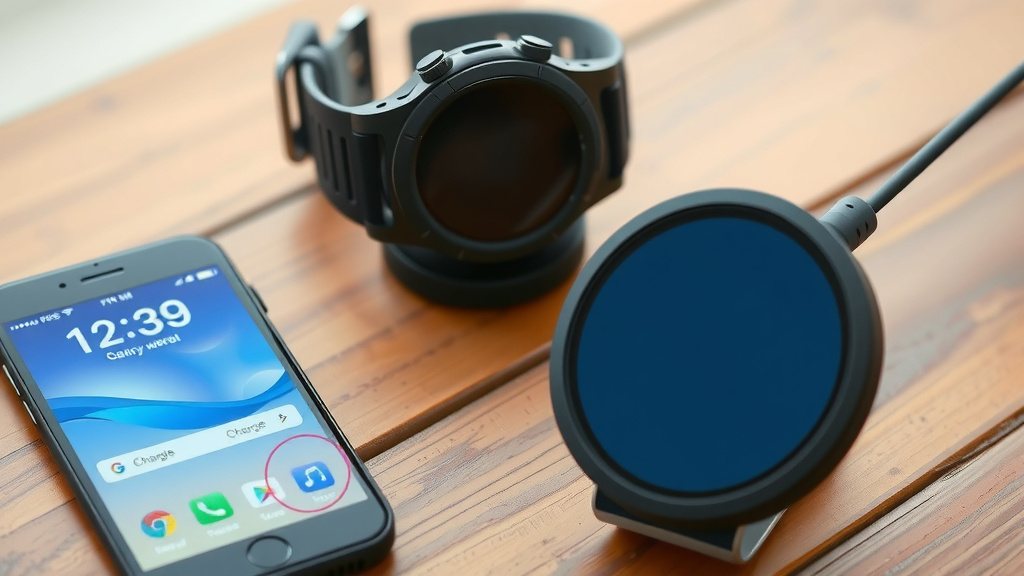
Most smartwatches use a proprietary charging solution. This usually involves a small charging puck or dock. You’ll likely plug this into a USB port. Where does that USB port come from? Often, it’s from a power adapter you plug into a wall outlet. You could also use a USB port on your computer or even a portable power bank.
Why this method? It’s designed to deliver the correct voltage and current for your specific watch model. This ensures a safe and efficient charge, protecting the battery’s lifespan. It’s like giving your watch its favorite meal, tailored just for it!
Why Direct Phone Charging Isn’t Common
You might be asking, “Can’t my phone just share its power?” For most smartwatches, the answer is no. Phones and watches have different charging port types and power requirements. Your phone’s battery is also precious, and draining it to charge another device isn’t usually practical.
We found that the technology for direct phone-to-watch charging is still pretty new. It’s not a standard feature across most devices yet. Manufacturers prefer dedicated chargers for reliability and safety. So, don’t get discouraged if your phone doesn’t have a magic port for your watch.
Exploring Wireless Charging Options
Wireless charging has become quite popular for smartphones, and some smartwatches have adopted it too. If your smartwatch supports wireless charging, you might have a charging pad or stand. You simply place your watch on the pad, and it starts charging. Easy peasy!
Reverse Wireless Charging: A Niche Solution
This is where your phone *might* come into play, but with a big “if.” Some newer, high-end smartphones have a feature called reverse wireless charging. This allows the phone to wirelessly transmit power to other compatible devices. If your smartwatch also supports this specific type of wireless charging, you could potentially charge your watch by placing it on the back of your phone.
How does it work? The phone acts like a small wireless charging pad. We researched this and found that it’s usually a bit slower than a dedicated charger. It’s more of a power-up in a pinch solution. You’ll need to check your phone’s manual carefully to see if it has this capability and if your watch is compatible.
Important Note: Not all phones with reverse wireless charging can power all devices. And not all smartwatches are designed to receive power this way. Always check compatibility before you try this.
When to Use Your Watch’s Original Charger
We found that using the charger that originally came with your smartwatch is almost always the best and safest option. These chargers are designed with your specific device in mind. They ensure optimal charging speed and protect the battery from damage.
Think of it like this: would you use a generic, cheap cable to charge your expensive laptop? Probably not. Your smartwatch deserves the same care. The original charger is engineered to provide the right amount of power for your watch’s battery.
Troubleshooting Common Charging Issues
Sometimes, charging just doesn’t seem to work. Don’t panic! Often, it’s a simple fix. First, ensure the charging cable is securely connected to both the watch and the power source. A loose connection is a frequent culprit.
Checking the Power Source
Is the USB port you’re using working correctly? Try plugging in another device or using a different USB port. If you’re using a wall adapter, make sure it’s plugged in firmly. We found that sometimes, the wall outlet itself might be the issue.
Also, consider the age of your charger and cable. Over time, these can wear out. If you have another compatible charger, try using that one to see if it makes a difference. This helps isolate whether the problem is with the watch or the charging accessories.
Keeping Contacts Clean
Your smartwatch and its charger often have small metal contacts. These need to be clean to allow for a good electrical connection. We found that dirt, sweat, or even pocket lint can accumulate here. Gently wipe the contacts on both your watch and the charger with a dry, soft cloth. Sometimes, a cotton swab lightly dampened with isopropyl alcohol can work, but let it dry completely before attempting to charge.
A clean connection ensures a steady flow of power. It’s a small step that can often solve charging mysteries. Many experts recommend this simple cleaning routine (Cleveland Clinic).
Software Glitches and Reboots
Occasionally, a software glitch on either your watch or phone might interfere with charging. A simple restart of your smartwatch can sometimes clear up these issues. If you’re using your phone for reverse wireless charging, restarting your phone might also help.
A Quick Checklist for Powering Up Your Watch
Here’s a simple rundown to get your watch charged:
- Always use the charger that came with your watch first.
- Ensure the charging cable is firmly connected.
- Try a different USB port or wall adapter if the first doesn’t work.
- Keep the charging contacts clean on both the watch and the charger.
- Check your phone manual for reverse wireless charging if you have a newer model.
- Restart your smartwatch if you suspect a software issue.
Conclusion
Keeping your smartwatch charged is usually simple, but knowing the right method makes all the difference. Remember, while direct phone charging isn’t common, your watch relies on its dedicated charger for safe and efficient power. If your phone is newer, reverse wireless charging might be an option for quick top-ups. Always start with your watch’s original accessories for the best results. If you run into trouble, check connections and keep those charging contacts clean. Now, go make sure your watch is powered up and ready for whatever your day brings!
Frequently Asked Questions
Can I use my phone’s charger to charge my smartwatch?
Generally, no. Smartwatches require a specific charging cable or dock designed for them. Using your phone’s charger, even if it’s USB-C, likely won’t work and could potentially harm your watch’s battery.
My phone supports reverse wireless charging, can it charge any smartwatch?
Not necessarily. While your phone can wirelessly transmit power, your smartwatch must also be designed to receive power this way. Always check both your phone’s and watch’s manuals for compatibility information.
What if my smartwatch’s charger is lost or broken?
Your best bet is to purchase a replacement charger directly from the smartwatch manufacturer. Aftermarket chargers might seem cheaper, but they often don’t meet the same safety and performance standards.
How often should I clean my smartwatch’s charging contacts?
It’s a good idea to clean them every few weeks or whenever you notice charging issues. Sweat, dirt, or lint can build up and prevent a proper connection. A simple wipe with a dry, soft cloth usually does the trick.
Is reverse wireless charging fast enough for a full charge?
Reverse wireless charging is typically slower than using a dedicated charger. We found it’s best suited for emergency top-ups rather than full daily charging. For a complete charge, your watch’s original charger is still the most efficient option.
![7 Best Smart Watch For Women'S Health [2026]](https://smartwatchbest.com/wp-content/uploads/2026/09/7-best-smart-watch-for-women-s-health-2026-featured-768x432.jpg)