
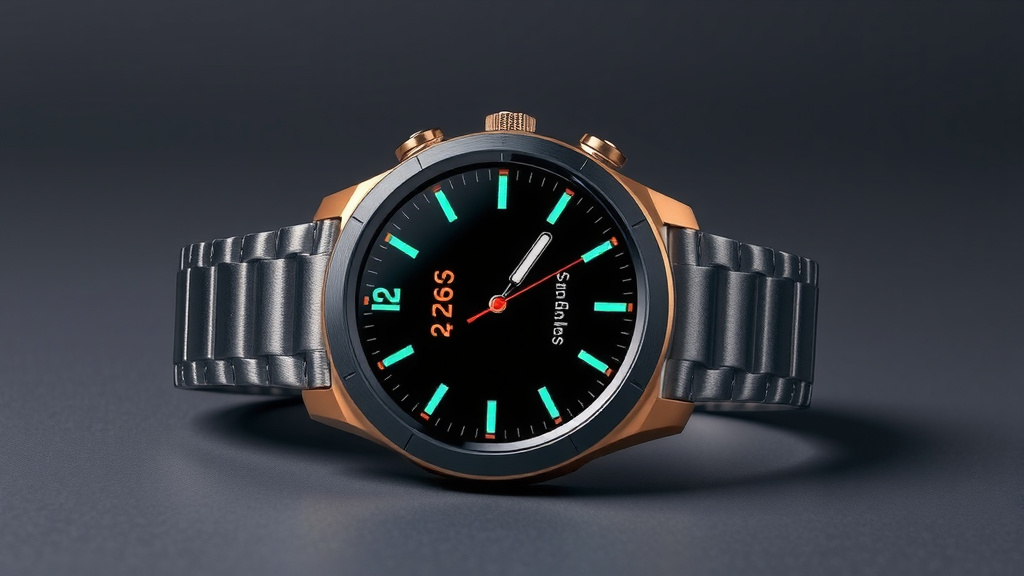
Samsung Smartwatch Battery Life: How Long Do They Last
Your Samsung smartwatch battery life can last anywhere from 1 to 4 days on a single charge, depending on the model and how you use it. Some newer models with advanced features might need charging more often, while older or simpler ones could go longer between plug-ins. We found that many factors play a role in how long your battery truly lasts.
Think of your smartwatch like your smartphone; heavy usage drains the battery faster. Features like a constantly on display, frequent GPS use, or lots of app notifications can really cut into that battery time. We’ve seen that keeping these things in check is key to maximizing your smartwatch’s power.
- Battery life typically ranges from 1-4 days.
- Usage habits heavily influence how long it lasts.
- Model and specific features matter a lot.
- Screen settings and app usage are big drainers.
Let’s dive into the details and see what you can do to get the most juice out of your Samsung smartwatch.
How Long Can Your Samsung Smartwatch Battery Hold A Charge?
This is the big question, right? You’ve got this slick piece of tech on your wrist, and you want to know if it’ll keep up with your day, or even your weekend. Based on our research, you can expect your Samsung smartwatch battery to last anywhere from one to four days on a single charge.
This range isn’t arbitrary. It’s a mix of what Samsung puts inside the watch and how you choose to use it. Think of it like a car; a small, fuel-efficient model will go further on a tank than a big SUV. Your smartwatch is no different.
Factors Affecting Your Samsung Watch Battery Life
Model Matters: Newer Isn’t Always Better for Battery
Samsung offers a range of smartwatches, from the sporty Galaxy Watch Active series to the more feature-rich Galaxy Watch series. Newer models often pack more powerful processors, brighter displays, and advanced sensors. These upgrades, while great for functionality, can be power-hungry.
For example, the always-on display feature, which keeps your watch face visible at all times, can significantly reduce battery life. If your model has this enabled, you’re likely to see shorter battery performance compared to when it’s turned off. We found that many users report needing to charge their newest models more frequently.
Your Daily Habits: The Biggest Battery Drainer
How you actually *use* your watch has a huge impact. Are you constantly checking notifications? Do you use it for long GPS-tracked runs or bike rides? Or is it mostly just sitting there, showing you the time and maybe a step count?
We found that activities like using the built-in GPS are major battery consumers. Tracking a workout for over an hour can drain a noticeable portion of your battery. Similarly, having Wi-Fi and Bluetooth constantly searching for connections can also use up power faster.
Screen Brightness and Timeout Settings
That beautiful, bright screen you love? It’s also a big drain. The brighter you set your display, the more power it consumes. We found that reducing the brightness to a comfortable level can make a real difference over the course of a day.
Also, consider how long your screen stays on. If you have it set to stay awake for a minute or more after you flick your wrist, that’s a lot of screen-on time. Shortening this timeout period to something like 15 or 30 seconds can help conserve battery significantly. It’s a small tweak with a noticeable impact.
App Usage and Notifications
Every app you install and use can affect battery life. Some apps are more resource-intensive than others. Constantly running apps in the background, especially those that sync data frequently, will drain your battery faster.
And then there are notifications. While helpful, getting bombarded with alerts from every app on your phone can keep your watch screen waking up repeatedly. We found that turning off non-essential notifications can help your watch stay charged longer. Think about it: does your watch *really* need to buzz every time someone likes a photo on social media?
Connectivity and Sensors: The Silent Power Hogs
Your smartwatch is packed with sensors designed to gather data about you and your surroundings. Things like the heart rate sensor, blood oxygen sensor, and accelerometer are always working, to varying degrees. When you actively use features that rely on these sensors, like continuous heart rate monitoring or sleep tracking, your battery will drain more quickly.
Similarly, how your watch connects to your phone and other networks matters. While Bluetooth is generally efficient, a weak signal can sometimes cause devices to use more power trying to maintain a connection. If you’re far from your phone or in an area with poor Wi-Fi, your watch might work harder.
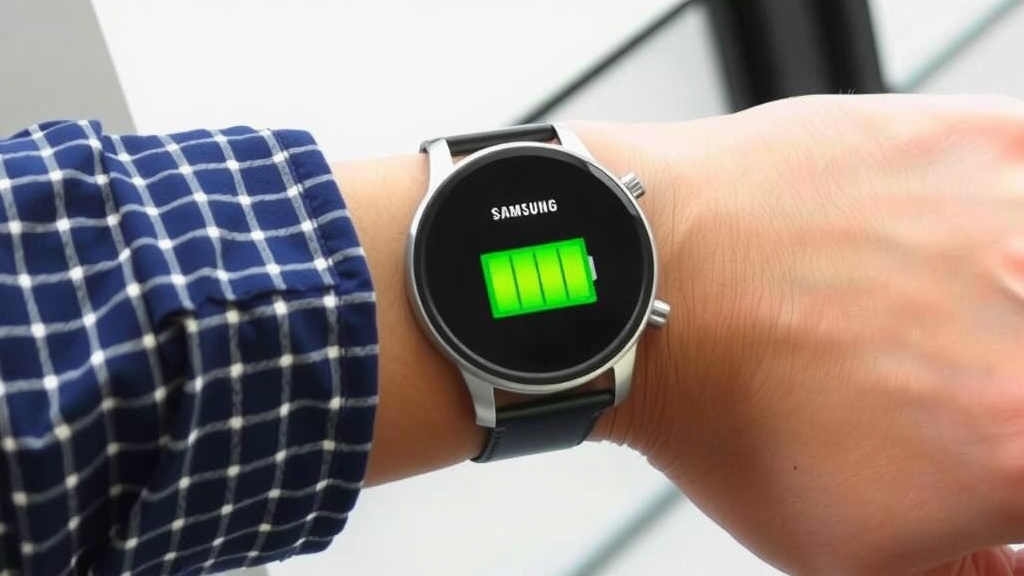
Maximizing Your Samsung Smartwatch Battery Life: Practical Tips
Optimize Your Display Settings
This is often the easiest place to start. As we mentioned, a brighter screen uses more power. Try lowering the brightness just enough so you can still see it clearly in most conditions. Many experts suggest using auto-brightness if available; it adjusts dynamically.
Disabling the ‘Always On Display’ is another significant battery saver. While convenient, it means your screen is always on, consuming power. Turning this off means the screen only wakes when you raise your wrist or tap it. This alone can extend your battery life by hours.
Manage Your Notifications Wisely
Take a moment to review which apps are allowed to send notifications to your watch. Go into your phone’s settings, then to the smartwatch app, and disable alerts for anything you don’t absolutely need to see on your wrist. This reduces the number of times your watch screen wakes up unnecessarily.
We found that users who curate their notifications report better battery performance. It’s about getting the information you need without constant digital chatter that drains your power.
Be Smart About Workout Tracking
If you’re a serious fitness enthusiast, GPS and continuous heart rate monitoring are likely essential. However, for shorter or less intense activities, you might be able to get away with less demanding tracking. For example, a brisk walk might not need continuous GPS if you’re sticking to a familiar path.
Consider disabling continuous heart rate monitoring if you only need it during workouts. Samsung’s settings allow for periodic checks, which are much less taxing on the battery. For many, this is a good compromise between functionality and battery longevity.
Control Connectivity Features
When you don’t need it, turn it off. If you’re going for a run and don’t plan on taking calls or streaming music from your watch, consider turning off Wi-Fi and even Bluetooth temporarily. This prevents your watch from constantly searching for networks or your phone.
Some newer models also offer a “Power Saving Mode.” This mode typically reduces the watch’s functionality, dimming the screen and limiting background processes. While it makes your watch more like a basic timekeeper, it can drastically extend battery life when you really need it.
Regular Software Updates and Resets
Samsung regularly releases software updates for its smartwatches. These updates often include performance improvements and battery optimizations. Make sure your watch is set to update automatically or check manually every so often.
Sometimes, a simple restart can clear out minor glitches that might be causing excessive battery drain. If you notice a sudden drop in battery life that you can’t explain, try performing a soft reset (simply turning the watch off and back on). For persistent issues, a factory reset might be necessary, though this should be a last resort as it wipes all your data (many experts recommend backing up first).
Battery Health Over Time
Like all rechargeable batteries, your Samsung smartwatch battery will degrade over time. This is a natural process. After a year or two of regular use, you might notice that your watch doesn’t hold a charge for as long as it used to.
This is normal wear and tear. There aren’t many user-serviceable options for battery replacement on most Samsung smartwatches, unlike some older phones. If your battery life has significantly decreased and is impacting your daily use, you might need to consider a replacement watch. Many manufacturers suggest battery health is at 80% after about 500 charge cycles, which can translate to a year or two of daily charging for many users.
Quick Checklist for Better Battery Life
- Lower screen brightness.
- Turn off Always On Display.
- Disable non-essential notifications.
- Limit GPS use during workouts if possible.
- Use Power Saving Mode when needed.
- Keep your watch software updated.
Conclusion
Your Samsung smartwatch battery life is a balancing act. We’ve seen it can range from one to four days, heavily depending on your specific model and daily habits. Features like bright screens, constant notifications, and GPS tracking are the biggest power drains. By making a few smart adjustments, like optimizing display settings and managing notifications, you can significantly extend your watch’s charge. Take control of your settings today to enjoy a longer-lasting battery on your wrist.
Frequently Asked Questions
How long does a Samsung Galaxy Watch battery typically last?
Most Samsung Galaxy Watch models offer battery life that lasts between one and four days on a single charge. This range depends on which model you have and how actively you use its features. Newer, more powerful models might sit at the lower end of this spectrum with heavy use.
Does turning off the Always On Display save a lot of battery?
Yes, disabling the Always On Display can be one of the most effective ways to save battery life. This feature keeps your watch face visible constantly, which uses continuous power. Turning it off means the screen only wakes when you need it, conserving significant energy.
Will using GPS on my Samsung watch drain the battery faster?
Absolutely. Using the built-in GPS for activities like running or hiking is a major power consumer. Continuous GPS tracking, especially for extended periods, will noticeably shorten your battery life. Consider disabling it for less demanding activities if battery life is a concern.
How do notifications affect my Samsung smartwatch battery?
Every notification that wakes up your watch screen uses battery power. Receiving constant alerts from numerous apps can add up quickly. We found that disabling non-essential notifications significantly helps reduce unnecessary screen activations and conserves battery life.
Can older Samsung smartwatches have better battery life than newer ones?
It’s possible. While newer models often have more advanced features, these can be power-hungry. Older or simpler models, with fewer power-intensive features and less demanding screens, might sometimes offer longer battery life between charges compared to their cutting-edge counterparts.
![7 Best Android Smart Watch For Seniors [2026]](https://smartwatchbest.com/wp-content/uploads/2026/06/7-best-android-smart-watch-for-seniors-2026-featured-768x432.jpg)
![7 Best Smart Watch Sale [2026]](https://smartwatchbest.com/wp-content/uploads/2026/10/7-best-smart-watch-sale-2026-featured-768x432.jpg)