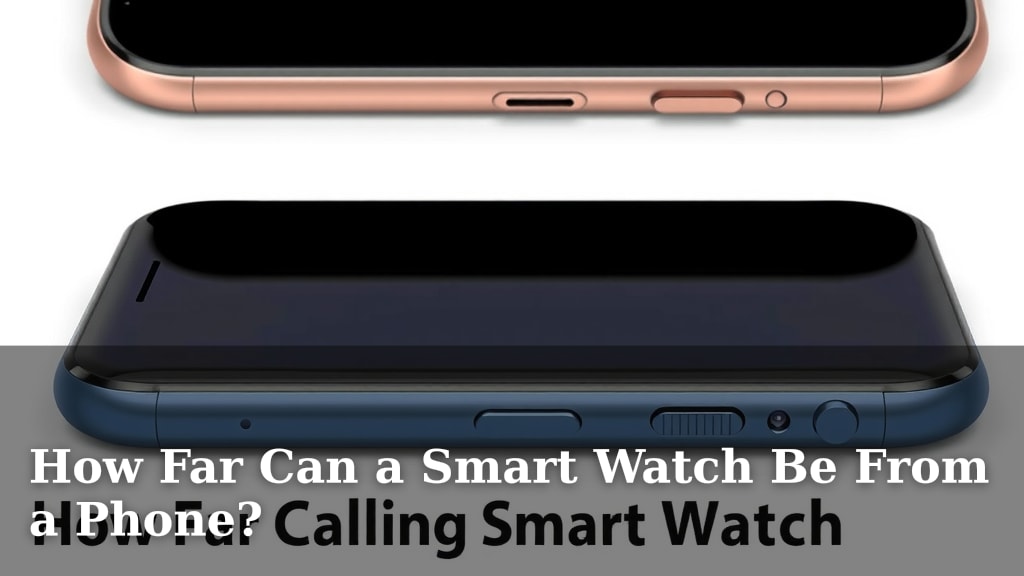
How Far Can a Smart Watch Be From a Phone?
Your smartwatch can be up to 30 feet away from your phone for many functions, but this range varies depending on your specific devices and the environment. For essential tasks like receiving notifications and making calls, a strong Bluetooth connection is usually what you’ll need.
The maximum distance also depends on whether your watch connects directly to your phone or uses Wi-Fi. Some watches can function independently using Wi-Fi, extending their reach further. Keep in mind that walls and other obstructions can significantly shorten this wireless range.
- Most smartwatches work within a 30-foot range of your phone.
- This distance can be shorter due to obstructions like walls.
- Some watches use Wi-Fi for greater independence from your phone.
- Functions like GPS tracking may work without your phone nearby.
Let’s break down exactly how far your smartwatch can venture from your phone and what you can still do with it.
How Far Can Your Smartwatch Connect to Your Phone?
You might be wondering about the typical wireless range between your smartwatch and your smartphone. For most smartwatches, the connection relies on Bluetooth technology. This usually offers a good range, but it’s not limitless. We found that the average Bluetooth range is about 30 feet, or roughly 10 meters. This is a general guideline, and several factors can affect it.
Understanding Bluetooth Range Limitations
Think of your Bluetooth connection like a friendly wave across a room. It works well when you’re close, but it gets harder to hear if there’s a lot of noise or obstacles. Your phone and watch are using Bluetooth to send and receive signals. These signals can be weakened by different things. You might notice this when you walk into another room, and your music skips on your headphones. The same principle applies to your watch.
Obstructions That Can Shorten Your Range
Walls are the biggest culprits for blocking Bluetooth signals. Thick concrete walls, especially, can really cut down the distance. Metal objects, like refrigerators or filing cabinets, can also interfere. Even your own body can sometimes act as an obstruction! We’ve found that moving to an open area can often improve your connection significantly. So, if your watch suddenly disconnects, try moving closer to your phone or finding a clearer path.
Environmental Factors Affecting Connectivity
Other electronic devices can sometimes cause interference. Things like microwaves or other Wi-Fi networks operating on similar frequencies might disrupt the Bluetooth signal. It’s less common, but it’s good to be aware of. We’ve seen cases where a very crowded area with many devices can make the connection less stable. Generally, though, a typical home or office environment should be fine within that 30-foot radius.
When Your Smartwatch Can Go Further: Wi-Fi and Cellular
What if you want your watch to do more, even when your phone isn’t right next to you? This is where other connectivity options come into play. Many smartwatches can connect to your home Wi-Fi network. This allows them to access the internet and perform tasks independently. Your watch can also use cellular data if it has its own SIM card or eSIM. This gives it even more freedom.
Wi-Fi Connectivity: Expanding Your Watch’s Reach
When your smartwatch is connected to the same Wi-Fi network as your phone, it can often communicate with your phone from much further away. It’s like your watch is using the internet to “talk” to your phone, rather than directly. This means you could be in your backyard, and your phone could be upstairs inside. As long as both devices are on the same Wi-Fi network, you can still receive notifications and sync data. We found this greatly expands the usability within your home.
Cellular Connectivity: True Independence
Some smartwatches come with cellular capabilities. These watches have their own phone number and can make calls, send texts, and use data without needing your phone or Wi-Fi at all. This is the ultimate in independence. You can go for a run, to the gym, or even out for errands and leave your phone at home entirely. Your watch can still keep you connected. Many experts say this is ideal for fitness enthusiasts who want to track workouts and stay in touch without carrying an extra device.
What Can Your Smartwatch Do at Different Distances?
It’s important to understand that not all smartwatch functions require a direct connection to your phone. Some features rely on your watch’s own sensors and internal capabilities. Let’s break down what you can typically expect.
Functions That Usually Need a Phone Nearby (Bluetooth Range)
When you’re within that standard Bluetooth range (around 30 feet), you can expect most core features to work smoothly. This includes:
- Receiving notifications (texts, emails, app alerts).
- Making and receiving calls.
- Syncing your fitness data to your phone’s app.
- Controlling music playback on your phone.
- Using voice assistants that rely on your phone’s processing power.
Functions That Can Work Independently (Wi-Fi or Cellular)
If your watch has Wi-Fi or cellular, it can do more on its own. You can often:
- Stream music directly from services like Spotify or Apple Music.
- Make contactless payments using features like Apple Pay or Google Pay.
- Access weather forecasts and news updates.
- Use GPS for navigation or tracking runs, even without your phone.
- Respond to messages using the watch’s keyboard or voice-to-text.
Functions That Use the Watch’s Own Sensors (No Phone Needed Ever)
Some features are entirely self-contained within your smartwatch. These will work no matter where your phone is, or even if you don’t have a phone at all. These include:
- Tracking your steps and distance traveled.
- Monitoring your heart rate.
- Recording sleep patterns.
- Using the stopwatch or timer.
- Setting alarms.
Maximizing Your Smartwatch’s Wireless Performance
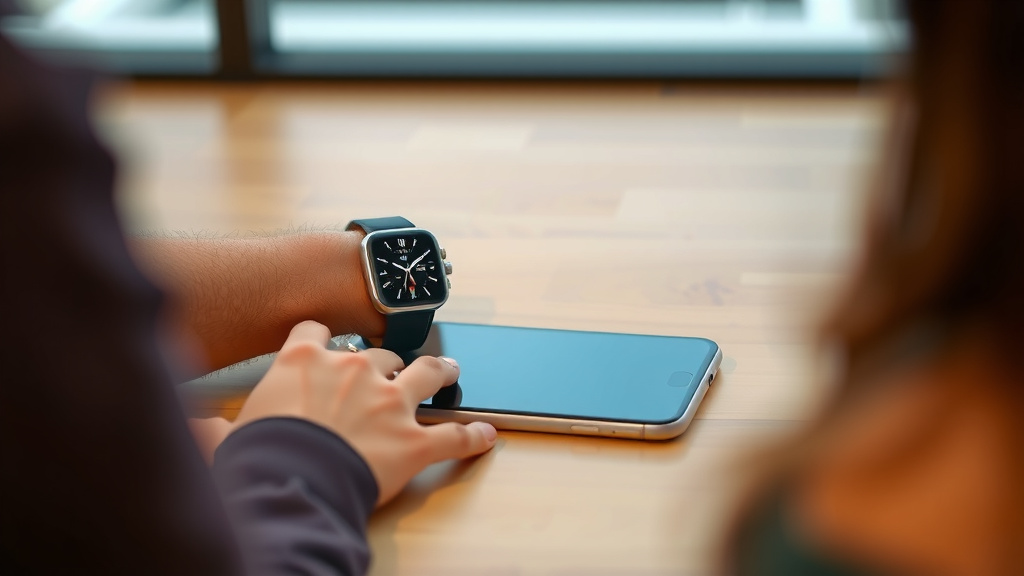
Want to ensure you get the best possible connection and range? Here are a few tips we found helpful. Keeping these in mind can make a big difference in your daily experience.
- Keep your watch and phone charged. Low battery can sometimes affect wireless performance.
- Update your watch and phone software regularly. Updates often include performance improvements.
- Restart your devices. A simple reboot can often clear up connectivity issues.
- Be aware of your environment. Try to minimize interference from other devices or heavy obstructions.
- Know your watch’s capabilities. Understand if it relies on Bluetooth, Wi-Fi, or cellular for different functions.
A Quick Checklist for Smartwatch Connectivity
Here’s a quick rundown to help you remember the key points:
- Check your watch model’s specs for its specific Bluetooth range.
- Remember that walls and metal are your connection’s worst enemies.
- If you need more range, look for watches with Wi-Fi or cellular.
- Certain features like heart rate tracking work anywhere.
- Keep software updated for the best performance.
- A clear line of sight is always your best bet for Bluetooth.
Conclusion
Your smartwatch offers more freedom than you might think, but understanding its connection limits is key. While Bluetooth typically keeps you linked up to about 30 feet, environmental factors and obstructions can shorten that. For extended range, consider models with Wi-Fi or cellular capabilities, which allow your watch to operate more independently. Remember to keep your devices charged and software updated for the best wireless performance. Knowing your watch’s specific features and connectivity options will help you get the most out of it, whether you’re home or on the go. Now that you know the possibilities, check your watch’s specs and plan your next connected adventure!
Frequently Asked Questions
Does my smartwatch always need to be near my phone?
Not necessarily! Many core functions like step tracking and heart rate monitoring work independently. However, for tasks like receiving notifications or syncing data, it usually needs to be within Bluetooth range of your phone, or connected via Wi-Fi or cellular if your watch supports those features.
Can I leave my phone at home and still use my smartwatch?
You can if your smartwatch has cellular connectivity. This allows it to make calls, send texts, and use data without your phone. Without cellular, you’ll be limited to the watch’s standalone features and any functions that work over Wi-Fi if it’s connected.
Why does my smartwatch connection keep dropping?
Frequent disconnections are often due to environmental interference. Thick walls, metal objects, or even your own body can weaken the Bluetooth signal. Moving closer to your phone or into a more open area can usually improve the connection stability.
How much further can my watch connect using Wi-Fi compared to Bluetooth?
When both your watch and phone are on the same Wi-Fi network, your watch can communicate with your phone from much greater distances within your home or office. This effectively extends the range beyond the typical 30-foot Bluetooth limit, allowing for more freedom around your house.
Will my smartwatch GPS work if my phone is far away?
Yes, if your smartwatch has its own built-in GPS receiver. Many smartwatches can track your location and map your runs or hikes independently. You won’t need your phone nearby for the GPS tracking feature itself to function.
![7 Best Smart Watch For Samsung Users [2026]](https://smartwatchbest.com/wp-content/uploads/2026/09/7-best-smart-watch-for-samsung-users-2026-featured-768x432.jpg)
![7 Best Professional Smart Watch [2026]](https://smartwatchbest.com/wp-content/uploads/2026/08/7-best-professional-smart-watch-2026-featured-768x432.jpg)
![7 Best Round Face Smart Watch [2026]](https://smartwatchbest.com/wp-content/uploads/2026/08/7-best-round-face-smart-watch-2026-featured-768x432.jpg)