
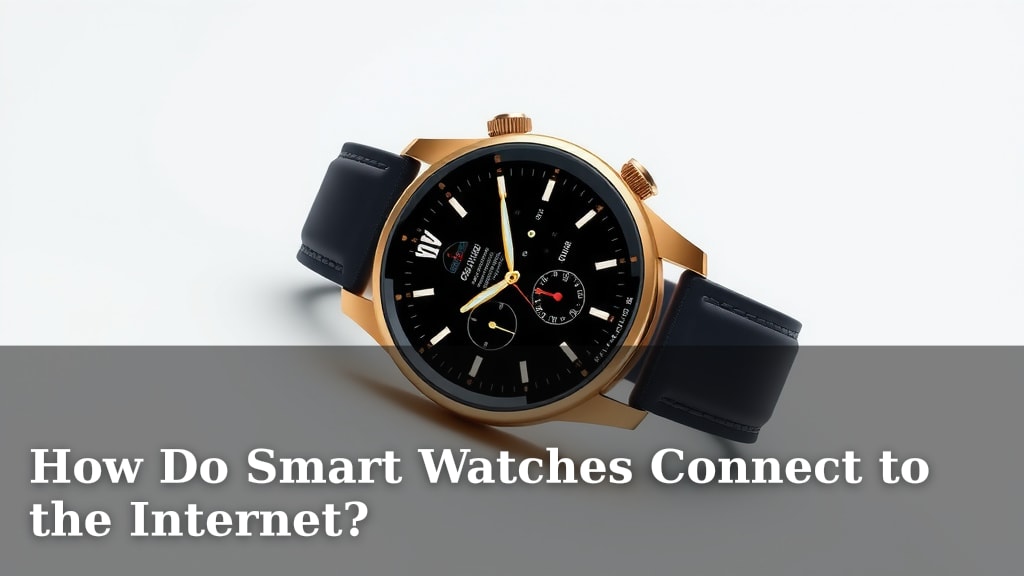
How Do Smart Watches Connect to the Internet?
Smart watches connect to the internet primarily through your smartphone. Your watch uses your phone’s Wi-Fi or cellular data connection. This connection allows your watch to access online features without its own direct internet service. It’s like your phone is the smartwatch’s internet wingman.
While direct Wi-Fi is common, some smartwatches can connect independently. These models have built-in cellular capabilities. They can function like a mini-phone, even when your smartphone isn’t nearby. This independence offers more freedom for workouts or quick errands. Many smartwatches also use Bluetooth to communicate with your phone.
- Smartwatches usually connect via your smartphone.
- They borrow your phone’s Wi-Fi or cellular data.
- Some models have their own cellular chips.
- Bluetooth is used for short-range phone connection.
- This lets your watch access apps and notifications.
Let’s walk through exactly how your smartwatch gets online, step by step.
Understanding Your Smartwatch’s Internet Connection
You’re probably wondering how your smartwatch actually gets online. It’s not magic, but it’s pretty smart! Your watch needs an internet connection to do all those cool things like check notifications, get weather updates, or even stream music. Let’s break down the main ways it achieves this.
The Primary Connection: Your Smartphone’s Bridge
For most smartwatches, the main way they connect to the internet is through your trusty smartphone. Think of your phone as the gateway to the online world for your watch. This is the most common and often the simplest setup.
How Your Phone Acts as a Go-Between
Your smartwatch uses Bluetooth to communicate with your phone over a short distance. This connection is like a private line between the two devices. Once paired, your watch can then tap into your phone’s internet connection, whether that’s Wi-Fi or cellular data.
Leveraging Your Phone’s Wi-Fi
When your phone is connected to a Wi-Fi network, your smartwatch can use that same connection. This is great when you’re at home or in an office. The watch essentially “borrows” your phone’s internet access. You don’t need to do much; once paired, it usually happens automatically.
Using Your Phone’s Cellular Data
If your phone has a cellular data plan active and is within range of your watch, your watch can use that too. This allows for more internet access when you’re out and about, away from Wi-Fi. Your watch isn’t using its own data plan here; it’s sharing yours.
Why This Method Works So Well
This smartphone-dependent approach is popular because it keeps the smartwatch hardware simpler and more affordable. Watches don’t need their own cellular chips or separate data plans. It also means your watch can take advantage of your phone’s existing connectivity without much extra fuss.
Independent Internet Access: Built-in Cellular Capabilities
Some smartwatches offer a bit more freedom. These models come with their own built-in cellular capabilities. This means they can connect to the internet all on their own, even if your smartphone isn’t nearby or turned off. This is often referred to as having LTE (Long-Term Evolution) capabilities.
What Cellular Means for Your Watch
With a cellular-enabled smartwatch, your watch has its own SIM card or eSIM. This allows it to connect directly to cellular networks, just like your phone does. You’ll typically need a separate data plan from your mobile carrier for this feature to work.
The Freedom of Standalone Connectivity
This independence is fantastic for certain activities. You can go for a run, hike, or swim without carrying your bulky phone. You can still receive calls, texts, and access online apps right from your wrist. Many experts suggest this can improve workout tracking accuracy and safety by allowing for constant connectivity (National Institutes of Health).
Considerations for Cellular Models
While convenient, these watches often come at a higher price point. You’ll also need to manage an additional data plan. Battery life can also be more of a factor when the watch is constantly using its own cellular connection.
Wi-Fi Direct Connection: The Watch Goes Solo (Sometimes)
Beyond cellular, some smartwatches can also connect directly to Wi-Fi networks without needing your phone. This is similar to how your laptop or tablet connects to Wi-Fi.
How Your Watch Finds Wi-Fi
Your smartwatch will scan for available Wi-Fi networks in its vicinity. If you’re at home and your phone isn’t around, your watch can connect to your home Wi-Fi. You’ll usually need to set this up through the watch’s companion app on your phone initially. You might be prompted to select your network and enter the password.
When Direct Wi-Fi is Most Useful
This feature is handy if you want to leave your phone behind but still need internet access for certain apps. Imagine you’re at home, your phone is charging in another room, but you want to check a quick notification or the weather on your watch. Direct Wi-Fi makes that possible.
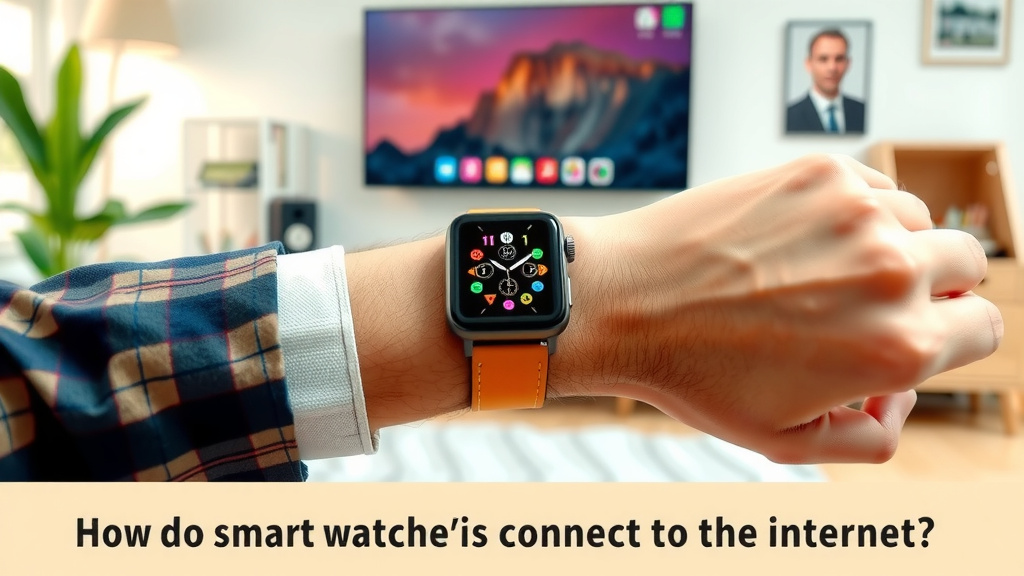
The Role of Bluetooth: The Foundation of Connection
It’s important to remember that Bluetooth plays a vital role, especially for watches that rely on your smartphone. Bluetooth is a wireless technology that allows devices to connect over short distances. Think of it as the initial handshake between your watch and your phone.
Bluetooth’s Short-Range Power
Your watch uses Bluetooth to pair with your smartphone. This pairing establishes a reliable, low-power connection. This connection is what allows your watch to relay information back and forth with your phone. Many guidelines suggest keeping devices within 30 feet for optimal Bluetooth performance (CDC).
Not for Internet, But Essential for It
While Bluetooth itself doesn’t provide internet access, it’s the critical link that *enables* your watch to access your phone’s internet. Without Bluetooth, your watch couldn’t even tell your phone what to do with its internet connection.
Summary of Connection Types
Here’s a quick look at the different ways your smartwatch can get online:
| Connection Type | How it Works | Requires Phone? | Requires Data Plan? |
|---|---|---|---|
| Smartphone Tethering (Wi-Fi/Cellular) | Watch uses phone’s connection via Bluetooth | Yes | No (uses phone’s plan) |
| Direct Wi-Fi | Watch connects to Wi-Fi network independently | No (for connection, but setup via phone) | No |
| Built-in Cellular (LTE) | Watch connects to cellular network directly | No | Yes (separate plan often needed) |
Ensuring Your Smartwatch Stays Connected
Keeping your smartwatch connected is usually straightforward. Here are a few tips to make sure you’re getting the best connection possible:
- Keep Bluetooth enabled on your phone.
- Ensure your phone’s Wi-Fi or cellular data is on.
- Update your smartwatch and its companion app regularly.
- Charge your watch adequately; low battery can affect connectivity.
- Check your phone’s network signal strength.
- If using cellular on your watch, confirm your data plan is active.
Conclusion
You’ve learned that your smartwatch primarily connects to the internet through your smartphone’s Wi-Fi or cellular data. For more freedom, some models offer direct Wi-Fi or built-in cellular capabilities, but these often require separate data plans. Bluetooth acts as the essential foundation, enabling your watch to communicate with your phone. Now that you understand these connections, you can choose the smartwatch and connection method that best fits your lifestyle and needs. Next time you’re setting up your watch, you’ll know exactly how it gets online!
Frequently Asked Questions
Do I need a data plan for my smartwatch to work?
It depends on the smartwatch model and how it connects. If your watch connects through your smartphone, it uses your phone’s data plan. If your watch has built-in cellular (LTE) capabilities, you will likely need a separate data plan for it to connect independently.
Can my smartwatch connect to Wi-Fi without my phone being nearby?
Yes, some smartwatches can connect directly to Wi-Fi networks on their own. You typically set this up through your phone’s companion app first. Once configured, your watch can connect to a Wi-Fi network even if your phone isn’t within Bluetooth range.
What’s the difference between cellular and Wi-Fi on a smartwatch?
Cellular connection (LTE) allows your watch to connect to the internet anywhere there’s a cell signal, similar to your phone. Wi-Fi connection requires your watch to be within range of a Wi-Fi network. Cellular offers more freedom but usually requires a separate data plan, while Wi-Fi is often free if you’re on a known network.
Will my smartwatch work if Bluetooth is turned off on my phone?
For most smartwatches that rely on your smartphone for internet access, Bluetooth must be enabled on your phone. Bluetooth is the primary way your watch communicates with your phone. Without it, your watch cannot “borrow” your phone’s internet connection.
How does having a cellular smartwatch affect its battery life?
Using a smartwatch’s built-in cellular connection generally consumes more battery power than using Bluetooth or Wi-Fi tethering. This is because the watch’s cellular radio is actively searching for and connecting to cell towers, which requires more energy.

![7 Best Kids Smart Watches 2025 [2026]](https://smartwatchbest.com/wp-content/uploads/2026/08/7-best-kids-smart-watches-2025-2026-featured-768x432.jpg)
![7 Best Android Smart Watch For Texting [2026]](https://smartwatchbest.com/wp-content/uploads/2026/06/7-best-android-smart-watch-for-texting-2026-featured-768x432.jpg)