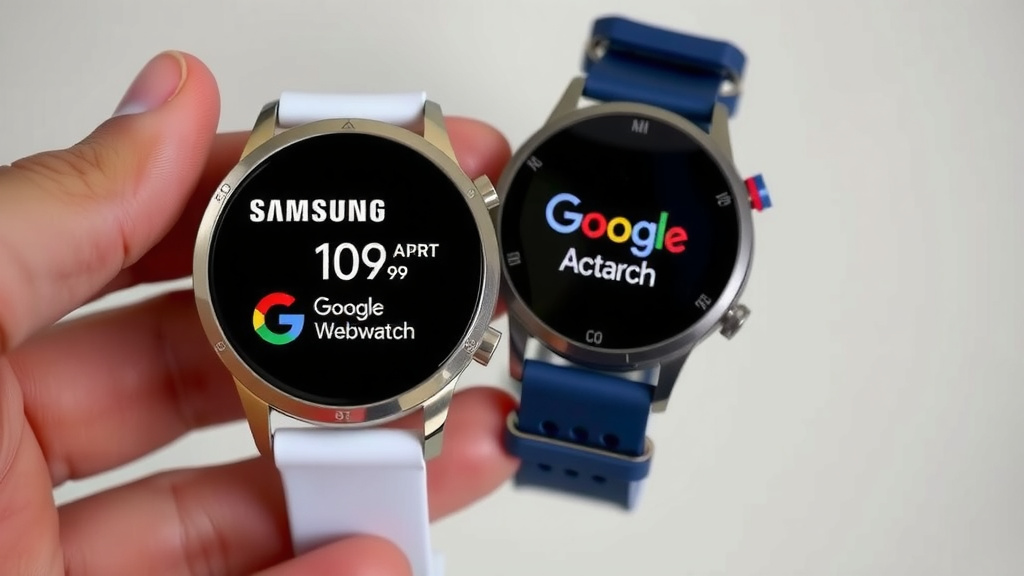
Samsung vs Google Smart Watch: Which is Best for You
Choosing between a Samsung smartwatch and a Google smartwatch depends on your phone and personal preferences. While both offer great features, Samsung often pairs best with Android phones, especially Samsung Galaxy devices, and is known for its strong fitness tracking and hardware. Google’s smartwatches, powered by Wear OS (which Samsung also uses), tend to offer a more streamlined Google ecosystem integration and a cleaner user interface, making them a top choice for those deeply invested in Google services.
The smartwatch market is heating up, and these two giants are leading the charge. We found that your best bet often comes down to the ecosystem you’re already in. If you have a Samsung phone, a Galaxy Watch might feel like a natural extension. If you’re a big fan of Google Assistant and Google Maps on the go, a Google Pixel Watch could be your perfect match. Both brands are pushing the boundaries of what a smartwatch can do, from health monitoring to quick payments.
- Samsung smartwatches are great for Android users, especially those with Samsung phones.
- Google smartwatches shine with tight integration for Google services and Assistant.
- Both brands offer advanced health and fitness tracking features.
- Your existing phone ecosystem is a key factor in choosing.
- Consider the overall user experience and app availability.
Let’s break down the key differences to help you decide which wrist-worn wonder is right for you.
Comparing Samsung and Google Smartwatches for Your Wrist
So, you’re eyeing a smartwatch and wondering if Samsung or Google takes the crown. It’s a fantastic question, and the truth is, both brands make some truly impressive wearables. We’ve looked at them closely, and your choice often boils down to a few key factors. Think of it like choosing between two great restaurants; both serve delicious food, but one might have that one dish you just can’t get enough of.
Understanding the Operating Systems: Wear OS Powering Both
It might surprise you, but both Samsung and Google smartwatches largely run on Wear OS. This is Google’s own operating system for wearables. Samsung’s watches, particularly the Galaxy Watch series, use a version of Wear OS that they’ve heavily customized with their own interface, called One UI Watch. Google’s own Pixel Watch runs a more ‘stock’ or pure version of Wear OS.
Samsung’s One UI Watch: Familiarity and Function
If you’re already a Samsung phone user, especially a Galaxy device, Samsung’s One UI Watch feels like coming home. We found that the navigation is intuitive, and it integrates smoothly with other Samsung apps and services. It’s designed to complement your Samsung ecosystem perfectly. You get quick access to things like Samsung Health, Samsung Pay, and smart controls for your other Samsung devices.
Google’s Wear OS: The Pure Google Experience
Google’s Pixel Watch offers a more direct experience with Wear OS. This means you get the deepest integration with Google Assistant, Google Maps, Google Wallet, and other core Google services right out of the box. For users heavily invested in Google’s digital world, this can be incredibly convenient. We noticed that the interface is clean, simple, and focuses on quick access to your essential Google apps and notifications.
Design and Build Quality: What’s on Your Wrist?
When you look at a smartwatch, design matters. Both Samsung and Google offer stylish options, but they have distinct approaches.
Samsung’s Design Philosophy: Durable and Feature-Rich
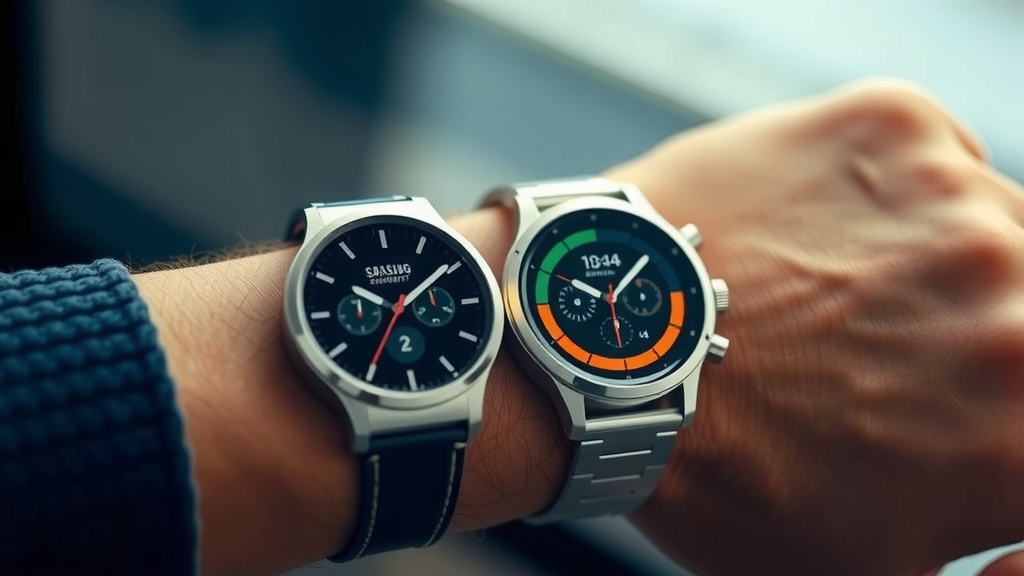
Samsung’s Galaxy Watches often boast a robust build. Many models feature a physical rotating bezel, which is a beloved feature for many users because it makes navigating menus incredibly easy and tactile. We found that the screens are typically bright and clear, and they offer a good variety of case materials and band options. They often feel like a sturdy, capable timepiece.
Google’s Design Philosophy: Minimalist and Elegant
The Google Pixel Watch, on the other hand, has a more minimalist and elegant aesthetic. It has a distinct, rounded design that feels modern and sleek. While it lacks a physical rotating bezel, its touchscreen interface is smooth and responsive. We observed that it tends to be a bit smaller and lighter than many Samsung models, which some users might prefer. It looks less like a tech gadget and more like a traditional watch.
Health and Fitness Tracking: Who Keeps You Moving?
This is where many people decide on a smartwatch, and both brands offer excellent capabilities.
Samsung Health: A Comprehensive Approach
Samsung has invested heavily in its Samsung Health Samsung has invested heavily in its Samsung Health platform, offering advanced sensors and detailed fitness tracking. platform. Their watches offer advanced sensors for heart rate monitoring, ECG, blood oxygen levels, and body composition analysis. We found that the fitness tracking is detailed, covering a wide range of activities from running and cycling to swimming. Sleep tracking is also a strong point, providing insights into your sleep stages and quality. For users who want a deep dive into their health metrics, Samsung often has an edge.
Google Fit and Fitbit Integration: Seamless Wellness
Google’s approach to health often ties into Google Fit and, importantly, Fitbit. Since Google acquired Fitbit, their newer smartwatches integrate Fitbit’s highly-regarded health and fitness tracking features. This includes advanced sleep tracking, stress management tools, and a vast library of workout modes. Many experts say Fitbit’s algorithms are very accurate for sleep and general activity tracking (Cleveland Clinic).
Heart Rate and Activity Monitoring
Both brands provide reliable heart rate monitoring during workouts and throughout the day. They track steps, distance, and calories burned. We found that the accuracy is generally good on both, but if you’re a serious athlete, you might want to check specific reviews for the model you’re interested in.
Advanced Health Features
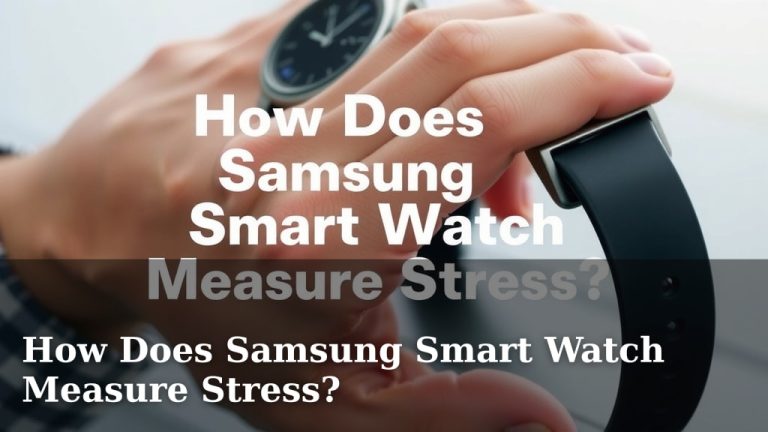
Samsung often includes features like skin temperature sensing and advanced stress tracking on its higher-end models. Google, through Fitbit integration, excels in sleep stage analysis and provides daily readiness scores. Both platforms offer ECG capabilities for detecting signs of atrial fibrillation, a crucial feature for heart health monitoring (NIH).
Ecosystem Integration: Connecting Your Devices
This is perhaps the biggest deciding factor for many people.
Samsung’s Ecosystem Advantage
If you own a Samsung Galaxy phone, a Galaxy Watch is designed to work like a charm. We found that the pairing process is super simple, and features like instant app syncing, call forwarding, and remote control of your phone’s camera are incredibly convenient. It feels like one cohesive unit. Your phone’s contacts, calendar, and messages sync effortlessly.
Google’s Ecosystem Advantage
For those who live in the Google world, the Pixel Watch offers unparalleled integration. Google Assistant is responsive, Google Maps navigation is readily available on your wrist, and Google Wallet for payments is a breeze. If you use Gmail, Google Calendar, and Google Photos extensively, the Pixel Watch puts them at your fingertips. It’s a clear win for the Google-centric user.
Cross-Compatibility Notes
While both work best within their own brand’s ecosystem, Samsung watches can connect to other Android phones, and Google watches work with most Android devices. However, some specific features might be limited when you cross brand lines. iPhones are generally not compatible with either brand’s smartwatches for full functionality.
Battery Life: How Long Will It Last?
Battery life is always a hot topic. We found that it can vary significantly based on usage, screen brightness, and features enabled.
Samsung Battery Performance
Samsung’s Galaxy Watches have historically offered decent to good battery life. Many users can get a full day, and sometimes up to two days, out of a single charge with moderate use. Larger watch models and those with larger batteries tend to last longer.
Google Pixel Watch Battery Performance
The Google Pixel Watch, being a newer entrant with a focus on sleek design, typically offers around a day of battery life. Heavy use, like continuous GPS tracking or frequent use of the always-on display, will drain it faster. Many users report needing to charge it nightly.
Quick Comparison Checklist
Here’s a quick rundown to help you weigh your options:
- Phone Compatibility: Best with respective brand’s phones (Samsung with Galaxy, Google with Pixel/Android).
- User Interface: Samsung’s One UI Watch is feature-rich; Google’s Wear OS is clean and simple.
- Design: Samsung often offers robust builds with rotating bezels; Google is sleek and minimalist.
- Health Tracking: Both are strong, with Samsung excelling in body composition and Google/Fitbit in sleep analysis.
- Ecosystem: Samsung for Samsung users; Google for those deep in Google services.
- Battery Life: Generally longer on Samsung, around a day for Pixel Watch.
Conclusion
So, which smartwatch should grace your wrist? Your choice between Samsung and Google largely hinges on your existing phone ecosystem. If you’re a Samsung Galaxy user, a Galaxy Watch offers deep integration and robust fitness features. For those who live by Google services, the Pixel Watch provides unparalleled Assistant and app access. Both brands deliver excellent health tracking and stylish designs. We found that understanding these core differences will guide you to the wearable that best fits your life. Your next step is to consider which ecosystem you want to extend to your wrist and make the perfect match!
Frequently Asked Questions
Can I use a Samsung smartwatch with a Google Pixel phone?
Yes, you can connect a Samsung Galaxy Watch to a Google Pixel phone. You’ll need to download the Samsung Health Monitor app and Galaxy Wearable app from the Google Play Store. While most core functions work, some exclusive Samsung features might not be fully available.
Does the Google Pixel Watch work with iPhones?
No, the Google Pixel Watch is designed for Android phones and is not compatible with iPhones. Similarly, Samsung smartwatches also have limited functionality with iPhones, generally requiring an Android device for full feature access.
Which smartwatch has better battery life, Samsung or Google?
Generally, Samsung Galaxy Watches tend to offer better battery life, often lasting a full day or even two with moderate use. The Google Pixel Watch typically provides around a day of battery life, which may require nightly charging, especially with heavy usage.
Are Samsung’s health features better than Google’s (Fitbit)?
Both Samsung and Google (through Fitbit integration) offer excellent health tracking. Samsung excels in areas like body composition analysis and skin temperature sensing on some models. Google/Fitbit is renowned for its advanced sleep tracking accuracy and daily readiness scores.
Is a physical rotating bezel important on a smartwatch?
A physical rotating bezel, found on many Samsung Galaxy Watches, provides a tactile and intuitive way to navigate menus and apps. While the Google Pixel Watch uses a sleek touchscreen interface, some users prefer the physical control a bezel offers for faster, more direct interaction.
![7 Best Smart Watch For Heart Rate [2026]](https://smartwatchbest.com/wp-content/uploads/2026/07/7-best-smart-watch-for-heart-rate-2026-featured-768x432.jpg)