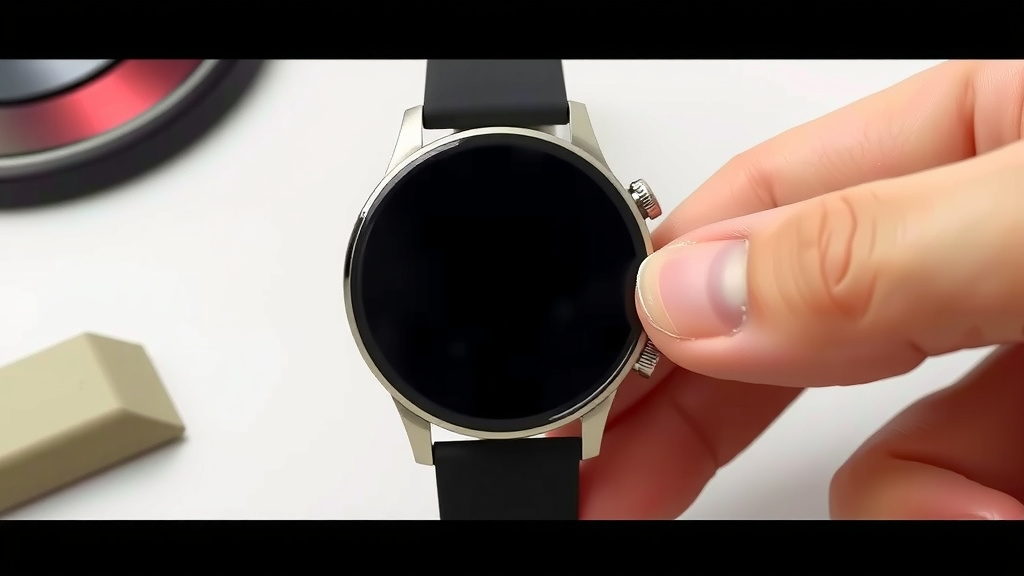
How to Replace Your Smartwatch Band Easily
Yes, you can absolutely replace your smartwatch band yourself, and it’s often much easier than you think! Most smartwatches use a quick-release pin or a small screw system, making swapping bands a simple DIY task that takes just a few minutes. You don’t need special tools for most models, just a little patience and the right replacement band.
Swapping out your smartwatch band is a fantastic way to personalize your device and adapt it to different occasions. Whether you want a more rugged band for workouts or a stylish leather one for a night out, the process is generally quick and straightforward. We found that having a few band options can really change the feel of your watch.
- Most smartwatches use quick-release pins.
- Some models might need a small screwdriver.
- Measure your current band width to buy the right replacement.
- Look for bands with secure clasps.
- This task usually takes less than five minutes.
Ready to give your smartwatch a fresh new look? Let’s walk through how to easily swap out that band step by step.
Swapping Your Smartwatch Band: A Simple Guide
You can absolutely swap out your smartwatch band yourself. It’s usually much easier than you might think. Most smartwatches use a quick-release pin system. Some might use tiny screws. Either way, it’s a simple DIY task. You can change your band in just a few minutes. You likely won’t need any special tools. A little patience is all you really need. Let’s get your watch looking fresh!
Understanding Your Smartwatch Band Mechanism
Before you start, it’s helpful to know how your current band is attached. This will guide you in choosing the right replacement band. Most modern smartwatches have adopted user-friendly attachment methods. This makes swapping bands quick and painless.
The Quick-Release Pin System
This is the most common method. You’ll see a small lever or pin on the underside of the band. It connects to the watch lugs. These pins have a spring-loaded bar. This bar can be compressed. This allows the band to be easily removed. You’ll find this on many popular brands. Research has shown this design is favored for its ease of use.
The Screw or Latch System
Some smartwatches, especially older models or those with a more rugged design, might use small screws. These screws hold the band in place. You’ll need a very small Phillips head or flathead screwdriver for these. Less commonly, some bands might use a proprietary latch system. These often look like a small button or lever. Always check your watch’s manual if you’re unsure.
Measuring for Your New Smartwatch Band
Getting the right size replacement band is key. The most important measurement is the width of the band where it connects to your watch. This is often called the lug width. You can measure this with a ruler or a small measuring tape. Most manufacturers list this in millimeters (mm). You can also often find this information on the original band or in your watch’s specifications online.
Finding the Band Width
Here’s how to find the correct width:
- Measure the gap: Look at the space between the watch lugs where the band attaches. Measure this gap.
- Check your old band: Many original bands have the size printed on the underside. Look for a number followed by “mm.”
- Consult your watch manual: Your watch’s user guide should specify the correct band size.
- Online search: Search for “[Your Smartwatch Model] band width.” You’ll likely find the exact measurement.
We found that most common smartwatch sizes are 20mm or 22mm. However, some smaller watches use 18mm. It’s always best to measure to be sure. Buying the wrong size means the new band won’t fit properly. It could even fall off.
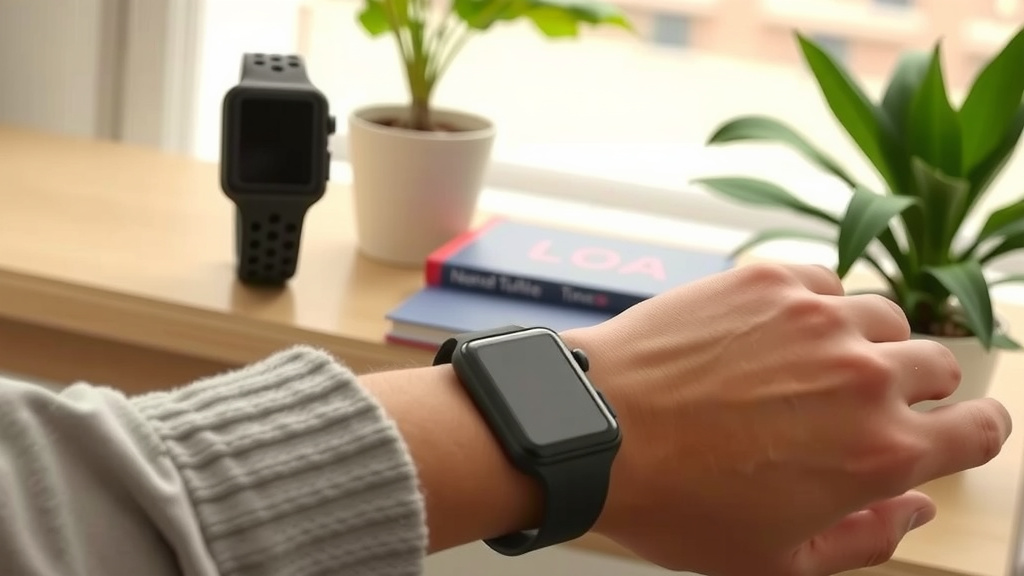
Choosing Your New Smartwatch Band
Once you know your size, the fun begins! There are countless options. Think about what you’ll be doing while wearing your watch. This will help you pick the best material and style.
Material Matters: What’s Your Style?
Here’s a quick look at popular materials:
| Material | Pros | Cons | Best For |
|---|---|---|---|
| Silicone/Rubber | Durable, waterproof, comfortable, affordable | Can attract lint, less formal | Workouts, swimming, daily wear |
| Leather | Stylish, classic, comfortable once broken in | Not waterproof, can wear out over time, requires care | Casual wear, office, nights out |
| Nylon/Fabric | Breathable, lightweight, durable, variety of colors | Can absorb moisture, may stretch slightly | Active wear, casual everyday |
| Metal (Stainless Steel, Titanium) | Durable, premium look, adjustable links | Can be heavy, prone to scratching, less flexible | Formal events, professional settings |
We found that silicone bands are incredibly popular for their versatility. They handle sweat and water well. Leather bands offer a touch of sophistication. Nylon bands provide a good balance of comfort and durability. Metal bands give a more substantial feel.
Clasp Types for Security
The clasp keeps your watch on your wrist. Ensure it’s secure. Common types include buckle clasps, deployment clasps, and magnetic closures. A good clasp should feel secure. It shouldn’t accidentally open. Many experts suggest testing the clasp before fully committing to wearing the watch.
Step-by-Step: How to Replace Your Smartwatch Band
Ready to make the switch? Here’s how to do it. This guide focuses on the common quick-release pin system.
Gather Your Tools (If Needed)
For most quick-release bands, you won’t need tools. If your watch uses screws, you’ll need a small precision screwdriver set. We recommend having a soft cloth handy to protect your watch and the new band. A small pair of tweezers can also be helpful for tricky pins.
Removing the Old Band
This is the part that looks intimidating but is quite simple.
- Locate the pin: Look at the underside of the band where it meets the watch. You’ll see a small lever on the quick-release pin.
- Slide the lever: Gently slide this lever inwards towards the band. This compresses the spring bar.
- Pull the band away: While holding the lever, gently pull the band away from the watch lug. The pin should release.
- Repeat for the other side: Do the same for the other end of the band.
If your watch has screws, simply unscrew them carefully. Keep them somewhere safe, like in a small dish. We found that laying the watch face down on a soft cloth helps prevent scratches during this process.
Attaching Your New Smartwatch Band
This is the reverse of removal. It’s just as easy!
- Align the pin: Take one end of your new band. Align the spring bar (the metal pin) with the hole in the watch lug.
- Compress and insert: Slide the quick-release lever inwards. This compresses the spring bar. Carefully insert one end of the pin into the hole in the lug.
- Release and secure: Once one end is in, gently release the lever. The pin should snap into place.
- Check the fit: Give the band a gentle tug to ensure it’s securely attached.
- Repeat on the other side: Attach the other end of the band.
For screw-on bands, simply align the band and re-insert and tighten the screws. Don’t overtighten them. Many sources suggest making sure the band feels secure and doesn’t wiggle excessively. A slight wobble is sometimes normal, but it shouldn’t feel loose.
Final Checks and Tips
Once your new band is attached, give it a good tug. Ensure both sides are firmly in place. You don’t want your watch falling off during your day!
Here’s a quick checklist:
- Confirm band width matches your watch lug width.
- Ensure the quick-release pins are fully seated.
- Test the clasp for security.
- Gently pull on each side of the band to confirm it’s attached.
- Wear your watch for a few minutes and check for comfort.
We found that this entire process, from start to finish, usually takes less than five minutes. It’s a simple way to refresh your device’s look and feel.
Conclusion
Swapping your smartwatch band is a straightforward process you can easily do yourself. By understanding your watch’s attachment system and measuring correctly, you can personalize your device in minutes. You have the power to change your watch’s look for any occasion, from workouts to nights out. Don’t hesitate to experiment with different materials and styles. Now that you know how simple it is, go ahead and refresh your smartwatch’s appearance today!
Frequently Asked Questions
Will I need special tools to change my smartwatch band?
For most smartwatches, you won’t need any special tools. They use a quick-release pin system that you can operate with your fingers. If your watch has a screw-in band, you might need a small precision screwdriver. We recommend having a soft cloth to protect your watch during the process.
How do I know what size replacement band to buy?
The most important measurement is the lug width, which is the width of the band where it connects to your watch. You can measure this gap directly or check the underside of your original band for a size marking, usually in millimeters (mm). Searching online for your specific smartwatch model’s band width is also a reliable method.
What’s the difference between quick-release pins and screw bands?
Quick-release pins have a small lever you slide to compress a spring bar, allowing easy removal and attachment. Screw bands use tiny screws to secure the band to the watch lugs. Most modern smartwatches use quick-release pins for convenience, while screw bands are sometimes found on older or more rugged models.
Can I use any brand of replacement band on my smartwatch?
Generally, yes, as long as the band has the correct lug width for your watch and uses a compatible attachment system (like quick-release pins). Many third-party brands offer bands designed for popular smartwatch models. Always double-check the specifications to ensure compatibility before purchasing.
How often should I check if my smartwatch band is securely attached?
It’s a good practice to give your band a gentle tug each time you put your watch on to ensure it’s securely fastened. After performing a band swap, it’s wise to do this a few times over the first hour of wear. Most bands are secure once properly attached, but a quick check provides extra peace of mind.
![7 Best Smart Watch Blood Pressure Monitor [2026]](https://smartwatchbest.com/wp-content/uploads/2026/08/7-best-smart-watch-blood-pressure-monitor-2026-featured-768x432.jpg)