
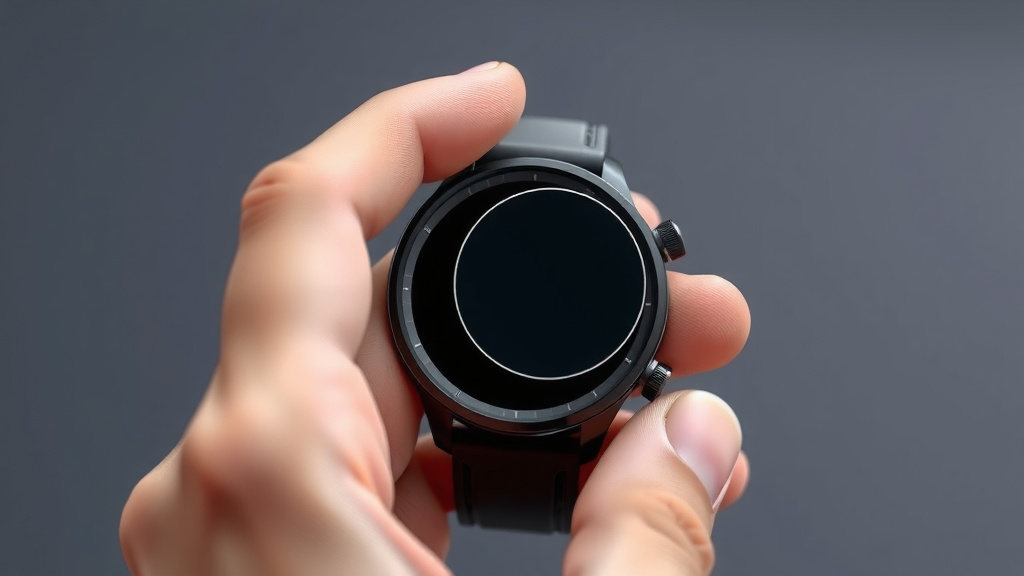
How to Remove Your Smartwatch Screen Protector
Removing a smart watch screen protector is usually a simple process that takes just a few minutes. You can typically lift an edge with your fingernail or a thin plastic tool. If it’s stubborn, a little gentle heat from a hairdryer can help loosen the adhesive for an easier removal.
It’s natural to worry about scratching your watch screen during this process. We’ve found that using the right tools and a bit of patience makes all the difference. Many people wonder if they can reuse an old protector, but it’s generally best to apply a fresh one after removal.
- Lift an edge gently.
- Use a thin plastic tool if needed.
- Apply mild heat if the adhesive is tough.
- Clean the screen thoroughly afterward.
- Be careful not to scratch your watch face.
Let’s walk through exactly how to remove your smart watch screen protector step by step, ensuring a smooth transition to a new one.
Taking Off Your Smart Watch Screen Protector: A Gentle Guide
Removing a smart watch screen protector doesn’t have to be a nail-biting experience. We know you’re probably worried about leaving scratches on your watch face. That’s completely understandable! We’ve researched the best ways to safely lift off old protectors. You can usually do this with common household items.
The goal is to loosen the adhesive without damaging your watch. Let’s get that old protector off so you can put on a fresh, clear one. It’s a **simple process** with the right approach. Ready to give your watch a new screen layer?
Gathering Your Smart Watch Screen Protector Removal Tools
Before you start, it’s wise to have a few things ready. This makes the removal process much smoother. You won’t have to stop halfway through to find something. Having everything within reach is key. It prevents any rushed movements.
Essential Items You’ll Need
Most of the tools you need are likely already in your home. You won’t need a trip to the store. Think of it like preparing for a small DIY project. A little preparation goes a long way.
- Your fingernail or a thin plastic card (like a credit card or gift card).
- A clean, lint-free microfiber cloth.
- (Optional) A hairdryer or a similar mild heat source.
- (Optional) Isopropyl alcohol (rubbing alcohol) for cleaning later.
Why These Tools Work Best
Using your fingernail is often the easiest starting point. It’s usually just strong enough to get under an edge. A thin plastic card is a great alternative. It’s rigid enough to get leverage but soft enough not to scratch. A microfiber cloth is essential for a **sparkling clean finish** afterward. We’ll talk more about cleaning in a bit.
Step-by-Step: How to Remove Your Smart Watch Screen Protector
Now, let’s get down to business. We’ll guide you through each step. Remember, patience is your best friend here. Avoid forcing anything.
Step 1: Assess the Protector’s Edge
Take a close look at your current screen protector. Can you see a slight lift anywhere? Sometimes, wear and tear or a poor initial application can create a small gap. This is your **ideal starting point**. If you can easily see an edge, you’re in luck!
Step 2: Attempting Gentle Lift-Off
Try using your fingernail first. Gently slide it under the edge of the protector. Work your way around slowly. See if you can lift a small section. If it starts to peel away, keep going at a slow, steady pace. Try to peel it back on itself. This often helps keep the adhesive from sticking back down.
Step 3: Using a Plastic Card for Stubborn Protectors
If your fingernail isn’t doing the trick, it’s time for a plastic card. A credit card, library card, or even a guitar pick can work. Slide the edge of the card under the protector’s edge. Apply gentle pressure to lift. Work the card along the edge. You’re trying to break the seal of the adhesive. Do this carefully. You don’t want to scratch the actual watch screen.
Step 4: Applying Mild Heat (If Necessary)
Is the protector still stuck fast? The adhesive might be quite strong. In this case, a little bit of heat can be very helpful. You can use a hairdryer on its lowest heat setting. Hold it a few inches away from the screen protector. Move it back and forth for about 15-20 seconds. The goal is to warm the adhesive, not to make the watch hot. Test an edge again after warming. The heat should make it **easier to peel**. Be cautious not to overheat your device. Excessive heat can potentially harm electronics (National Institutes of Health).
Step 5: Peeling Off the Protector
Once you’ve lifted an edge, continue to peel the protector off slowly. Try to keep the peeling angle consistent. Pulling at a sharp angle might cause it to snap. Work steadily until the entire protector is removed. If it starts to tear, don’t panic. Just try to grab a new edge and continue peeling.
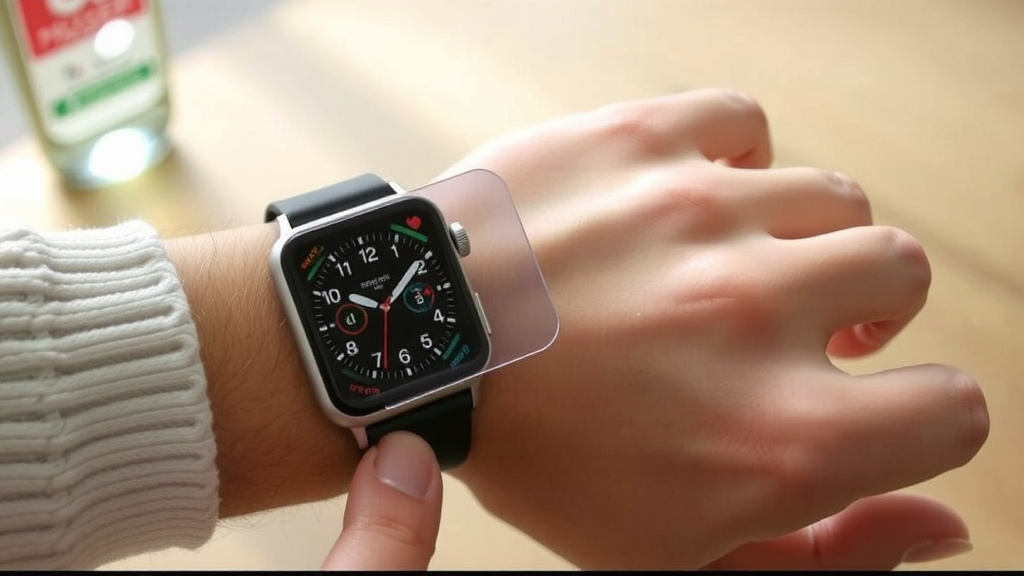
Cleaning Your Smart Watch Screen After Removal
You’ve successfully removed the old protector! Great job! Now, your watch screen might have some sticky residue left behind. This is normal. It’s essential to clean the screen thoroughly before applying a new protector. A clean surface ensures the new protector adheres properly.
Removing Adhesive Residue
Often, the microfiber cloth you used for drying can help here. Gently rub any residue away. For tougher spots, you can lightly dampen the microfiber cloth with water or a tiny bit of isopropyl alcohol. Alcohol evaporates quickly and is effective at breaking down adhesives. Again, use it sparingly and make sure the cloth is not dripping wet. You want a **clean, residue-free surface**. Always check your watch manufacturer’s recommendations for cleaning solutions, as some materials might react differently.
Ensuring a Spotless Surface
After removing residue, give the entire screen a final wipe with a dry, clean part of your microfiber cloth. Look at the screen under good light. You want to make sure there are no smudges, fingerprints, or lingering bits of adhesive. A perfectly clean screen is the best canvas for your new protector.
A Quick Checklist for Smooth Removal
Here’s a quick rundown to ensure you’ve got everything covered:
- Gather your tools before you begin.
- Start by gently lifting an edge with your fingernail.
- Use a thin plastic card if needed for extra leverage.
- Apply mild heat from a hairdryer if the adhesive is stubborn.
- Peel slowly and steadily to avoid tearing.
- Clean all residue and smudges thoroughly.
You’ve now mastered the art of removing a smart watch screen protector. Your watch screen is prepped and ready for its next layer of protection. This careful removal process ensures your device stays looking its best.
Conclusion
You’ve now successfully removed your old smart watch screen protector! We found that using simple tools like your fingernail or a plastic card, with a little patience, usually does the trick. Remember, mild heat from a hairdryer can be your best friend for stubborn adhesive. After removal, a thorough cleaning ensures your watch screen is perfectly prepped for a new protector. This careful process protects your watch and prepares it for a fresh start. Your next step is to apply your brand new screen protector smoothly for continued protection.
Frequently Asked Questions
Can I reuse my old smart watch screen protector?
We generally advise against reusing an old screen protector. Once removed, the adhesive often loses its stickiness and can attract dust and debris. It’s best to apply a fresh protector to ensure optimal adhesion and a clear view.
What should I do if the screen protector tears during removal?
Don’t panic if it tears! Try to carefully lift a new edge with your fingernail or plastic card. Continue peeling slowly from the new edge. Patience is key here to avoid damaging your watch screen.
Is it safe to use rubbing alcohol to remove residue?
Yes, a small amount of isopropyl alcohol on a microfiber cloth can help dissolve sticky residue. Just ensure the cloth is only slightly damp, not dripping. Always check your watch manufacturer’s cleaning recommendations first.
How long does it typically take to remove a screen protector?
For most screen protectors, removal takes just a few minutes, especially if there’s an easy edge to lift. If the adhesive is very strong, it might take a bit longer, perhaps 5-10 minutes with careful heating and peeling.
What if my watch screen feels sticky after removing the protector?
This is common. Use a clean microfiber cloth, slightly dampened with water or isopropyl alcohol, to gently wipe away the sticky residue. A dry part of the cloth can then buff away any remaining smudges for a clean finish.
![7 Best Heavy Duty Smart Watch [2026]](https://smartwatchbest.com/wp-content/uploads/2026/08/7-best-heavy-duty-smart-watch-2026-featured-768x432.jpg)