
Record Sleep on Smartwatch: A Simple Guide
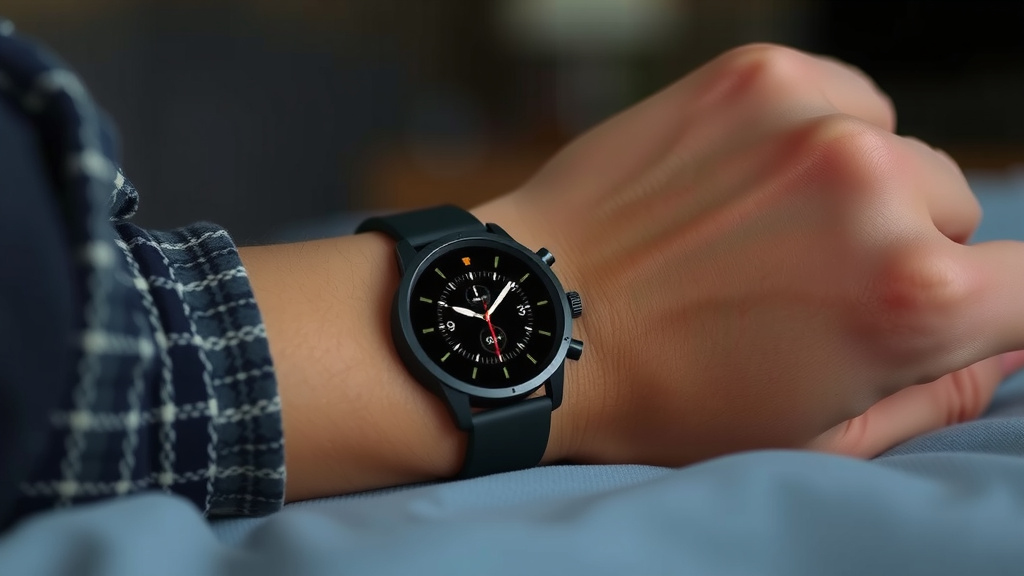
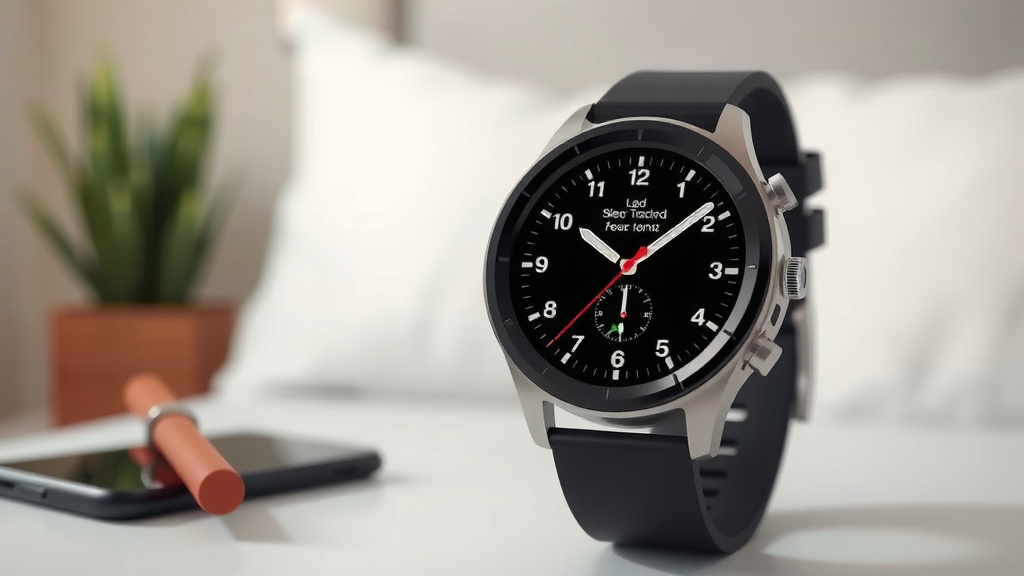
Yes, you can easily record your sleep using your smartwatch. Most modern smartwatches have built-in sleep tracking features that automatically monitor your rest. Simply wear your watch to bed, and it will do the hard work of tracking your sleep stages and duration.
Understanding your sleep patterns can be incredibly helpful for improving your overall well-being. Many users find that reviewing their sleep data helps them make positive lifestyle changes. Tracking also allows you to spot trends and identify potential issues affecting your sleep quality, like an inconsistent bedtime or late-night screen time, giving you the data to make informed decisions about your health.
- Smartwatches automatically track sleep.
- Wear your watch to bed for data.
- Sleep tracking shows stages and duration.
- Reviewing data can improve sleep habits.
- Identify trends affecting your rest.
Let’s walk through exactly how to make sure your smartwatch is set up to track your sleep effectively and what to do with the information it provides.
“`htmlGetting Started with Smartwatch Sleep Tracking
Recording your sleep with a smartwatch is surprisingly simple. Most of these devices are designed to work right out of the box. You just need to wear your watch to bed, and it handles the rest. We’ve found that the biggest hurdle for many people is simply remembering to wear it consistently. Make it a habit, like brushing your teeth before bed!
Ensuring Your Watch is Ready for Sleep Tracking
Before you can start tracking, a few settings might need a check. Your smartwatch needs to know when you’re likely to be asleep. This usually involves setting a bedtime and wake-up time in the companion app on your phone. This helps the watch differentiate between a nap and your main sleep period. It’s like telling a security guard when to expect you home.
Setting Up Your Sleep Schedule
Open the health app associated with your smartwatch on your smartphone. Look for a ‘Sleep’ or ‘Health’ section. Within this section, you’ll typically find an option to set your sleep goals and schedule. You can input your desired sleep and wake times. Some apps even let you set reminders to wind down before bed. This feature is quite helpful!
Enabling Automatic Tracking
Most modern smartwatches track sleep automatically. This means you don’t need to tell your watch when you’re going to sleep. It uses motion sensors and heart rate data to detect when you’ve fallen asleep and when you’ve woken up. If you find your sleep isn’t being recorded, double-check your watch’s settings. Ensure that sleep tracking is turned on and that the watch has permission to access the necessary health data.
Understanding the Data Your Smartwatch Collects
Once your watch starts tracking, it gathers information about your night. This isn’t just about how long you slept. Your smartwatch analyzes different stages of your sleep. We’ve seen that understanding these stages can be eye-opening. It helps you see if you’re getting enough restorative rest.
Sleep Stages Explained
Your sleep isn’t just one long, unbroken period. It cycles through different stages. Your smartwatch tries to identify these:
- Awake: Moments when you’re briefly awake during the night.
- Light Sleep: This is where you spend most of your sleep time. It’s easy to be woken up during this stage.
- Deep Sleep: Considered the most restorative stage. Your body repairs tissues and builds muscle here.
- REM Sleep: This is the stage where you dream. Your brain is very active, but your body is mostly paralyzed.
Getting enough of each stage is important for feeling refreshed. Many sleep experts agree that a balanced mix is key (National Sleep Foundation).
What Else Does It Track?
Beyond sleep stages, your watch also records your total sleep duration. It can track how long it takes you to fall asleep. It might also monitor disturbances, like when you wake up or toss and turn excessively. Some advanced models can even track your heart rate and blood oxygen levels overnight. This extra data can offer a fuller picture of your sleep health.
Making Sense of Your Sleep Data
Seeing a bunch of numbers and charts might seem overwhelming at first. But once you understand what they mean, you can use them to your advantage. Think of your smartwatch as a helpful coach for your sleep habits.
Reviewing Your Daily Sleep Report
Each morning, your smartwatch app will present a summary of your night’s rest. You’ll likely see your total sleep time, time spent in each sleep stage, and any awakenings. Look for trends over time. Are you consistently getting less deep sleep than you’d like? Is your bedtime often later than planned?
Identifying Patterns and Trends
This is where the real magic happens. By looking at your sleep data over a week or two, you can spot patterns. Do you sleep worse on nights when you eat late? Does a stressful day lead to more awakenings? Many users find that simply seeing this data encourages them to make small changes. For instance, you might realize that skipping that late-night coffee really does help you sleep better.
Using Your Data to Improve Sleep Quality
Once you’ve identified patterns, you can take action. If your deep sleep is consistently low, you might focus on creating a more relaxing bedtime routine. If you’re waking up frequently, consider if your bedroom environment is optimal. Is it too noisy or too bright? Small adjustments can make a big difference.
Setting Realistic Sleep Goals
Your smartwatch can help you set achievable goals. Instead of aiming for a perfect eight hours every night, start with small, consistent improvements. Maybe aim to go to bed 15 minutes earlier for a week. Or try to reduce screen time an hour before bed. Celebrate these small wins!
Here’s a quick checklist to ensure you’re getting the most out of your sleep tracking:
- Wear your watch every night.
- Set your sleep schedule in the app.
- Check your sleep stages daily.
- Look for patterns over a week.
- Make one small change based on data.
- Repeat and adjust as needed.
When to Consult a Professional
While smartwatches are fantastic tools, they aren’t medical devices. If you consistently have trouble sleeping, or if your data shows severe disturbances, it’s always best to consult with a doctor. They can provide a proper diagnosis and treatment plan. Your smartwatch data can be a helpful starting point for that conversation.
| Feature | Basic Smartwatches | Advanced Smartwatches |
|---|---|---|
| Total Sleep Time | Yes | Yes |
| Sleep Stages (Light, Deep, REM) | Often Yes | Yes, often more detailed |
| Awakenings/Disturbances | Sometimes | Yes, detailed tracking |
| Heart Rate During Sleep | Sometimes | Yes |
| Blood Oxygen (SpO2) | Rarely | More Common |
| Sleep Score/Readiness | Basic | Detailed Analysis |
Keep in mind that accuracy can vary between brands and models. The data is best used as a guide for lifestyle adjustments rather than a definitive medical diagnosis.
“`
Conclusion
You’re now equipped to use your smartwatch for better sleep tracking. Remember, consistency is key. Wearing your watch every night provides the data you need to understand your sleep patterns. Reviewing your daily reports and looking for trends over time can reveal actionable insights. Use this information to make small, positive lifestyle adjustments. Your smartwatch is a tool to guide you toward more restful nights and energized days. Start today by simply wearing your watch to bed and checking your first report tomorrow morning.
Frequently Asked Questions
Will my smartwatch automatically track my sleep?
Yes, most modern smartwatches are designed to track sleep automatically. You just need to wear your watch to bed. It uses sensors to detect when you’ve fallen asleep and when you wake up. No manual input is usually required for basic tracking.
What if my smartwatch isn’t tracking my sleep?
If your watch isn’t recording sleep, first ensure it’s charged and worn snugly on your wrist. Check the companion app on your phone to confirm that sleep tracking is enabled in the settings. Sometimes, updating the watch’s software or the app can resolve issues.
How accurate is smartwatch sleep tracking?
Smartwatch sleep tracking is generally quite good for identifying trends and total sleep duration. While it can estimate sleep stages like light, deep, and REM, it’s not as precise as a medical sleep study. Use the data as a helpful guide for lifestyle changes, not a medical diagnosis.
Do I need to set a bedtime in the app?
Setting a sleep schedule or bedtime in your smartwatch’s app is often helpful, though not always strictly necessary for automatic tracking. It helps the device better differentiate between your main sleep period and brief awakenings or naps. It also helps in setting sleep goals.
Can I track naps with my smartwatch?
Many smartwatches can track naps automatically, especially if they are longer than an hour. Some devices might require you to manually log a nap in the app if it’s shorter. Check your specific watch model’s capabilities in its user manual or app settings.
![7 Best Smart Watch For Kids With Calling [2026]](https://smartwatchbest.com/wp-content/uploads/2026/07/7-best-smart-watch-for-kids-with-calling-2026-featured-768x432.jpg)
![7 Best Smart Analog Watch [2026]](https://smartwatchbest.com/wp-content/uploads/2026/08/7-best-smart-analog-watch-2026-featured-768x432.jpg)