How Does a Bluetooth Smart Watch Work?
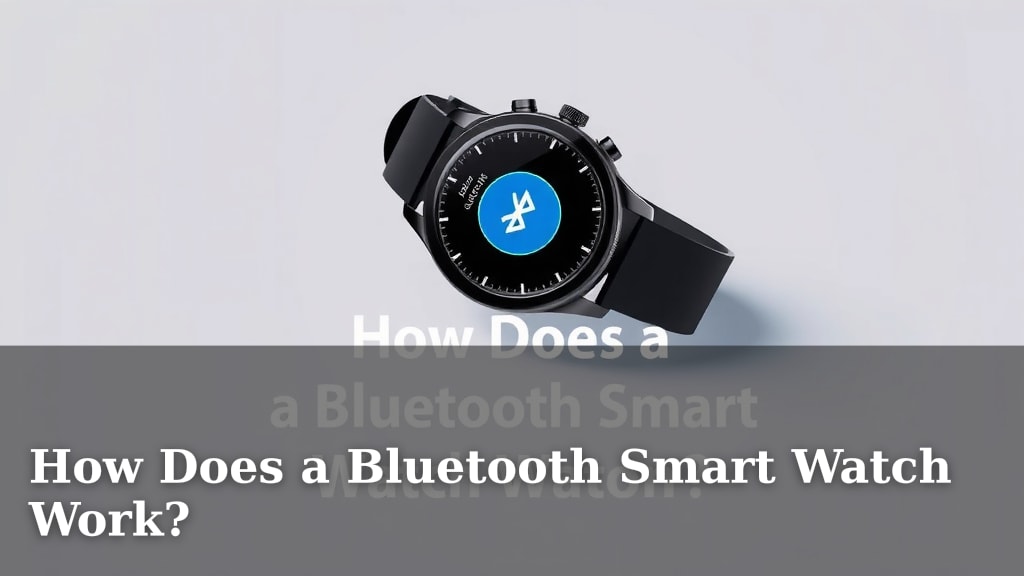
A Bluetooth smartwatch works by using low-energy wireless technology to connect to your smartphone. This connection allows your watch to send and receive data, like notifications and fitness stats. It’s like a tiny, helpful extension of your phone, right on your wrist.
Think of your smartwatch as a smart communicator. It needs a smartphone nearby to do most of its heavy lifting. Without that link, it’s mostly just a fancy clock. But with it, your watch becomes a powerful tool for staying connected and tracking your health.
- Bluetooth connects your watch to your phone wirelessly.
- This connection lets your watch receive calls, texts, and app alerts.
- It also sends fitness data, like steps and heart rate, back to your phone.
- Your phone does the heavy lifting for apps and internet access.
Let’s walk through exactly how your smartwatch talks to your phone and what that magic entails.
Understanding Your Smartwatch’s Wireless Connection
So, how does that little device on your wrist actually talk to your phone? It all comes down to a clever wireless technology called Bluetooth. Think of Bluetooth as your smartwatch’s personal messenger. It uses radio waves to send and receive tiny packets of information between your watch and your smartphone, as long as they’re close enough.
The Role of Bluetooth Low Energy (BLE)
You might be wondering why your smartwatch doesn’t drain your phone’s battery like an old-school Bluetooth headset. The secret is a special version called Bluetooth Low Energy, or BLE. This is the real workhorse behind your smartwatch’s connection. BLE is designed to use very little power, which is perfect for devices that need to run for days on a single charge.
It achieves this by only waking up and sending data when it absolutely needs to. Instead of keeping a constant, high-power connection open, BLE devices like your smartwatch and phone “sleep” most of the time. They wake up, exchange information quickly, and then go back to sleep. This efficiency is what allows your smartwatch to be so convenient and power-friendly.
Pairing: The First Step to Communication
Before your smartwatch can start chatting with your phone, they need to meet and recognize each other. This process is called pairing. You’ll usually do this the first time you set up your watch, often guided by an app on your phone. It’s like introducing two people who need to work together.
During pairing, your watch and phone exchange unique identification codes. Once paired, they remember each other. This means you don’t have to go through the whole introduction every time. They’ll automatically reconnect whenever they’re within range and Bluetooth is enabled. It’s a pretty smart and secure handshake.
What Information Does Your Smartwatch Exchange?
Now that your devices are connected, what kind of conversations are they having? Your smartwatch acts as a handy display and data collector, relying on your phone for more complex tasks.
Receiving Notifications and Alerts
One of the biggest perks is getting notifications directly on your wrist. When your phone rings or you get a text message, your smartwatch buzzes. You can see who’s calling or read the message without pulling out your phone. This is incredibly useful when you’re in a meeting, exercising, or just don’t want to be glued to your phone screen.
It’s not just calls and texts. Your smartwatch can also show alerts from your favorite apps, like social media updates, calendar reminders, or news headlines. You get to decide which apps can send notifications through your phone’s settings, so you only receive what’s important to you. This helps you stay connected but also reduce distractions.
Sending Data Back to Your Phone
Your smartwatch isn’t just a one-way street for information. It’s also constantly collecting data about you and sending it back to your phone. This is where the “smart” part of your smartwatch really shines for health and fitness tracking.
Fitness and Health Tracking
Think about all the sensors inside your watch: the accelerometer for steps, the gyroscope for movement, the heart rate monitor, and sometimes even an SPO2 sensor for blood oxygen levels. Your smartwatch uses these to track your daily activity. It counts your steps, measures the distance you walk or run, and monitors your heart rate throughout the day and during workouts.
All this data is collected and then sent to your phone via Bluetooth. The companion app on your phone is where you can see your progress. You’ll find graphs showing your activity trends, your average heart rate, and how well you slept. It’s like having a personal health dashboard, all powered by your wrist-based tracker. Many studies suggest that tracking physical activity can be a great motivator for people to increase their exercise levels (CDC).
Location and GPS Data
Some smartwatches have built-in GPS. When you’re out for a run or bike ride, the GPS can track your route accurately. This information is then synced to your phone. You can see exactly where you went on a map within your fitness app. This is incredibly helpful for runners, cyclists, and hikers who want to analyze their performance and explore new areas.
Your Phone: The Brains of the Operation
While your smartwatch is a clever device, it relies heavily on your smartphone to perform many of its functions. Your phone provides the internet connection, runs the apps, and processes most of the data.
Internet Connectivity and App Access
Most smartwatches don’t have their own cellular connection or Wi-Fi capability. They use your phone’s connection to access the internet. This is how your watch can get weather updates, stream music (sometimes through your phone’s connection), or sync data to cloud services like Google Fit or Apple Health.
The actual apps you use – like maps, music players, or even more advanced fitness tracking platforms – run on your phone. Your smartwatch acts as a remote control or a secondary display for these apps. It can show you simplified versions of app information or allow you to interact with them without taking out your phone. So, while your watch feels smart, your phone is doing a lot of the heavy lifting.
Data Processing and Storage
Your smartphone has a much more powerful processor and more storage space than your smartwatch. This allows it to process the raw data collected by your watch into meaningful charts and statistics. For example, your phone takes your heart rate data and displays it as a heart rate zone during a workout or shows your resting heart rate over time. It also stores this historical data, allowing you to look back at your progress over weeks, months, or even years.
The Smartwatch App Ecosystem
Think of the smartwatch app on your phone as the control center. This app is essential for managing your watch. You use it to customize watch faces, download new apps for your watch, adjust settings, and view your synced data. It’s the bridge that allows you to tailor your smartwatch experience and make the most of its capabilities.
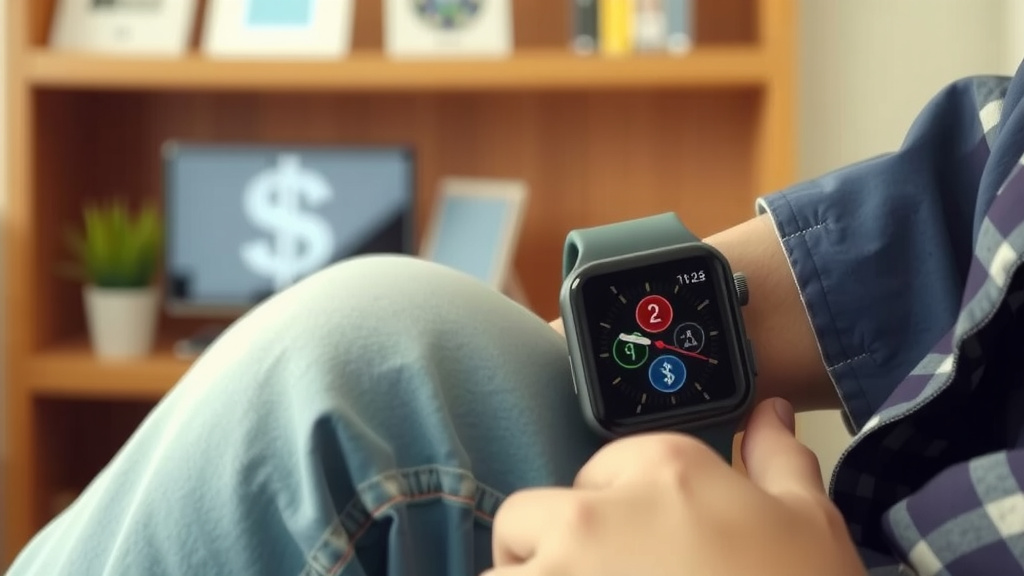
A Quick Checklist for Smartwatch Connectivity
To ensure your smartwatch and phone are communicating properly, here are a few key things to keep in mind:
- Make sure Bluetooth is turned on for both your watch and your phone.
- Ensure your smartwatch is paired with your phone in your phone’s Bluetooth settings.
- Keep your smartwatch and phone within range (usually about 30 feet, or 10 meters, for BLE).
- Check that the companion app for your smartwatch is running on your phone.
- Ensure both devices have sufficient battery power.
- Keep your phone’s operating system and your smartwatch’s software updated.
Conclusion
Your Bluetooth smartwatch is a powerful tool for modern life. It uses Bluetooth Low Energy to connect wirelessly with your smartphone. This allows for instant notifications and health tracking. Your phone acts as the brain, processing data and providing internet access. By understanding this connection, you can better manage your device. Keep your Bluetooth on and your devices paired for the best experience. Now you’re equipped to make the most of your smartwatch!
Frequently Asked Questions
Can my smartwatch work without my phone nearby?
Generally, no. Your smartwatch relies on your phone’s connection for most smart features like receiving notifications, accessing the internet, and running apps. While it can tell time and track basic activity independently, its “smart” capabilities require your phone’s proximity.
How far away can my phone and smartwatch be for Bluetooth to work?
Bluetooth Low Energy (BLE), used by most smartwatches, typically has a range of about 30 feet (10 meters). This range can be affected by obstructions like walls or other electronic devices. For consistent connectivity, it’s best to keep your devices relatively close.
Do I need to keep the smartwatch app open on my phone all the time?
You usually don’t need to keep the app constantly open on your phone screen. However, the app does need to be running in the background to maintain the Bluetooth connection and sync data. Make sure it’s allowed to run in the background on your phone settings.
Why does my smartwatch need to pair with my phone first?
Pairing creates a secure, unique connection between your watch and phone. This handshake allows them to recognize each other automatically. It’s like setting up a trusted relationship so they can communicate efficiently and securely without needing to re-authenticate every time.
Can my smartwatch get its own internet connection?
Most standard Bluetooth smartwatches cannot connect to the internet on their own. They rely on your phone’s Wi-Fi or cellular data for internet access. Some high-end models may have their own cellular capabilities (like LTE versions), but these are less common and operate differently.
![7 Best Battery Smart Watches [2026]](https://smartwatchbest.com/wp-content/uploads/2026/07/7-best-battery-smart-watches-2026-featured-768x432.jpg)