
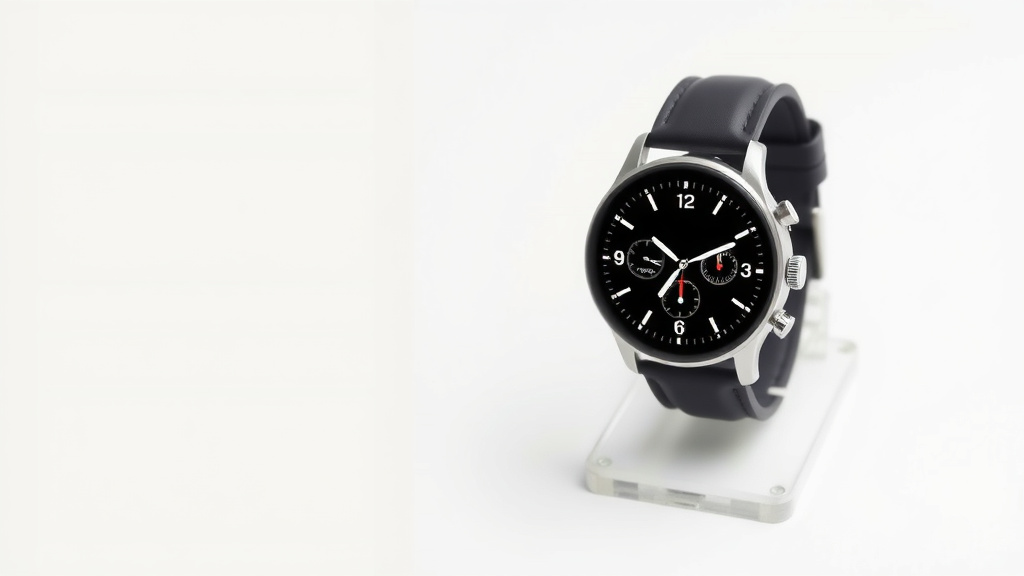
Design Custom Smartwatch Faces: A Simple Guide
Making your own smartwatch faces is totally possible! You can usually do this through your watch’s companion app or dedicated design tools. It’s a fun way to personalize your device and show off your style.
Beyond just aesthetics, custom watch faces can also be highly functional. You can choose which complications, like weather or fitness stats, appear right on your wrist. Many smartwatches offer built-in editors, but third-party apps can provide even more creative control.
- Use your watch’s app for simple designs.
- Explore third-party apps for advanced features.
- Add useful “complications” like weather or steps.
- Design a face that matches your personal style.
Ready to get started? Let’s walk through how you can create your perfect smartwatch face step by step.
Designing Your Own Smartwatch Faces
Creating a personalized watch face is a fantastic way to make your smartwatch truly yours. You can express your style, add useful information, and even make your watch more functional. Let’s dive into how you can achieve this.
Understanding the Basics: App vs. Third-Party Tools
Most smartwatches come with a companion app on your smartphone. This app is often your first stop for customization. You can usually find a library of pre-made watch faces there. Many of these also allow for some level of personalization.
Think of the official app as your starting point. It’s great for simple tweaks. You might be able to change colors, fonts, or rearrange basic elements. It’s usually very user-friendly, even if you’re not a tech whiz.
For more advanced control, you’ll want to look at third-party apps. These are designed specifically for watch face creation. They offer a much wider range of creative freedom. You can build a watch face from scratch with these tools. We found these apps can really let your imagination run wild.
Using Your Watch’s Native App
Your smartwatch manufacturer wants you to enjoy your device. That’s why they typically build in decent customization options. For example, if you have a Samsung Galaxy Watch, the Galaxy Wearable app is your hub. For Apple Watch users, it’s the Watch app on your iPhone.
Within these apps, you’ll usually navigate to a section called “Watch Faces” or “Face Gallery.” Here, you can browse. Once you find one you like, tap “Customize.” This is where the fun begins. You might see options to:
- Change the dial color.
- Select different hand styles.
- Pick a new background image.
- Add or remove complications.
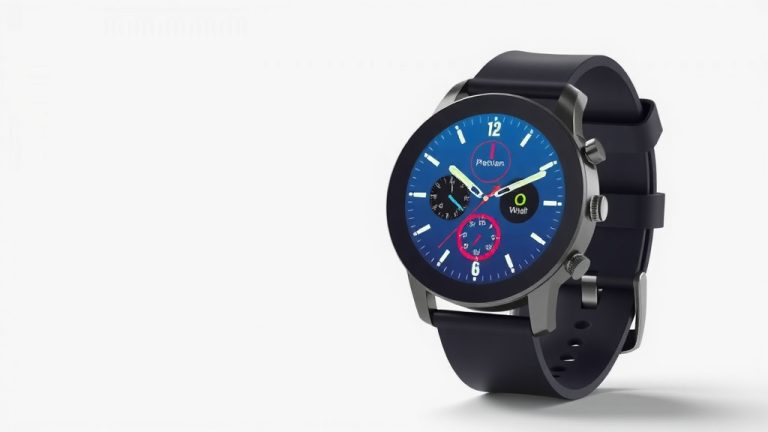
Complications are small widgets that display information. Think weather updates, your step count, or upcoming calendar events. Choosing the right complications can make your watch incredibly useful. Many experts suggest adding complications for information you check frequently (Apple Support).
Venturing into Third-Party Apps
When the native app feels a bit limiting, third-party apps come to the rescue. We found that apps like Facer, WatchMaker, or Pujie Black offer a deeper level of customization. These apps are available for both Android and iOS devices.
These platforms often work like design studios. You can:
- Import your own photos as backgrounds.
- Choose from thousands of fonts.
- Adjust the position and size of every element.
- Create animated elements.
- Program specific actions for taps.
Some apps even have communities where users share their designs. You can download and then tweak these community faces. It’s a great way to get inspiration and learn new techniques. We found that exploring these communities can save you a lot of design time.
The Power of “Complications”
Let’s talk more about complications. They are the secret sauce of a functional smartwatch face. What good is a beautiful design if it doesn’t show you what you need to know at a glance?
Think about your daily routine. What information do you need most often? Is it the current temperature? How many calories you’ve burned? Your next meeting? Adding these as complications means you don’t have to open another app. It’s all right there on your wrist.
When designing, consider these popular complication types:
- Weather: Current conditions and forecast.
- Fitness: Step count, heart rate, active minutes.
- Calendar: Upcoming appointments.
- Battery Level: For both your watch and phone.
- Alarms & Timers: Quick access to set them.
- Stocks: If you follow the market closely.
We found that too many complications can make a watch face look cluttered. It’s a balance between information and aesthetics. Try to choose 3-5 complications that are truly essential for you.
Designing for Style and Functionality
Now that you know the tools, how do you make something that looks good and works well? It’s about blending form and function. Your watch face is a small piece of art you wear every day.
Choosing Your Aesthetic
What’s your personal style? Are you minimalist? Bold? Playful? Let that guide your design. For a clean look, try simple fonts and a limited color palette. A dark background with white or light-colored text is classic and easy to read.
If you love color, use it strategically. You can create a vibrant background or use different colors for your complications. Some apps allow for color changes based on time of day or battery level. This adds a dynamic flair.
Don’t forget legibility. A beautiful watch face is useless if you can’t tell the time. Make sure the hour and minute hands or digital numbers stand out clearly from the background. Research suggests good contrast is key for readability (Vision Council).
Balancing Information Density
This is where many people struggle. It’s tempting to cram every possible piece of data onto your watch face. However, this can lead to a messy and overwhelming design. Think about how much information you can process at a glance.
Consider the size of your watch screen. Elements need to be large enough to see easily. Tiny text or icons can be frustrating. Experiment with different layouts. What works for one person might not work for another.
Here’s a quick checklist to keep in mind:
- Is the time immediately obvious?
- Are your chosen complications readable?
- Does the design reflect your personal style?
- Is the overall look clean and uncluttered?
- Can you easily distinguish between different information points?
- Does it feel like *your* watch face?
A Simple Comparison of Design Methods
To help you decide where to start, consider this comparison:
| Method | Ease of Use | Customization Depth | Best For |
|---|---|---|---|
| Native Watch App | Very Easy | Basic to Moderate | Quick changes, simple personalization, users new to smartwatches. |
| Third-Party Design Apps | Moderate to Advanced | High to Very High | Complex designs, unique styles, users who want full creative control. |
No matter which method you choose, the goal is to create a watch face that enhances your daily life. It should be a tool and a personal statement, all in one small package.
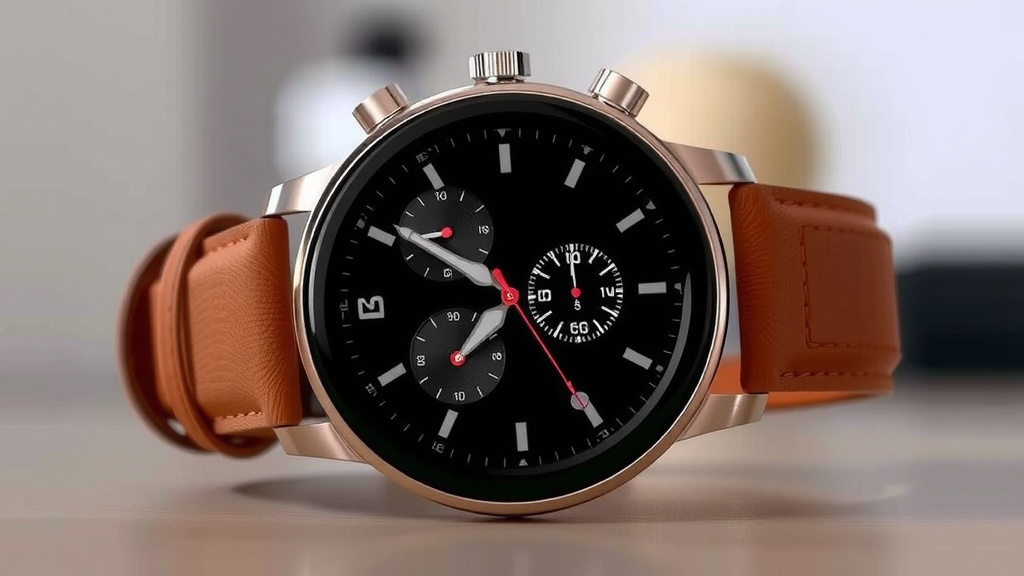
Conclusion
You now have the tools and knowledge to craft a smartwatch face that truly speaks to you. Whether you opt for the simplicity of your watch’s native app or dive into the creative freedom of third-party platforms, the power to personalize is in your hands. Remember to balance aesthetics with functionality by strategically placing essential complications. Your smartwatch is more than a gadget; it’s an extension of your style and a helpful companion. Start designing your perfect watch face today and make your wristwear uniquely yours!
Frequently Asked Questions
Can I use my own photos for a smartwatch face?
Yes, many third-party smartwatch face apps allow you to import your own photos as backgrounds. This is a fantastic way to personalize your watch with pictures of loved ones, pets, or favorite scenery. Just make sure the photo has good contrast for readability.
Are third-party watch face apps safe to use?
Generally, reputable third-party apps from official app stores like Google Play or the Apple App Store are safe. We recommend reading reviews and checking the app’s permissions before installing. Stick to well-known and highly-rated design apps.
What are “complications” on a smartwatch face?
Complications are small widgets or data points displayed on your watch face. They show useful information at a glance, such as weather, step count, battery level, or upcoming appointments. You can customize which complications appear based on your needs.
How do I ensure my custom watch face is easy to read?
Prioritize contrast between the background and the time display. Use clear, legible fonts and avoid overcrowding the face with too much information. Test your design in different lighting conditions to confirm readability.
Can I create animated watch faces?
Yes, some advanced third-party smartwatch face design apps offer the ability to create animated elements. This can add a dynamic and engaging visual appeal to your custom watch face. It requires a bit more design effort but can result in a unique look.

![7 Best Smart Watch For Professional Athletes [2026]](https://smartwatchbest.com/wp-content/uploads/2026/09/7-best-smart-watch-for-professional-athletes-2026-featured-768x432.jpg)