Smartwatch Always-On Display (AOD): What It Is Explained
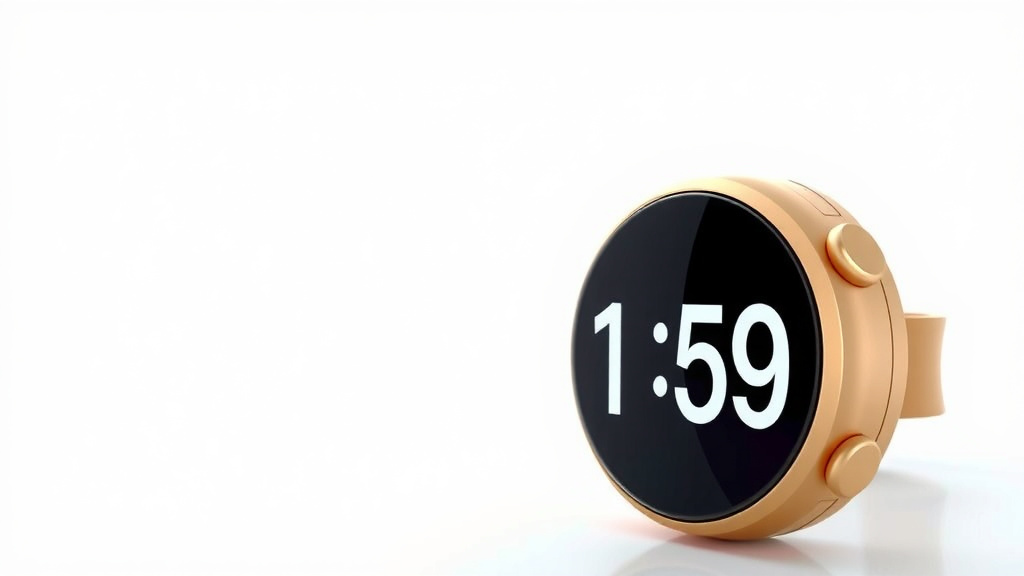
AOD on your smartwatch stands for Always-On Display. It means your watch screen stays dimly lit, showing you the time and other essential info without you having to wake it up. Think of it as a ghost of your watch face, always there when you glance down. It’s a handy feature that saves you a quick tap or wrist flick.
This cool tech uses special screen technology to use very little battery power. So, your watch can stay useful at a glance without draining its energy too quickly. Many smartwatches now offer this feature, making them even more convenient. You can usually tweak how much information shows when the screen is in AOD mode.
- Always-On Display (AOD) lets your watch screen show info constantly.
- It keeps the time and other key details visible.
- This feature uses minimal battery power.
- You can often customize what AOD shows.
Let’s dive into exactly what AOD is and how it works on your favorite smartwatches.
Understanding Your Smartwatch’s Always-On Display
So, what exactly is this Always-On Display (AOD) feature on your smartwatch? Simply put, it’s a way for your watch to show you important information all the time. You don’t need to tap the screen or move your wrist to see it. The display stays dimly lit, giving you a quick glance at the time, your heart rate, or notifications. It’s like having a helpful companion always ready. You might wonder how this doesn’t drain your battery, and we’ll get to that!
How Always-On Display Works (The Techy Bit)
The magic behind AOD relies on the type of screen technology your smartwatch uses. Most modern smartwatches employ either an OLED or an AMOLED display. These screens are fantastic because each tiny dot (pixel) can light up or turn off independently. This is a huge advantage for AOD.
OLED and AMOLED: The Power Savers
With OLED and AMOLED screens, when a pixel needs to show black, it simply turns off. It uses zero power. For AOD, this means only the pixels needed to display the time and other elements are lit. The rest of the screen is dark, saving a considerable amount of battery life. This is unlike older LCD screens, which require a backlight that’s always on. That backlight would quickly drain your battery if left active.
Low-Power Refresh Rates
Another trick AOD uses is a lower refresh rate when the display is in its dimmed state. While your active screen might refresh 30 or 60 times per second, the AOD mode might only refresh a few times per second. This reduces the processing power needed, further conserving energy. Think of it like watching a movie versus checking the time – you don’t need as much motion to see the basics.
Why You’ll Love Having AOD on Your Watch
The primary benefit of AOD is sheer convenience. Imagine this: you’re in a meeting, or your hands are full. A quick glance at your wrist tells you the time without any awkward wrist flicks or taps. It’s a small thing, but it makes your smartwatch feel much more like a traditional watch. You get quick information without interrupting your flow. It really enhances the user experience.
Always Know the Time
This is the most obvious advantage. Your watch face is always visible. You never have to wonder if your watch is dead or just asleep. It’s there when you need it. Many experts agree that constant, easy access to basic information is key to device usability (Nielsen Norman Group).
See Notifications at a Glance
Beyond the time, AOD can show other crucial information. You might see incoming call alerts, text message icons, or calendar reminders. This lets you decide if something needs immediate attention without fully waking your watch. It’s a subtle way to stay connected without constant buzzing or screen wake-ups.
Fitness Tracking Made Easier
For fitness enthusiasts, AOD can display your heart rate or step count continuously. This is useful during a workout when you want to monitor your progress without lifting your wrist or tapping a button. Some research suggests that easily accessible health data can encourage more consistent tracking (CDC).
Customizing Your Always-On Display
Most smartwatches allow you to tailor your AOD experience. You’re not stuck with a default look. You can often choose which watch faces work with AOD. You can also decide what information appears on the dimmed display. This customization is key to balancing convenience with battery life.
Choosing What to Show
When you enable AOD, you usually have options. Do you want to see just the time? Or maybe the time, date, and battery percentage? Some apps allow their icons to appear on the AOD. You can usually select a simpler version of your watch face for the dimmed mode. This means fewer graphics and animations, which saves more power.
When to Turn AOD Off
While AOD is convenient, it does use more battery than a completely black screen. If you’re trying to maximize your battery life for a long day or a trip, you might consider turning AOD off. Most smartwatches offer a simple toggle in the settings. You can also set AOD to turn off automatically when your battery is low.
Smartwatches That Offer AOD
AOD is becoming a standard feature on many smartwatches. It’s not limited to the most expensive models anymore. We found that most major brands include this option.
| Brand | Common Models with AOD | Notes |
|---|---|---|
| Apple | Apple Watch Series 5 and newer | Requires specific watch faces and settings adjustments. |
| Samsung | Galaxy Watch series (Active, Frontier, etc.) | Often a core feature with customizable options. |
| Google (Fitbit) | Pixel Watch, Fitbit Sense, Versa series | Available on many recent Fitbit and Pixel Watch models. |
| Garmin | Venu, Forerunner (certain models), Fenix series | Common on their more lifestyle-oriented and premium sports watches. |
Tips for Maximizing Battery with AOD
To get the best of both worlds – convenience and battery life – try these tips. First, use simpler watch faces for AOD. Fewer colors and animations mean less power. Second, adjust the brightness of your AOD. A dimmer screen uses less energy. Many sources suggest that reducing screen brightness is a universal battery-saving technique (Energy Star).
Third, consider turning off notifications for apps you don’t absolutely need to see on your AOD. Each notification that lights up the screen uses a bit more power. Finally, if your watch has a “Theater Mode” or “Sleep Mode,” use it. These modes often disable the AOD until you interact with the watch, giving your battery a break. These are simple steps that can make a big difference.
Is AOD Right for You? A Quick Checklist
Deciding if AOD is a must-have feature depends on your habits. Here’s a quick way to check:
- Do you often check the time on your watch?
- Do you like to see notifications without fully waking your device?
- Is having a traditional watch-like display important to you?
- Are you okay with a slight reduction in daily battery life for convenience?
- Do you plan to customize your watch face settings?
- Do you often find yourself in situations where a quick glance is best?
If you answered “yes” to most of these, then the Always-On Display is likely a feature you’ll truly appreciate on your smartwatch. It’s about making your device work better for your daily life, providing information when and how you need it. It’s a clever use of technology to enhance practicality.
Conclusion
You’ve learned that AOD, or Always-On Display, makes your smartwatch more useful. It keeps essential info like the time visible without waking the screen. Thanks to OLED technology and lower refresh rates, it does this without draining your battery too fast. You can customize what shows on your AOD to balance convenience and battery life. If you value quick glances and a traditional watch feel, AOD is likely a feature you’ll love. Why not try enabling it on your watch today to see the difference?
Frequently Asked Questions
Will AOD make my smartwatch battery die faster?
Yes, AOD uses a bit more battery than a completely black screen. However, modern smartwatches are designed to minimize this impact. You can often adjust settings or choose simpler watch faces to save power while still enjoying the AOD convenience.
Can I turn AOD off if I don’t want to use it?
Absolutely. Most smartwatches allow you to easily toggle AOD on or off in the settings menu. You can also set it to turn off automatically at certain times or when your battery level is low.
Does AOD show everything that’s on my normal watch face?
Not usually. For battery saving, AOD typically displays a simplified version of your watch face. This often includes just the time and essential icons, with more complex graphics or animations turned off.
What kind of information can I typically see on AOD?
You can usually see the time, date, and battery status. Many smartwatches also allow icons for missed calls, new messages, or upcoming calendar events to appear, so you can quickly gauge their importance.
Is AOD available on all smartwatches?
AOD is a very common feature now, but not every single smartwatch has it. It’s most prevalent on models released in the last few years, especially those using OLED or AMOLED screen technology.
![7 Best Open Source Smart Watch [2026]](https://smartwatchbest.com/wp-content/uploads/2026/08/7-best-open-source-smart-watch-2026-featured-768x432.jpg)
![7 Best Budget Smart Watch For Android [2026]](https://smartwatchbest.com/wp-content/uploads/2026/08/7-best-budget-smart-watch-for-android-2026-featured-768x432.jpg)
![7 Best Smart Watch For Running And Swimming [2026]](https://smartwatchbest.com/wp-content/uploads/2026/09/7-best-smart-watch-for-running-and-swimming-2026-featured-768x432.jpg)