How to Charge a Smart Watch
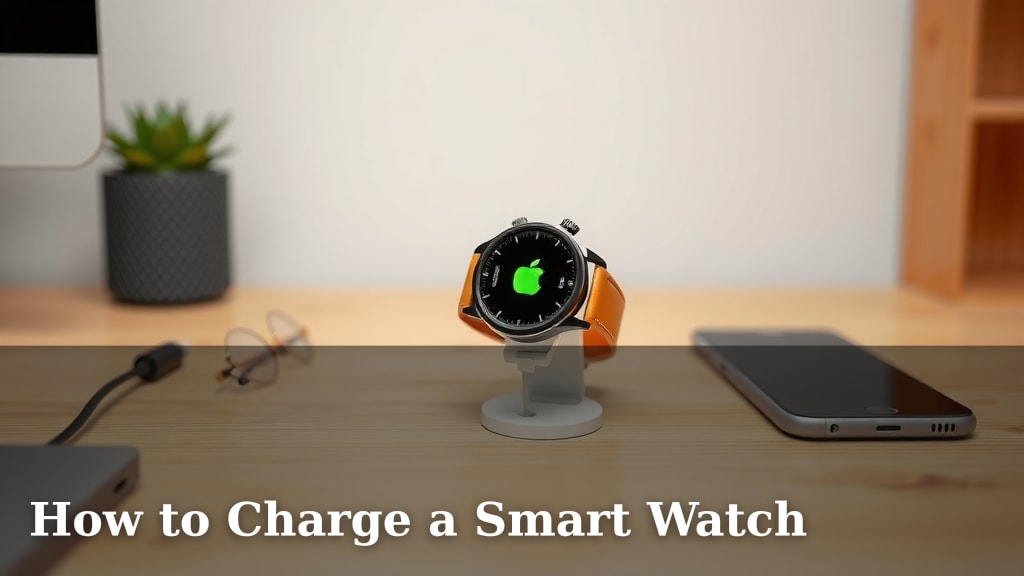
Charging your smartwatch is surprisingly simple and straightforward. You’ll usually need to connect it to its specific charging cable, which then plugs into a USB port or wall adapter. Most smartwatches use magnetic chargers that snap right into place, making the process quick and easy.
Keeping your smartwatch powered up ensures you don’t miss important notifications, fitness tracking, or the convenience of quick glances at your wrist. Different brands and models might have slight variations, but the core charging method remains largely the same across most devices. We’ve researched common charging methods to help you get back to full power.
- Use the correct charging cable provided with your watch.
- Connect the cable to a powered USB port or adapter.
- Ensure the watch is properly seated on the charger.
- Check the watch screen for charging indicators.
Let’s walk through exactly how to charge your smartwatch, covering a few common scenarios to get your device powered up in no time.
Keeping Your Smartwatch Powered Up
Your smartwatch is a handy gadget. Keeping it charged is usually pretty simple. Most devices use a special charging cable. This cable connects to a power source. It might be a USB port on your computer or a wall adapter. Let’s dive into the common ways to get your watch back to 100%.
Understanding Your Watch’s Charging Method
Before you even plug anything in, it’s smart to know how your specific watch charges. Most modern smartwatches use magnetic charging. This means a small puck or cable end will snap onto the back of your watch. It aligns itself thanks to magnets. This makes it super easy to connect. You don’t have to fumble with tiny ports.
The Standard USB Charging Process
This is the most common method you’ll encounter. You’ll have a charging cable that comes with your watch. One end of the cable has a connector that fits your watch. The other end usually has a USB-A or USB-C connector. You’ll plug this into a power source.
Using a Wall Adapter
Many people prefer using a wall adapter. These are the small bricks you plug into an electrical outlet. They convert the wall’s power to a format your watch can use. Make sure you use an adapter that’s compatible with your charging cable. A good quality adapter will charge your watch safely and efficiently.
Charging via a Computer or Hub
You can also charge your watch using a USB port on your computer or a USB hub. This is convenient if you’re already working at your desk. Just plug the USB end of your watch’s cable into an available port. Keep in mind that charging from a computer might be slower than using a wall adapter. This is because computer USB ports often supply less power.
When Magnetic Charging Works Best
The magnetic charging style is a favorite for many. You simply bring the charger close to the back of your watch. The magnets will do the rest. They pull the charger into the correct position. You’ll usually feel a little click. A small indicator will appear on your watch screen. This shows that it’s successfully charging. It’s designed to be effortless and foolproof.
Checking Your Watch for Charging Indicators
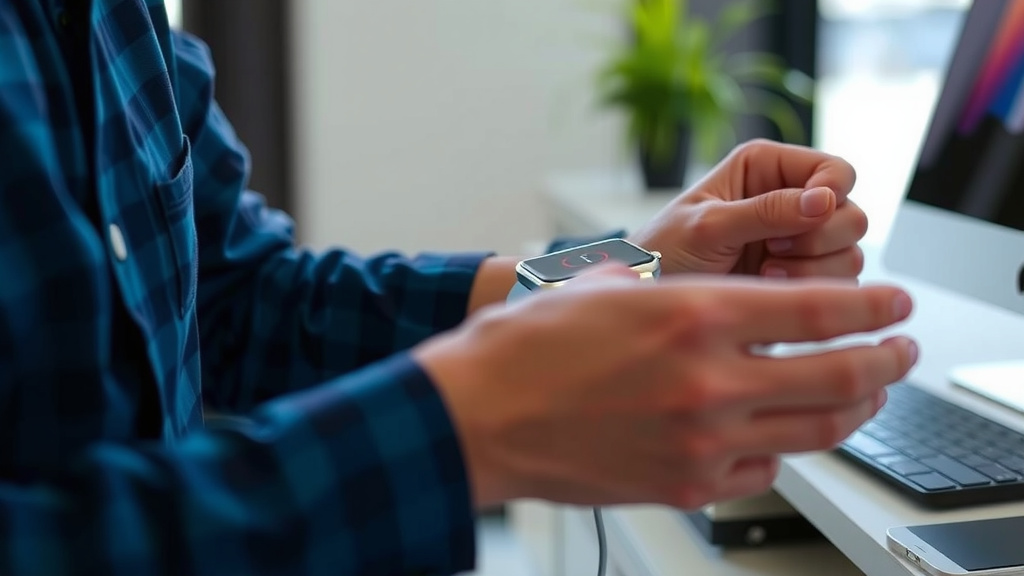
Once connected, how do you know it’s actually charging? Your smartwatch will usually give you a clear sign. Look at the watch screen. You’ll typically see a battery icon. It often displays a lightning bolt or a charging symbol. Some watches might also show the current battery percentage. A quick glance is all you need to confirm it’s powering up.
Troubleshooting Common Charging Issues
What if your watch isn’t charging? Don’t panic. There are a few common things to check. First, ensure the charging cable is securely attached to both the watch and the power source. Sometimes, it might just be a loose connection. Try a different USB port or wall adapter if you’re using one. Also, check the charging contacts on both the watch and the cable for any dirt or debris. A gentle wipe with a dry cloth can often solve the problem. Many experts suggest keeping these contacts clean (Apple Support).
Dirty Contacts? A Quick Fix
Dirt or oils can build up over time. This can prevent a good electrical connection. Use a soft, dry, lint-free cloth to clean the metallic charging pins on your watch and the corresponding part of the charger. Avoid using liquids or abrasive materials. These can damage the delicate surfaces. A clean connection is key for efficient charging.
Wireless Charging Options for Your Smartwatch
Some newer smartwatches offer wireless charging. This is similar to how many smartphones charge. You place your watch on a wireless charging pad. There’s no physical cable connection to the watch itself. The pad plugs into a power source. Just ensure your watch model supports wireless charging before you buy a pad. It’s a super convenient option if available.
Maximizing Battery Health While Charging
Want your smartwatch battery to last as long as possible? There are some best practices. Avoid letting your battery drain completely very often. Charging it when it reaches around 20% is often recommended. Also, try not to leave it plugged in for extended periods after it’s fully charged. For many battery chemistries, keeping them between 20% and 80% can help prolong their lifespan (National Institutes of Health). While modern batteries have protections, gentle habits go a long way.
Quick Charging Checklist
Here’s a quick rundown to ensure you’re charging correctly:
- Verify you have the correct charging cable for your watch.
- Connect the cable firmly to your watch and a powered USB port or adapter.
- Ensure the watch is properly aligned on the charger, especially with magnetic types.
- Check the watch screen for the charging indicator icon.
- Clean charging contacts if charging is slow or not happening.
- Consider a compatible wireless charging pad if your watch supports it.
Conclusion
You’ve learned how simple it is to keep your smartwatch powered up and ready for action. Whether you’re using the standard magnetic charger, a USB-C cable, or even wireless charging, the process is designed for ease. Remembering to use the correct cable and ensure a secure connection are the keys to hassle-free charging. Pay attention to those charging indicators on your screen, and don’t forget that a quick clean of the contacts can solve many common issues. Now that you’re equipped with this knowledge, you can confidently keep your favorite tech charged and connected!
Frequently Asked Questions
Can I use a generic USB-C cable to charge my smartwatch?
While many smartwatches use USB-C for their charging cables, it’s best to use the one that came with your watch or a certified compatible cable. Generic cables might not deliver the correct power or could lack the specific connector your watch needs, potentially leading to slow charging or compatibility issues.
How often should I clean the charging contacts on my smartwatch?
You should clean the charging contacts whenever you notice charging issues or if your watch isn’t charging consistently. A quick wipe with a dry, lint-free cloth about once a month, or whenever you see visible dirt or grime, is usually sufficient to maintain a good connection.
Is it bad for my smartwatch battery to charge it overnight?
Modern smartwatches have built-in systems to prevent overcharging. While it’s generally fine to charge overnight, it’s often recommended for long-term battery health to unplug it once it reaches 100% or to avoid leaving it on the charger for excessively long periods after it’s full.
My smartwatch is charging very slowly. What could be the problem?
Slow charging is often due to a weak power source, like a low-power computer USB port, or dirty charging contacts. Ensure you’re using a compatible wall adapter for faster charging and try cleaning the metallic charging pins on both the watch and the charger for a better connection.
What’s the difference between magnetic charging and wireless charging for smartwatches?
Magnetic charging involves a cable or puck that physically snaps onto the back of your watch using magnets for a direct connection. Wireless charging, on the other hand, uses an inductive charging pad where you simply place your watch, with no physical cable attaching to the watch itself.

![7 Best Dive Computer Smart Watch [2026]](https://smartwatchbest.com/wp-content/uploads/2026/08/7-best-dive-computer-smart-watch-2026-featured-768x432.jpg)
![7 Best G Shock Smart Watch [2026]](https://smartwatchbest.com/wp-content/uploads/2026/08/7-best-g-shock-smart-watch-2026-featured-768x432.jpg)
![7 Best Multi Sport Smart Watch [2026]](https://smartwatchbest.com/wp-content/uploads/2026/08/7-best-multi-sport-smart-watch-2026-featured-768x432.jpg)