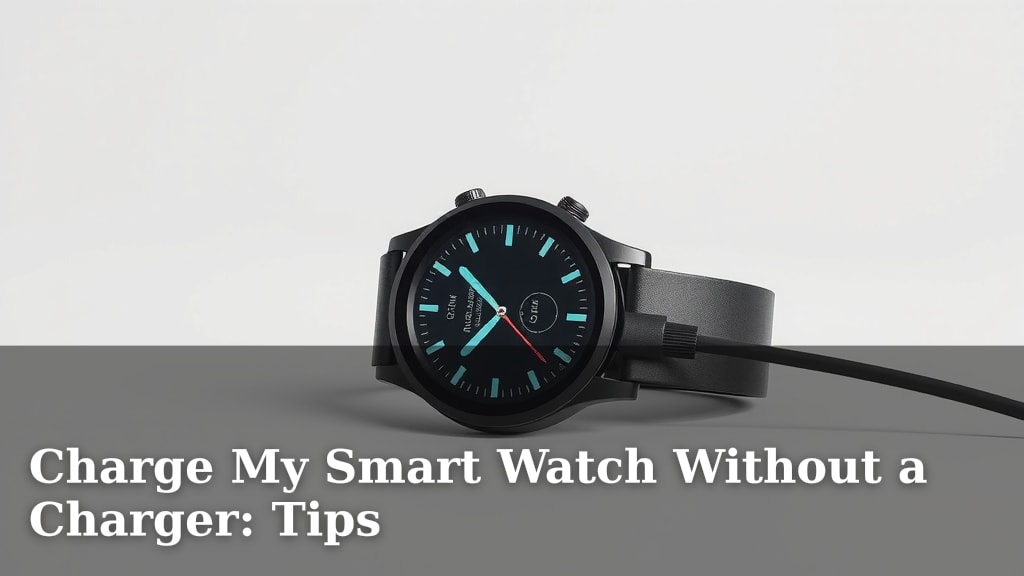
Charge My Smart Watch Without a Charger: Tips
Yes, you can often charge your smartwatch without its dedicated charger, especially using USB ports or wireless charging pads. While the original charger is always the safest bet, many smartwatches can be powered up through common alternatives if you’re in a pinch. Just be sure to confirm compatibility before you try a new method.
Losing or forgetting your smartwatch charger happens more often than you’d think! Fortunately, there are a few smart workarounds. We found that using a common USB port on a computer or power bank is a widely accepted solution. Wireless charging capabilities, if your watch has them, offer another convenient option, but require a compatible charging stand or mat.
- Use a USB port (computer, power bank).
- Try wireless charging if your watch supports it.
- Check your watch’s charging pins for cleaning.
- Look for universal charging cables as a last resort.
We know how frustrating it is to find your smartwatch battery draining with no charger in sight. Let’s dive into the various ways you can get your watch powered up again without its original cable.
Powering Your Smartwatch Without Its Original Charger
It’s a familiar panic: your smartwatch is on its last digital leg, and the charger is nowhere to be found. You might think you’re out of luck, but you’re probably not. Many smartwatches offer surprising flexibility when it comes to powering up. You have options beyond that specific little cable. We’ve researched the best ways to get your watch juiced up when your usual method fails you. You’ll be happy to know that common devices you already own can often do the trick.
Using Universal Power Sources
Think of your smartwatch’s charging port like a tiny doorway for electricity. Many of these doorways are standardized, meaning they can accept power from various sources. This universality is a lifesaver when you’re away from home or misplaced your dedicated charger.
Computers and Laptops: Your Desk Buddy
The easiest alternative is often right in front of you: your computer. Most modern laptops and desktops have USB ports. These ports are designed to deliver a consistent and safe amount of power. You’ll need a USB cable that fits your smartwatch. Some smartwatches come with a USB-A end on their charger, which plugs directly into your computer. Others might have a proprietary magnetic connector on one end and a USB-A on the other. If your watch charger has a standard USB-A connector, you’re golden. Simply plug it into an available USB port on your computer or laptop.
We found that this method is generally as safe as using a wall adapter. The power output from USB ports is typically regulated. Just make sure your computer is turned on or in sleep mode, as some older systems might not provide power when fully shut down. It’s a great way to top up your watch while you’re working or browsing.
Power Banks: For the On-the-Go Charger
Portable power banks are designed precisely for situations like this. They are essentially batteries that store power and can charge your devices via USB. If your smartwatch charger has a USB-A connector, you can plug it into almost any power bank. This is a fantastic backup to keep in your bag or car.
The process is identical to charging from a computer. Locate the USB port on your power bank, plug in your watch’s charger, and connect it to your watch. We found that most power banks offer ample charge for a smartwatch. It’s a convenient solution for travel or long days away from an electrical outlet. Just remember to keep your power bank charged!
Car USB Ports: Powering Up on the Road
Many newer cars come equipped with USB ports, often found in the dashboard or center console. These can function similarly to computer USB ports. If your car has one and your smartwatch charger has a USB-A end, you can use it to charge your watch while driving.
This can be a lifesaver on road trips. It’s a good idea to check your car’s manual to confirm if the USB ports are primarily for data or if they provide charging power. Most modern ones offer charging capabilities. It’s a simple way to convert driving time into charging time.
Exploring Wireless Charging Options
If your smartwatch supports wireless charging, you’ve got another set of convenient options. This technology means you don’t need to plug anything directly into your watch. Instead, you place it on a charging pad or stand.
Compatible Wireless Charging Pads and Stands
Many smartwatches, especially those from major brands like Apple, Samsung, and Garmin, now feature Qi wireless charging. This is the most common standard. If your watch is Qi-compatible, you can use any Qi-certified charging pad or stand.
You might already own a wireless charger for your phone. If so, check if your smartwatch can use it. Sometimes, even a different brand of charger will work. It’s a matter of compatibility. We found that placing the watch in the correct spot on the pad is key. Look for alignment marks or experiment slightly to find the sweet spot for charging to begin.
Reverse Wireless Charging: Sharing the Power
Some higher-end smartphones offer a feature called reverse wireless charging. This allows your phone to act as a wireless charging pad for other devices, including smartwatches. If your phone supports this, you can place your smartwatch on the back of your phone to transfer power.
This is a true lifesaver when you’re in a bind and only have your phone and watch. You’ll need to activate the reverse wireless charging feature in your phone’s settings first. It’s a neat piece of technology that turns your phone into a portable charging station. Keep in mind that this can drain your phone’s battery faster, so it’s best used when you need a quick boost for your watch.
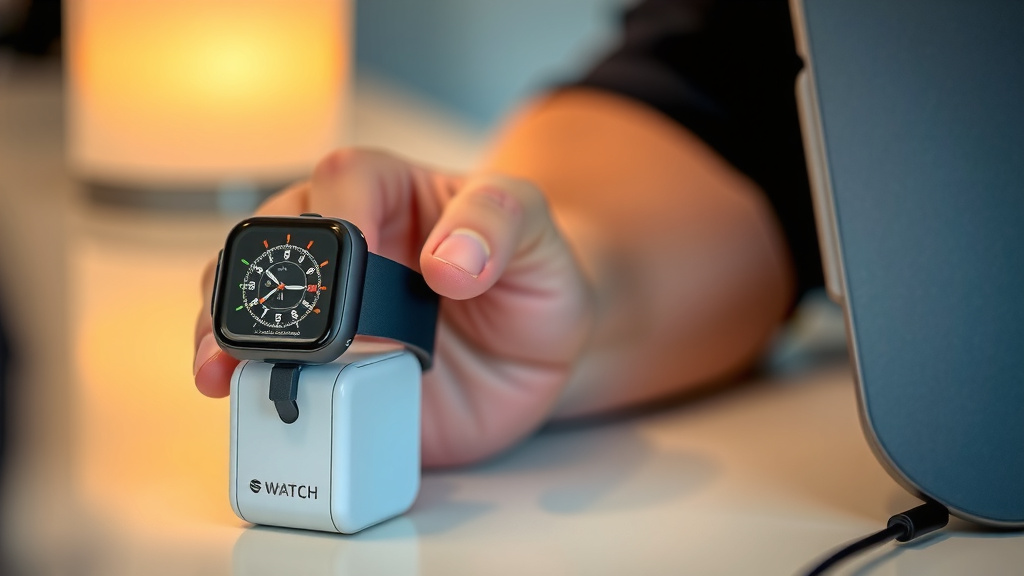
The Importance of Clean Charging Contacts
Sometimes, the issue isn’t the charger itself, but a poor connection. Smartwatch chargers often use small metal pins or a magnetic connector that makes contact with the back of your watch. Dirt, sweat, or grime can accumulate on these surfaces, preventing a good charge.
Take a moment to inspect the charging pins on both your watch and your charger. If they look dirty, gently clean them. A soft, dry cloth is usually sufficient. For more stubborn grime, a cotton swab lightly dampened with isopropyl alcohol can work wonders. Just be sure to let it dry completely before attempting to charge.
We found that this simple maintenance step can resolve many charging problems. A clean connection ensures that the electricity flows smoothly, allowing your watch to power up reliably. It’s like clearing away static for a better signal.
Universal Charging Cables as a Last Resort
For older smartwatches or those with very unique charging ports, you might encounter challenges. In such cases, universal charging cables can sometimes be an option. These cables often have multiple interchangeable tips to fit various devices.
You’ll need to identify the exact type of charging port your smartwatch uses. Then, search for a universal cable that includes that specific connector. This is less common for modern smartwatches but can be helpful for older models. We found these are often available online from third-party accessory makers. Always check reviews to ensure quality and safety before purchasing.
Quick Checklist for Charging Without Your Charger:
- Confirm your watch supports wireless charging.
- Locate any available USB ports (computer, power bank, car).
- Ensure you have the correct USB cable for your watch.
- If using wireless, align your watch correctly on the pad/phone.
- Clean your watch and charger’s charging contacts if they appear dirty.
- Check for universal charging cable options if other methods fail.
Conclusion
Running out of smartwatch battery without your charger doesn’t have to be a disaster. You’ve learned that simple USB ports on computers, power banks, or even in your car can often provide the power you need. If your watch supports it, wireless charging offers another convenient avenue, sometimes even using your smartphone. Remember, a quick clean of your charging contacts can also solve many problems. Before you buy anything new, try these accessible methods first. Next time you’re in a charging pinch, you’ll be prepared to get your smartwatch powered up and ready to go!
Frequently Asked Questions
Will charging my smartwatch with a computer USB port damage it?
Generally, no. Computers and laptops use regulated USB ports that provide a safe and stable power output, similar to a wall adapter. We found this to be a reliable and safe method for charging most smartwatches.
Can I use my phone’s wireless charger to charge my smartwatch?
If your smartwatch supports Qi wireless charging, you likely can. Many smartphones also support wireless charging, and their pads can often power up a compatible smartwatch. You just need to ensure both devices use the same wireless charging standard.
What if my smartwatch has a unique charging port and won’t work with USB?
For older or more specialized models, you might need to look into universal charging cables. These come with various adapter tips. Research your watch’s specific port type and find a universal cable that includes that connector.
How often should I clean my smartwatch’s charging contacts?
It’s a good idea to clean them whenever you notice charging issues or see visible dirt or grime. A quick wipe with a dry cloth can prevent connection problems. For tougher residue, a cotton swab with a little isopropyl alcohol works well, just let it dry completely.
Is reverse wireless charging safe for my smartwatch?
Yes, reverse wireless charging is designed to be safe for compatible devices. It essentially turns your phone into a small wireless charging pad. Just be aware that it will drain your phone’s battery faster while it’s charging your watch.
![7 Best Smart Watch Compatible With Samsung [2026]](https://smartwatchbest.com/wp-content/uploads/2026/08/7-best-smart-watch-compatible-with-samsung-2026-featured-768x432.jpg)

![7 Best Smart Watch For Gym Workout [2026]](https://smartwatchbest.com/wp-content/uploads/2026/09/7-best-smart-watch-for-gym-workout-2026-featured-768x432.jpg)