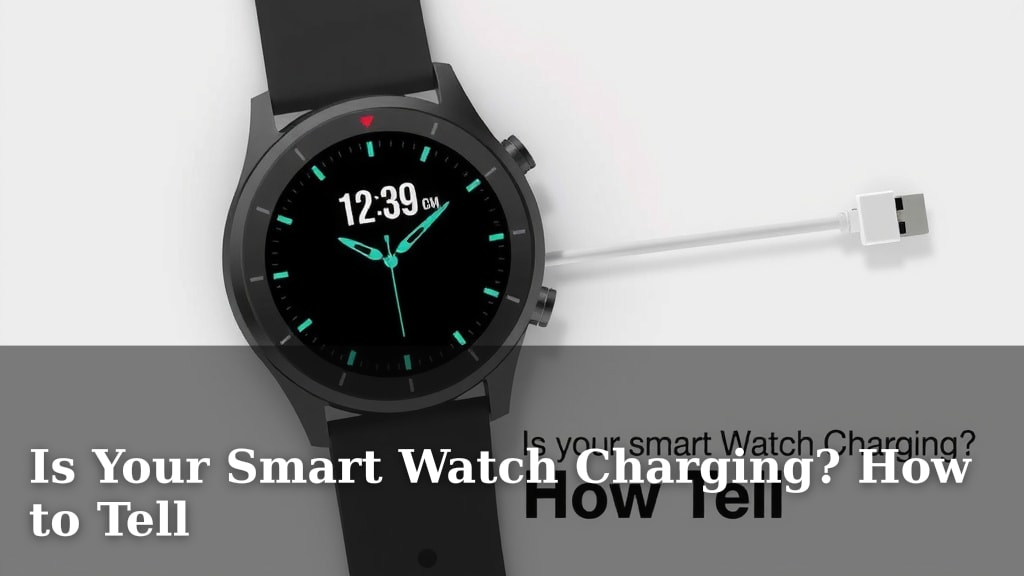
Is Your Smart Watch Charging? How to Tell
Yes, there are several quick ways to tell if your smartwatch is charging. You’ll usually see a charging icon on the screen, or the screen might light up briefly. If it’s connected properly, your watch should also show a battery percentage that increases over time.
Knowing your smartwatch is powering up is essential for staying connected. We found that a few simple checks can save you worry. Make sure your charger and watch are aligned correctly for the best connection. A loose connection is a common culprit.
- Look for a charging symbol on your watch face.
- Check if the battery percentage is going up.
- Ensure the charger is firmly connected to the watch.
- Confirm the charging cable is plugged into a working power source.
Let’s walk through exactly how to confirm your smartwatch is charging, step by step.
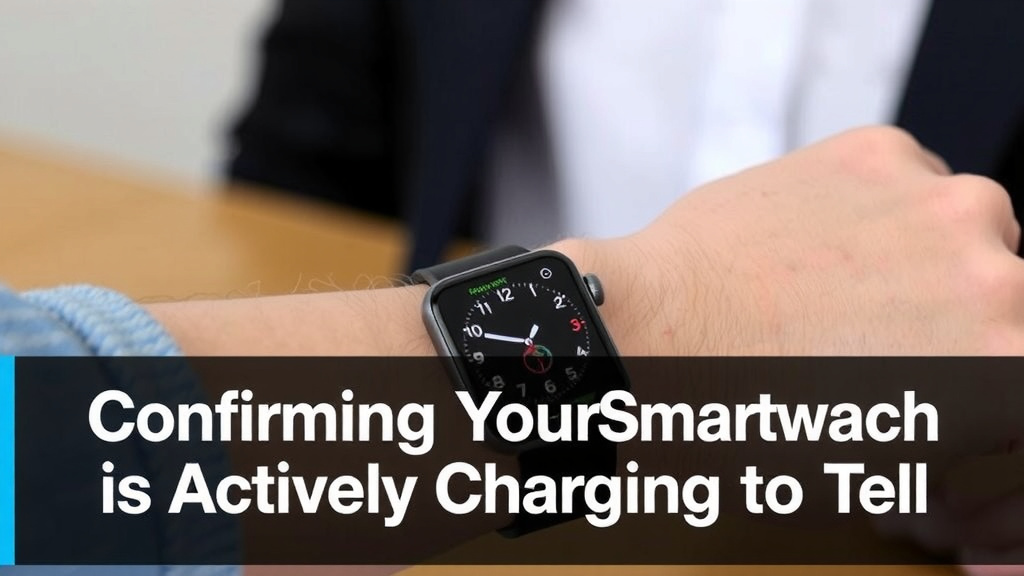
Confirming Your Smartwatch is Actively Charging
It’s easy to feel a little anxious when you plug in your smartwatch, wondering if it’s actually powering up. You want to be sure your device is getting the juice it needs. Fortunately, most smartwatches give you clear signals when they’re charging correctly. We’ve found that a quick visual check usually tells the whole story.
Visual Cues: What to Look For on Your Watch
The most common indicator is a charging icon that appears on your watch face. This icon often looks like a lightning bolt or a battery with a plug. Many watches will also momentarily light up the screen when you first connect the charger. This brief illumination is designed to confirm a successful connection.
You might also see a battery percentage displayed prominently. If the watch is charging, this number should either be increasing or showing some sort of animated fill. It’s like a little progress bar for your battery life. We’ve seen that some models even have a dedicated charging screen that appears when you dock them.
Audio and Haptic Feedback
Some smartwatches offer more than just visual cues. Many models will emit a gentle sound or vibration when they begin charging. This can be a subtle confirmation that the connection is made. It’s like a little digital nudge saying, “Yep, I’m getting power!”
If you don’t hear or feel anything, don’t panic just yet. Not all watches provide this. But if your watch usually does, and it’s silent this time, it might be a sign to double-check the connection. We found that this auditory or tactile feedback is often the quickest way to know if things are working.
Troubleshooting Common Charging Issues
Sometimes, even when you think everything is plugged in, your watch might not be charging. Don’t get too frustrated; these issues are usually simple to fix. Many problems stem from a slight misalignment or a temporary glitch.
Ensuring a Proper Connection
The most frequent culprit is a loose connection. Your smartwatch’s charging port or magnetic connector needs to be perfectly aligned with the charger. Try gently wiggling the charger while it’s attached. Does the charging icon appear or disappear? If so, you’ve found your problem. You need that satisfying “click” or a firm hold.
Make sure there’s no debris or lint in the charging port on your watch or on the charger itself. This gunk can prevent a good electrical connection. A soft brush or a blast of compressed air can often clear this out. We found that keeping these areas clean is key for consistent charging.
Checking Your Power Source
Is the power outlet or USB port you’re using actually working? Try plugging in another device to confirm it’s active. Sometimes the issue isn’t the watch or charger at all. We’ve seen many instances where a simple wall adapter was the cause.
If you’re using a USB port on a computer or a power strip, ensure it’s not set to a low-power mode or switched off. Some devices only provide enough power to keep a charge from decreasing, not to actively increase it. Always aim for a direct wall outlet if possible for the fastest and most reliable charging. Many experts recommend using the original charger or a certified replacement (Cleveland Clinic).
The Charger and Cable
Inspect your charging cable for any visible damage. Frayed wires or bent connectors are clear signs of a problem. Even minor damage can interrupt the power flow. If the cable looks compromised, it’s best to replace it.
The charging puck or cable itself might be faulty. If you have another compatible smartwatch charger, try using that. This helps isolate whether the issue lies with the watch or the charging accessory. We found that having a spare charger can save a lot of guesswork.
Specific Charger Types
Different smartwatches use different charging methods. Some have proprietary magnetic docks. Others use USB-C or micro-USB ports. Make sure you are using the correct charger for your specific watch model. Using an incompatible charger won’t work and could potentially damage your device.
For watches with magnetic chargers, ensure the magnets are aligned correctly. They are designed to snap into place. If it feels forced or crooked, it’s likely not seated properly. This alignment is critical for establishing the necessary electrical pathways.
When to Seek Further Help
If you’ve tried all these steps and your smartwatch still isn’t charging, it might be time to contact the manufacturer. There could be an internal issue with the watch’s battery or charging circuitry.
Manufacturer Support
Most smartwatch brands offer customer support or online troubleshooting guides. These resources can provide model-specific advice. They can also help you arrange for repairs if needed. Don’t hesitate to reach out to them if you’re stuck. After all, you paid for a device that’s supposed to work!
Warranty Considerations
Check if your smartwatch is still under warranty. If it is, and you suspect a hardware defect, the manufacturer may repair or replace it at no cost. Keeping your purchase receipts will be helpful in this situation. We found that manufacturers are generally helpful when devices fail within the warranty period.
Quick Charging Checklist
Here’s a quick rundown to ensure your smartwatch is charging:
- Check for the charging icon on your watch screen.
- Verify the battery percentage is increasing.
- Ensure the charger is securely attached and aligned.
- Confirm the power source (wall outlet/USB) is working.
- Inspect the charger cable for any signs of damage.
- Clean charging contacts on both the watch and charger.
Conclusion
You’ve learned the simple steps to confirm your smartwatch is charging. Seeing that charging icon or a rising battery percentage means your device is getting the power it needs. Remember to check for a secure connection, a working power source, and clean charging contacts. If you’ve tried these checks and your watch still isn’t charging, don’t hesitate to reach out to the manufacturer. Keeping your smartwatch powered means staying connected and ready for whatever your day brings. Now you can confidently know your watch is powering up!
Frequently Asked Questions
How long should it take for my smartwatch to show it’s charging?
You should see an immediate visual cue, like a charging icon or a screen illumination, within seconds of connecting the charger. The battery percentage should also start to increase fairly quickly if the connection is good and the power source is adequate.
Can I use a phone charger to charge my smartwatch?
It’s best to use the charger that came with your smartwatch or a certified replacement. While some phone chargers might have compatible connectors, they may not provide the correct voltage or amperage, which could lead to slow charging or even damage.
My smartwatch charged fine yesterday, but not today. What could be wrong?
This often points to a connection issue or a problem with the power source. Double-check that the charger is firmly attached, try a different wall outlet or USB port, and inspect both the watch and charger for any debris or damage.
What if my smartwatch screen is blank but I think it’s charging?
Some smartwatches have a screen timeout feature. Even if the screen is off, it might still be charging if the charging icon or a faint charging indicator is visible when you press a button or tap the screen. Try connecting it and waiting a few minutes to see if the battery percentage increases.
Can I charge my smartwatch from my laptop’s USB port?
Yes, you can often charge your smartwatch from a laptop’s USB port. However, keep in mind that laptop ports can sometimes supply less power than a dedicated wall adapter, potentially leading to slower charging speeds.
![7 Best Smart Watch For Men Running [2026]](https://smartwatchbest.com/wp-content/uploads/2026/07/7-best-smart-watch-for-men-running-2026-featured-768x432.jpg)
![7 Best Professional Smart Watch [2026]](https://smartwatchbest.com/wp-content/uploads/2026/08/7-best-professional-smart-watch-2026-featured-768x432.jpg)